AI Assistant
Ask about billing, contracts, and alerts
Use the AI Assistant to check invoices, quotes, contracts, and expiring items—then verify in the dashboard before you tell a customer.
What you will accomplish
You will ask the AI Assistant about money, agreements, and deadlines—then open the right dashboard page to confirm before you quote a customer or take action.
This guide is for lookups and summaries. Final billing, voiding invoices, and sending contracts for signature still happen in Payments and your normal contract workflow.
When to use this guide
Use these questions when:
- A customer calls asking what they owe.
- You need to know if a storage agreement was signed.
- You want a quick list of expiring registrations, insurance, or contracts.
- You are preparing a follow-up and need a starting point—not the final legal or accounting answer.
Before you start
- Your staff role includes the area you are asking about. Billing questions need Payments access; contract questions need Contracts access.
- You know the customer name, vehicle, or invoice number if possible.
- You started New Chat on the web or sent a clear message in your team iMessage group.
- You are ready to open Payments > Invoices or the customer record to double-check.
Ask about customer invoices and quotes
- Open the assistant
Go to AI Assistant or use your linked iMessage group. Click New Chat for each unrelated customer.
Expected result: You see the start screen with Type a message... at the bottom (or the microphone orb if you prefer voice).
- Ask with a customer name
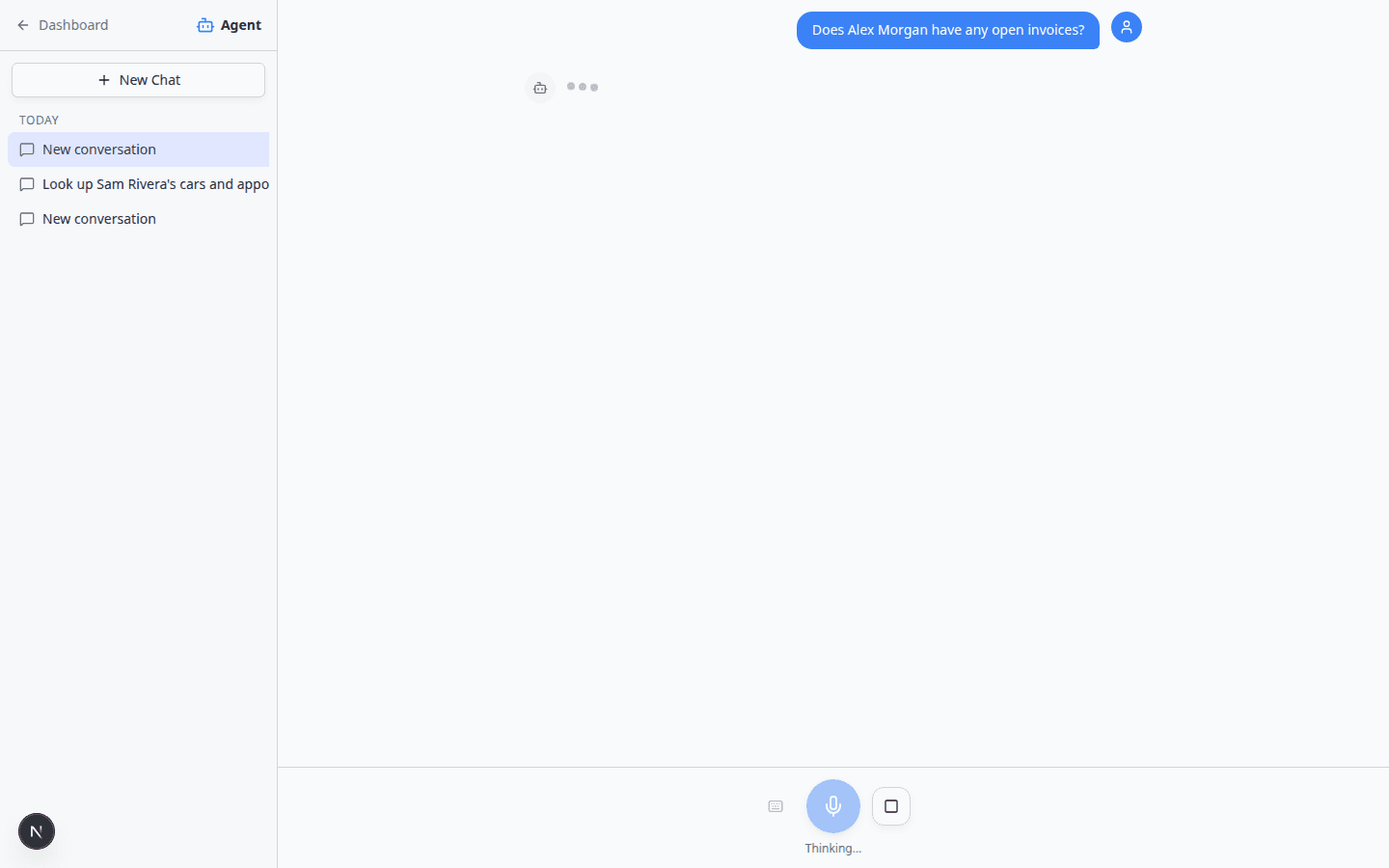
Click in Type a message... and ask a clear question. Examples:
- Does Alex Morgan have any open invoices?
- Find open invoices for the 2017 Lamborghini Huracan.
- What quotes are waiting for Alex Morgan?
Press Enter to send.
Why this matters: Names and vehicles help the assistant search the same records you see under Payments.
- Wait for the answer to finish
You may see Thinking... for a few seconds while the assistant searches.
Expected result: A short summary appears in the chat—such as a list of open invoices, “no invoices on file,” or a note that you need Payments permission.
- Read the summary carefully
Note status words such as Open, Paid, Draft, or Void.
If the assistant shows a customer card with a name and email, confirm it is the person you meant before you quote anything to a caller.
- Open Payments to confirm
Go to Invoices or Quotes and open the row.
Why this matters: The dashboard shows line items, taxes, and send history the chat may shorten.
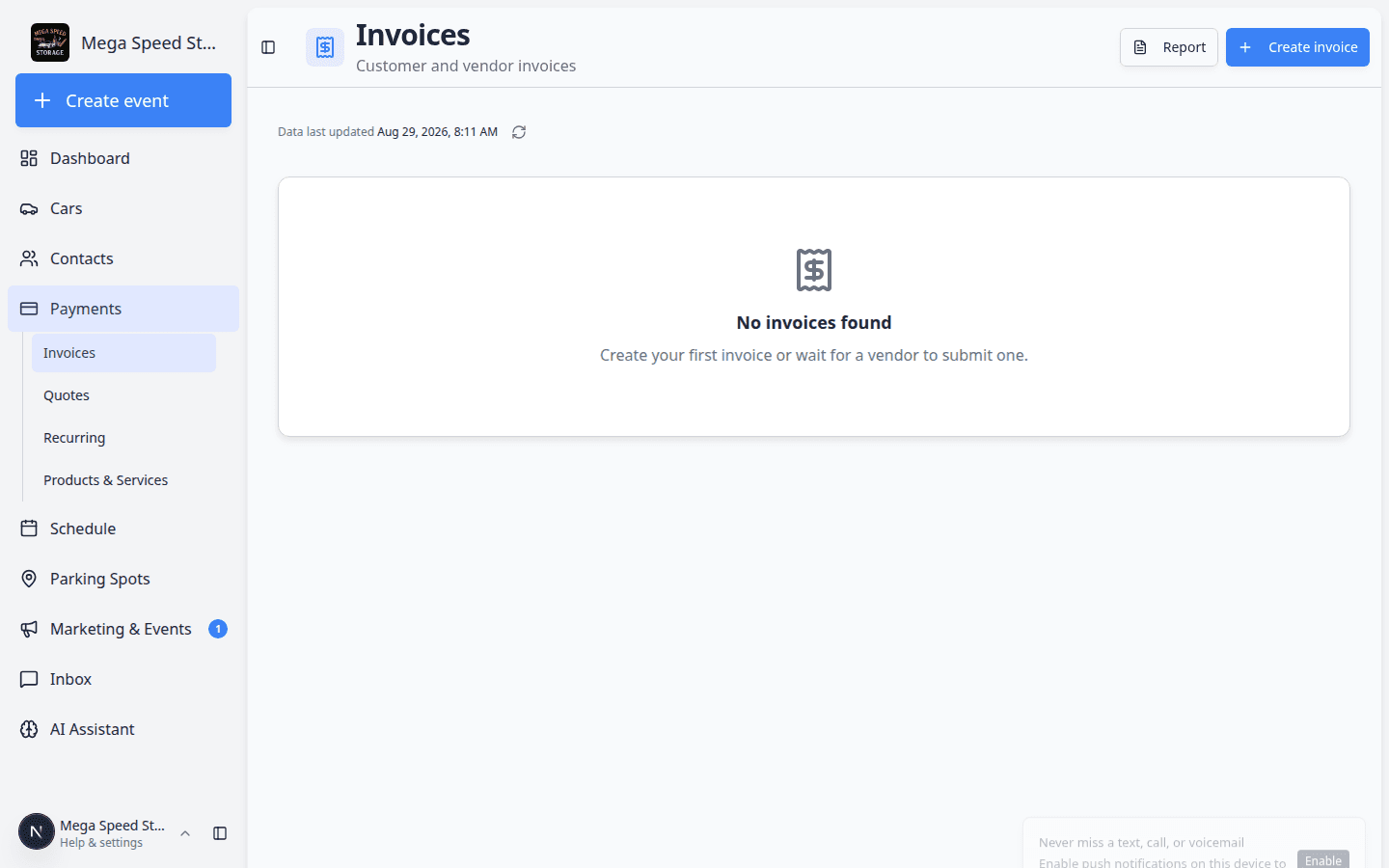
Always open [Payments > Invoices](/dashboard/payments/invoices) before you quote a dollar amount on the phone. The list shows status badges such as **Open**, **Paid**, and **Draft** that the chat may shorten. Read Review a customer invoice for status meanings.
Ask about recurring storage or memberships
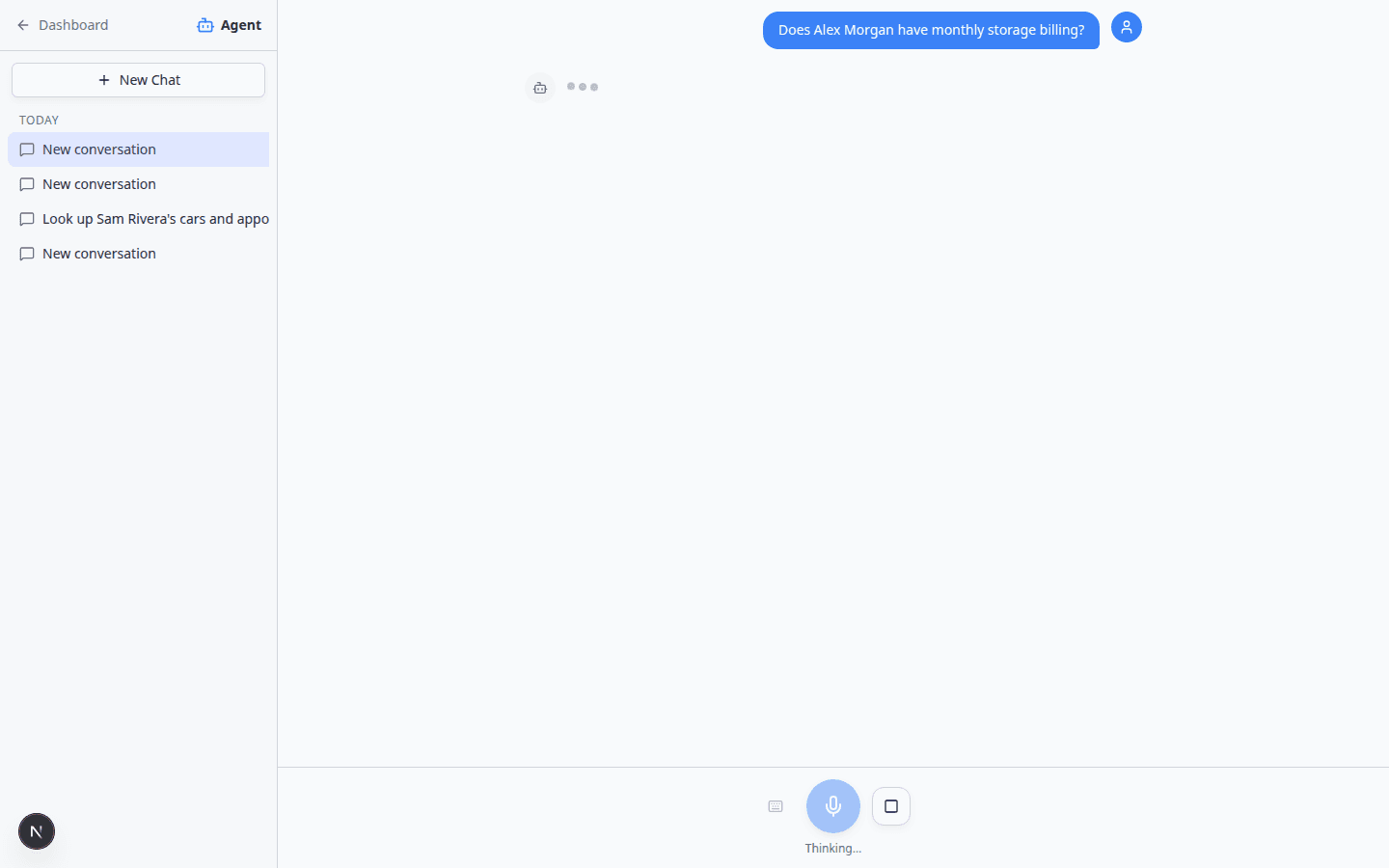
- Ask about recurring plans
In AI Assistant, click New Chat. Type a question such as:
- Does Alex Morgan have monthly storage billing?
- Which recurring plans are active for Sam Rivera?
Press Enter and wait for the reply to finish.
Expected result: Plan names and status summaries—such as active, paused, or no recurring billing on file.
- Confirm on Recurring
Open Payments > Recurring for exact dates, amounts, and the next invoice date.
Why this matters: The assistant summarizes what it finds. The Recurring page shows line items, billing cycles, and whether a plan is linked to a specific vehicle.
- Check the customer record when results look empty
Ask about contracts and documents
- Start New Chat
Open AI Assistant and click New Chat so contract questions are not mixed with invoice lookups from earlier.
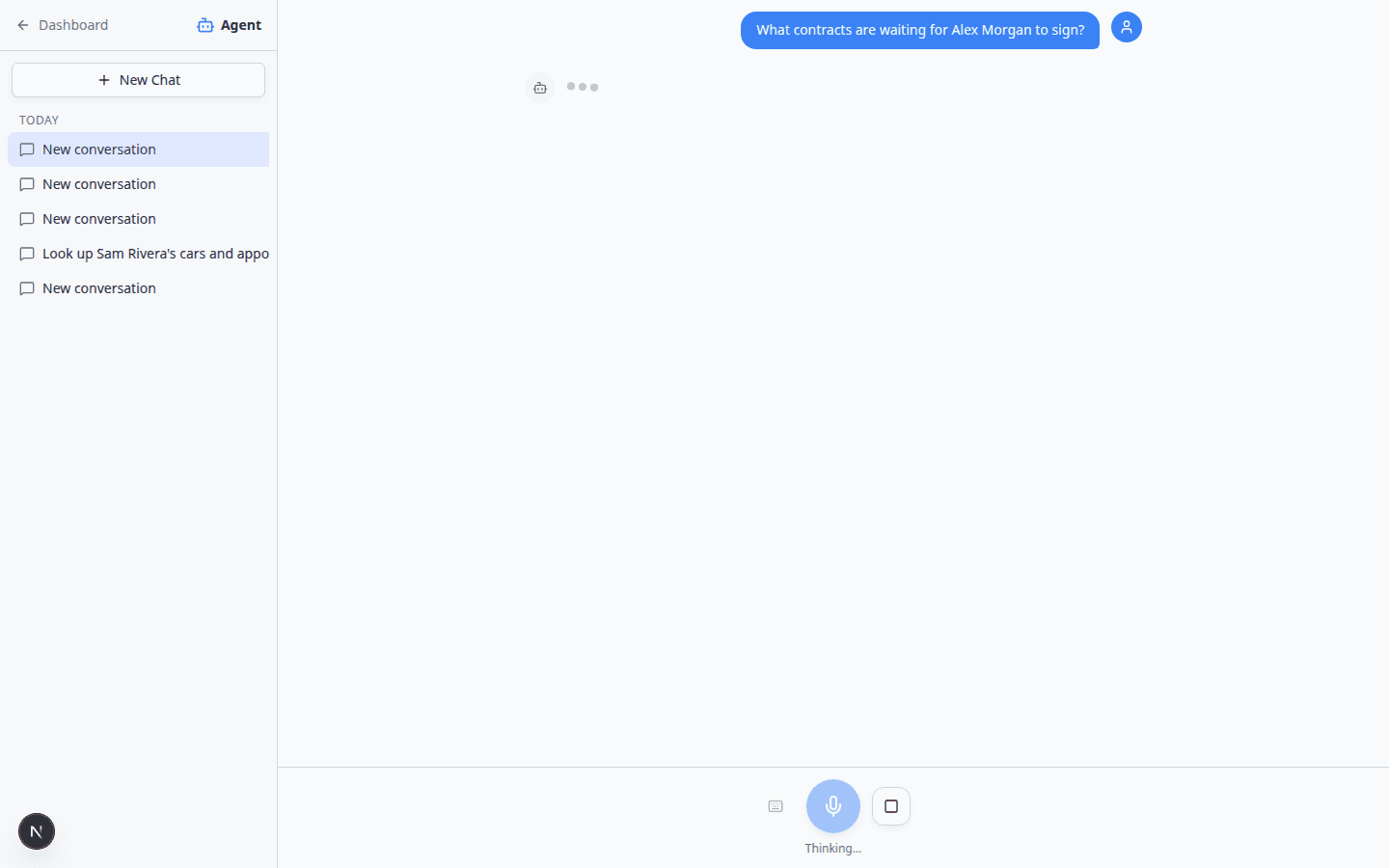
- Ask what is outstanding
Type a clear question. Examples:
- What contracts are waiting for Alex Morgan to sign?
- Show documents for the Porsche 911.
- Has Alex Morgan signed the storage agreement?
Press Enter and wait for the reply.
Expected result: Template names or status words such as sent, viewed, signed, or not on file.
- Read the status before you tell the customer
If the assistant says a contract is waiting for signature, do not promise the customer it is complete until you open the file yourself.
Why this matters: A customer may have opened the email but not finished signing. The dashboard shows the official status.
- Open the customer or contract record
Ask about expiring items and dashboard alerts
Your dashboard Alerts & Deadlines area tracks items such as registration, insurance, and contract renewals. The assistant can summarize similar information when you ask.
- Start New Chat
Open AI Assistant and click New Chat so alert questions are not mixed with a customer lookup from earlier.
- Ask in plain language
Type a question such as:
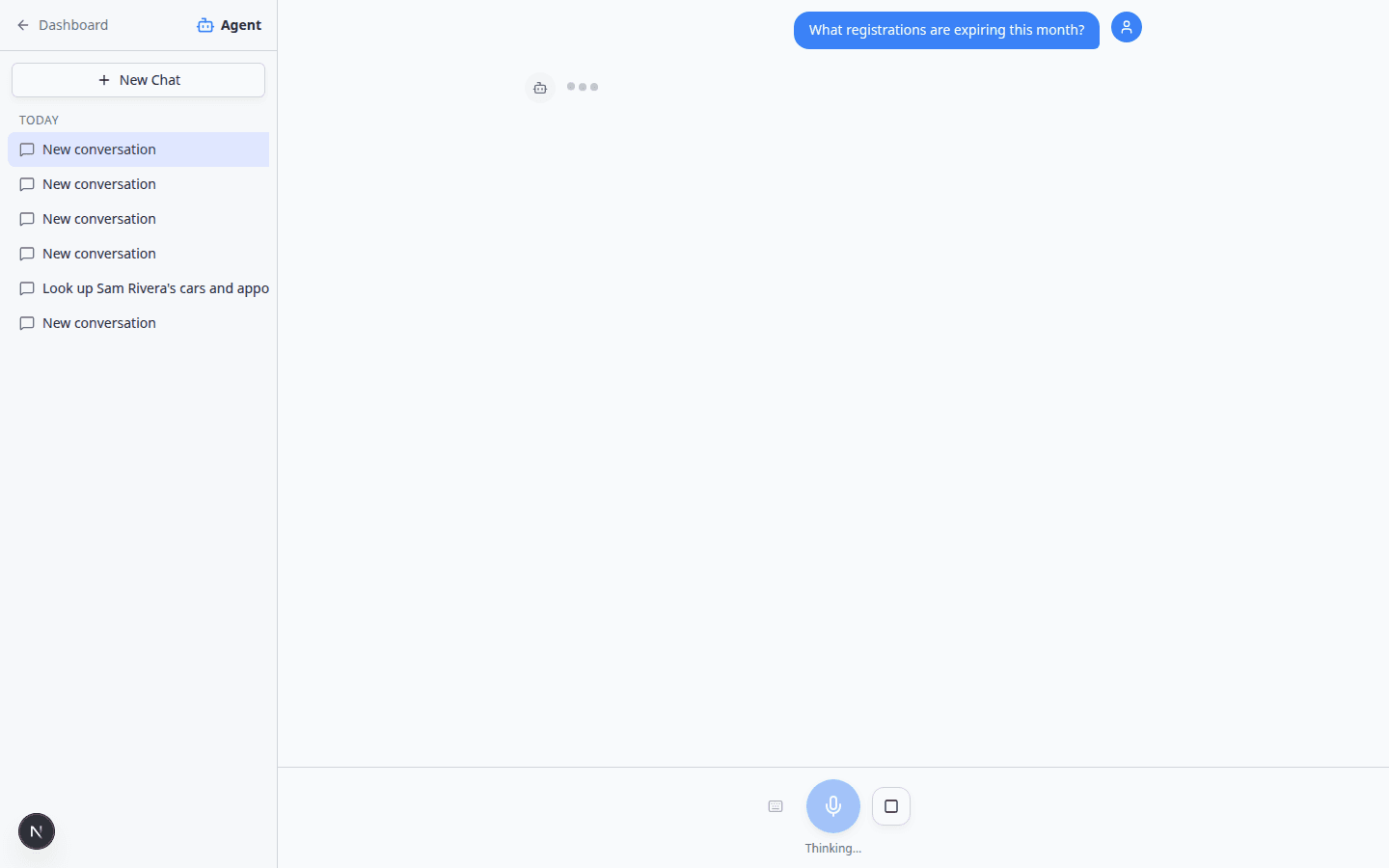
- What registrations are expiring this month?
- Any insurance or contracts expiring soon?
- What should I follow up on today?
Press Enter and wait for the reply.
- Read the alert summary
You may briefly see Using Get Dashboard Alerts... or Thinking... while the assistant searches.
The assistant may show green Nothing needs attention boxes when no matching items fall in the date range—or a list of customers, cars, or documents that need follow-up.
Expected result: You know whether to call customers about renewals or move on to other work.
- Open the related record
Ask about account balance or credits (when applicable)
Some facilities track customer account balances or credits.
- Does Alex Morgan have account credit?
- What is the balance on Sam Rivera's account?
Expected result: A number or summary. Open the customer billing area in Contacts or Payments before applying a credit or quoting a balance.
If the assistant shows an Issue account credit proposal card on the web, follow Review AI proposals before confirming.
Web assistant vs iMessage for billing questions
| Topic | Web AI Assistant | iMessage group chat |
|---|---|---|
| Open invoice totals | Summary + optional Go now link | Text summary only |
| Proposal to issue credit | May show a review card | Confirm in plain language—no card |
| Best for | Reading numbers beside the chat on a large screen | Quick phone call answer, then verify later |
Common mistakes to avoid
- Quoting an invoice total from memory without opening Payments.
- Telling a customer a contract is signed because the assistant said so—open the document.
- Mixing two customers in one chat thread when asking about money.
- Asking about billing when your role does not include Payments—the assistant will say it lacks permission.
Troubleshooting
The assistant says it does not have permission
An admin must turn on Payments (and Contracts if needed) for your role in Settings > Team. See Manage team permissions.
Amounts do not match the invoice page
Use the dashboard total. Ask again with the invoice number or customer email if the assistant picked the wrong account.
No alerts show but you expected some
Check that registration, insurance, and contract dates are entered on Cars and customer records. Empty fields cannot trigger alerts.
What to do next
- Review a customer invoice for status badges and follow-up steps.
- Send and collect customer payments after you confirm what is owed.
- Contracts overview for sending and tracking agreements.
- Ask about schedule, parking, and records for non-billing lookups.