Product update
Streamlined customer invoice checkout
Clear invoice preview, payment choices, fees, and total due—with a smoother mobile flow and easy invoice or receipt downloads after pay.
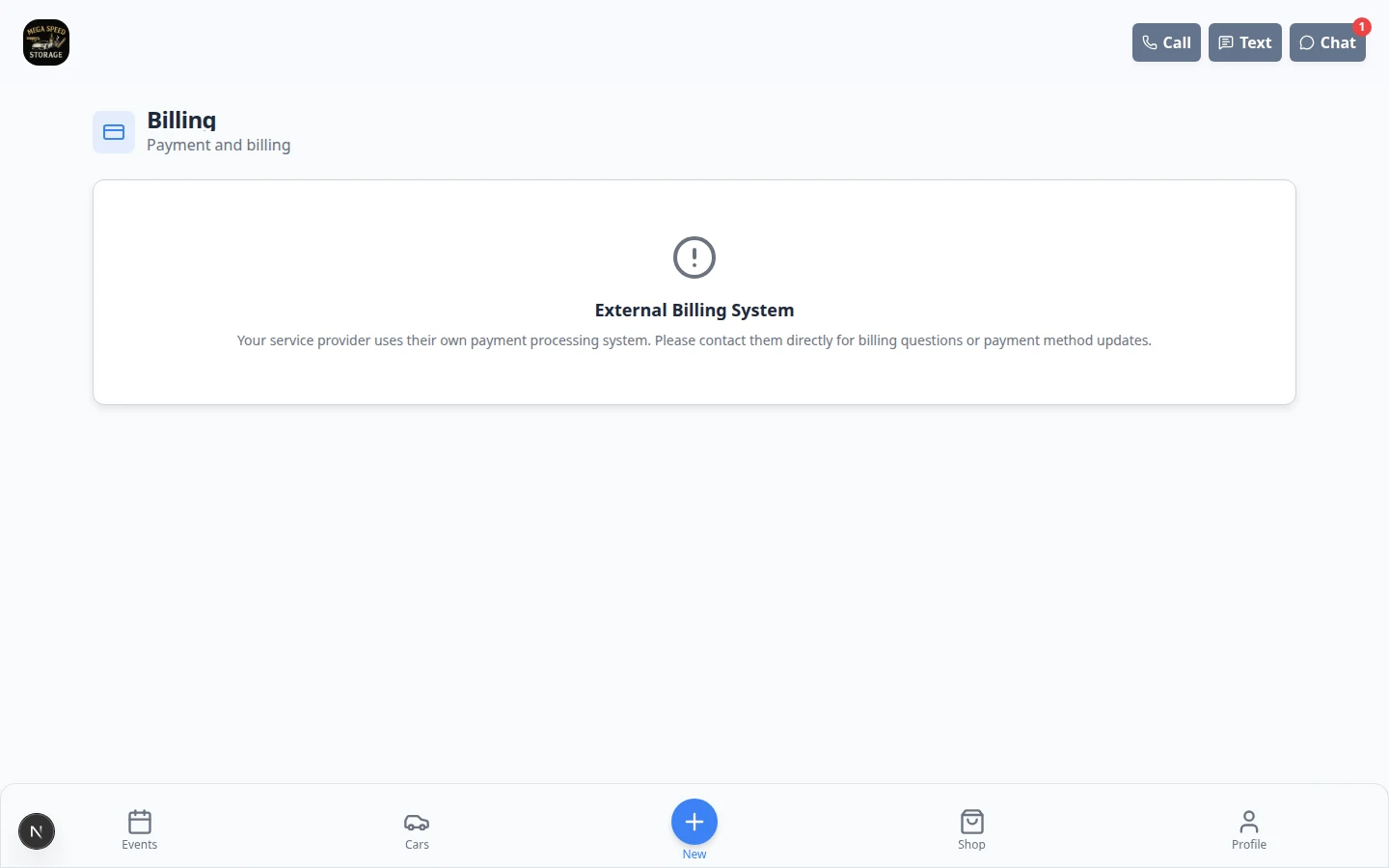
Paying an invoice from a phone should feel as clear as checking out online—not deciphering a PDF attachment.
Why we built it
Customers paying storage and service bills need to see what they owe, how they can pay (card, bank, or methods your facility allows), and processing fees before they commit. The streamlined checkout shows an invoice preview beside payment options and the total due, with layout tuned for mobile. After payment, customers can download the invoice or receipt without asking the front desk to resend email.
Who it is for
- Collectors and storage clients paying open invoices from email links or the customer app Billing page.
- Front desk staff who field “what’s the total with fees?” calls during checkout.
- Facilities that pass card or ACH processing fees through to customers and need totals to be obvious upfront.
What you can do
- Customers review line items and discounts in a preview aligned with the payment screen.
- Choose among allowed methods—saved card, bank, or options your team enabled for that invoice.
- See processing fees and total due update with the selected method when fees apply.
- Complete payment on mobile with fewer steps, then download invoice or receipt links when available.

How it fits your day
Staff still create and send invoices from the dashboard—see Create an invoice and Send and collect customer payments. The checkout experience is what customers see after they open the payment link or pay from Billing in the app. Enable Billing in Customize the customer mobile app when you want pay links inside the portal.
Get started
Send a test invoice to your own email, open the pay link on a phone, and walk through each allowed method. Confirm fee display matches your facility’s pass-through settings under Settings → Billing.
Questions about this update?
Book time with our team or browse the rest of the changelog.