Product update
Flexible invoice finalization and scheduled charges
From one guided flow, charge a saved card now, schedule auto-charge, send a payable invoice, ask for the customer's payment choice, or record cash or check.
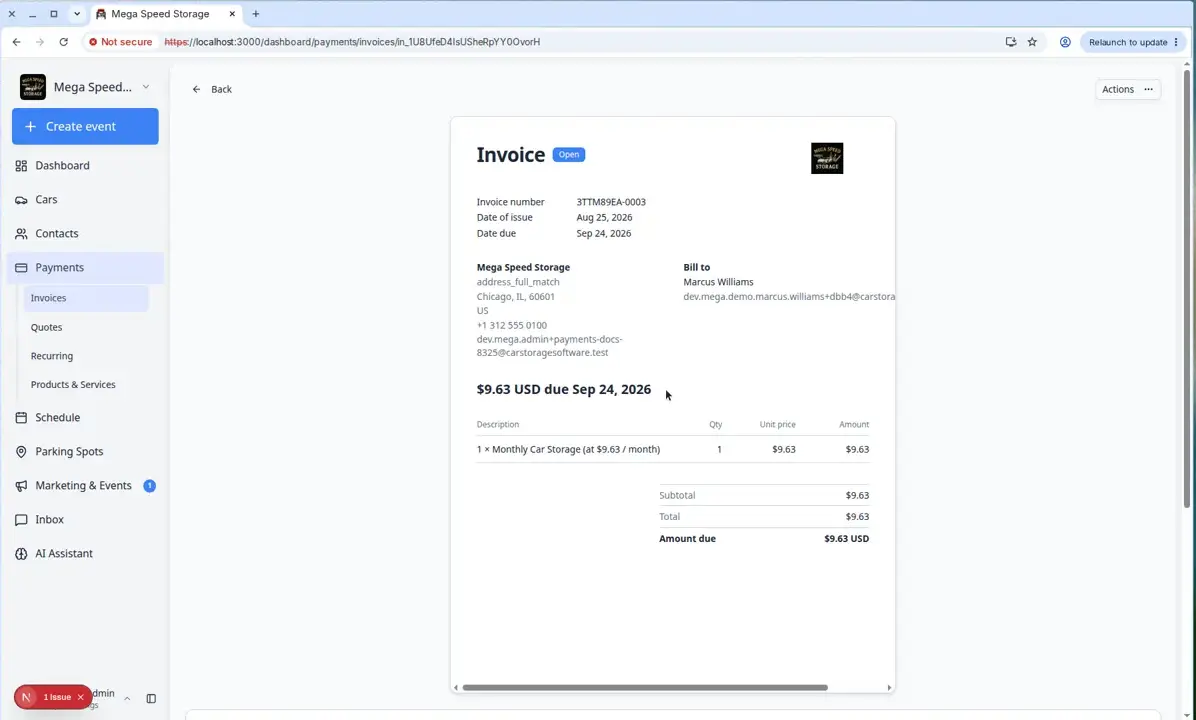
Front desk billing is rarely one button. Sometimes you charge the card on file; sometimes the customer pays next week; sometimes they mail a check.
Why we built it
Staff used to bounce between screens to decide how an invoice gets paid. The Charge customer flow now walks one path—line items, tax, fees—then lets you choose what happens next: Charge now on a saved method, Schedule charge for the due date, Send invoice so the customer picks card, bank, or cash/check, Save as draft for internal review, or Apply account balance when prepaid credit covers the bill. One confirmation mindset, fewer wrong sends.
Who it is for
- Billing clerks finalizing storage or service invoices at the counter or after hours.
- Teams that schedule auto-charge when the customer already authorized a card on file.
- Facilities that sometimes need “email the bill” vs. “run the card now” for the same customer in the same week.
What you can do
- Charge now — run a saved card or bank method immediately with fees shown before you confirm.
- Schedule charge — create the invoice and auto-charge on the due date using the method on file.
- Send invoice — email a ready-to-pay bill with preview PDF and customer checkout (see Streamlined customer invoice checkout).
- Request payment choice — let the customer select allowed methods when they open the link.
- Save as draft or record cash/check paths when your process requires manual payment first.
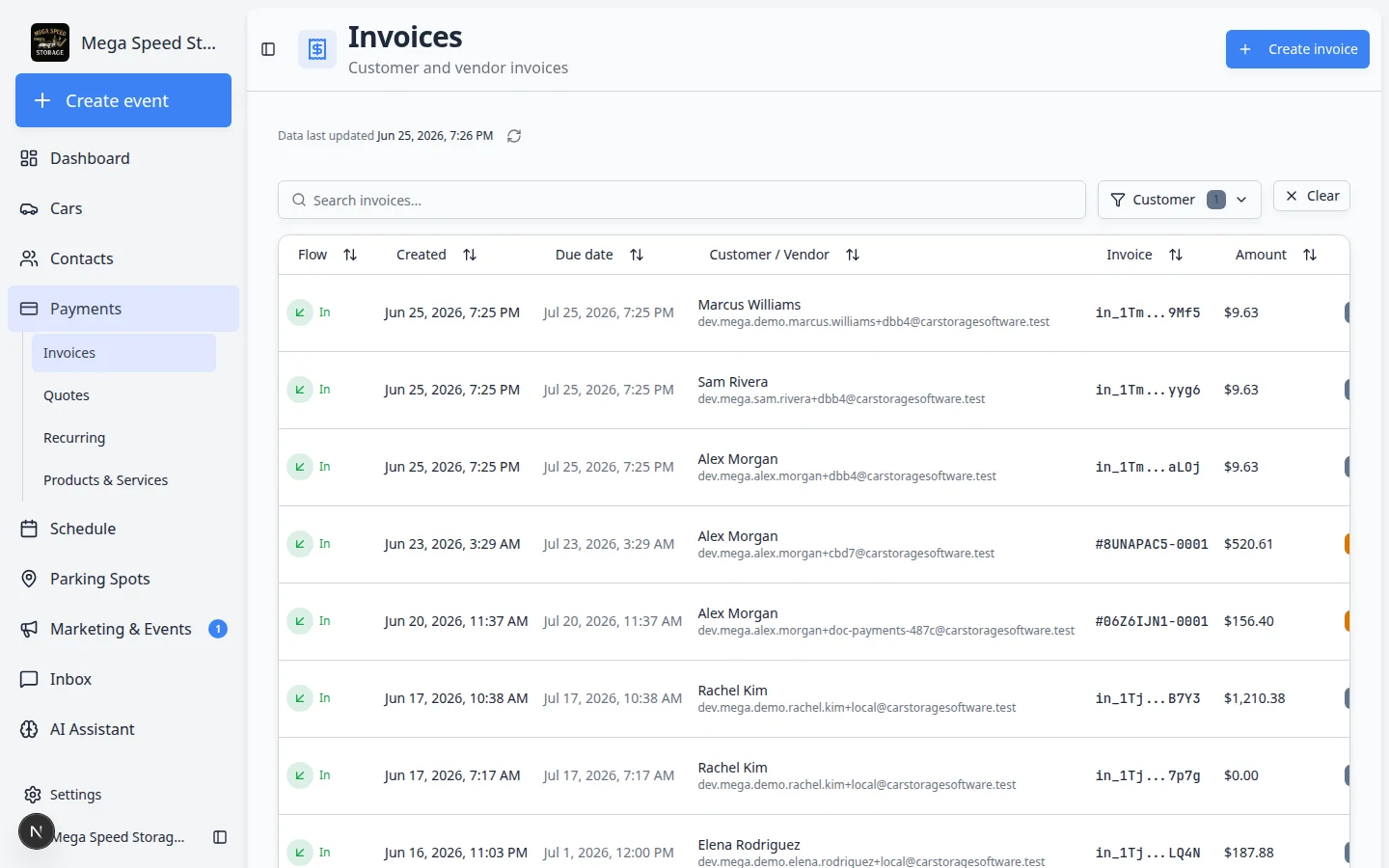
How it fits your day
Start from a customer record or Create an invoice, build line items, then open the charge/finalize dialog. Notify the customer? prompts still apply when email or text would go out—pair with staff controls for customer notifications on dashboard actions.
Get started
Practice each billing option on a test customer with a small amount. For collecting after send, use Send and collect customer payments. For correcting a finalized bill, see Void, credit, or correct an invoice.
Questions about this update?
Book time with our team or browse the rest of the changelog.