Product update
Faster transport location entry
Pickup and delivery forms suggest facility, customer, vendor, and vehicle locations—and transport details fit into the photo walkthrough with less typing.
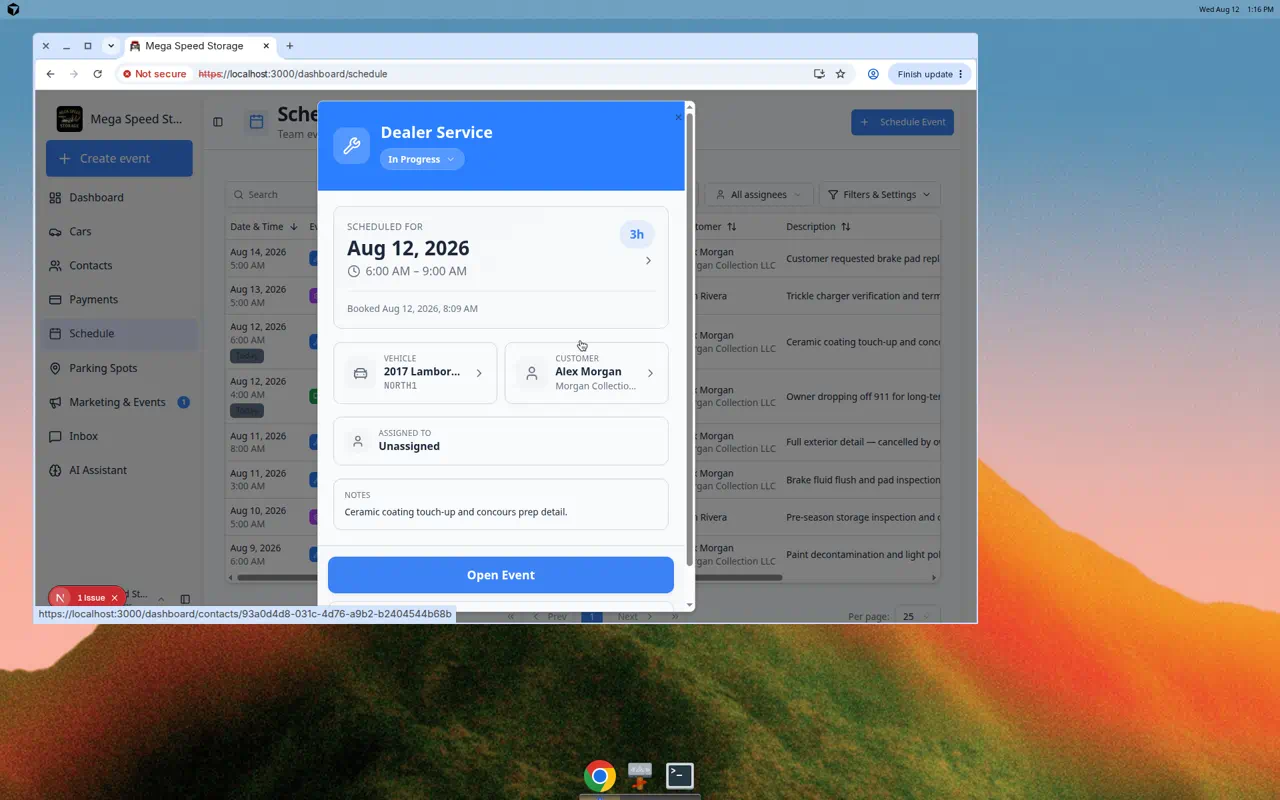
Dispatch should not re-type the same address that already lives on the customer or vendor record.
Why we built it
Vehicle transport and pickup/delivery events need accurate from and to addresses for drivers, insurers, and customer updates. Faster transport location entry surfaces saved suggestions—your facility, the linked customer, known vendors, and the car’s current location—at the top of address fields so staff pick a row instead of re-entering street lines. When the event type includes transport in the photo walkthrough, the same booking form appears as a dedicated step, and the session Next up panel can prompt Add locations until pickup and delivery are complete.
Who it is for
- Dispatchers scheduling Vehicle Transport or pickup/delivery on Schedule.
- Drivers completing transport steps during Run event workflow from Schedule or walkthrough mode.
- Teams documenting handoffs alongside Record where a pickup is going when custody changes on the lot.
What you can do
- Open a transport session and use suggested facility, customer, and vendor addresses in pickup/delivery fields.
- Still search for a one-off street address when the job goes somewhere new.
- Finish transport locations from the walkthrough step when your event type enables Show transport locations.
- Follow Next up → Add locations on the session page when addresses are required but missing.
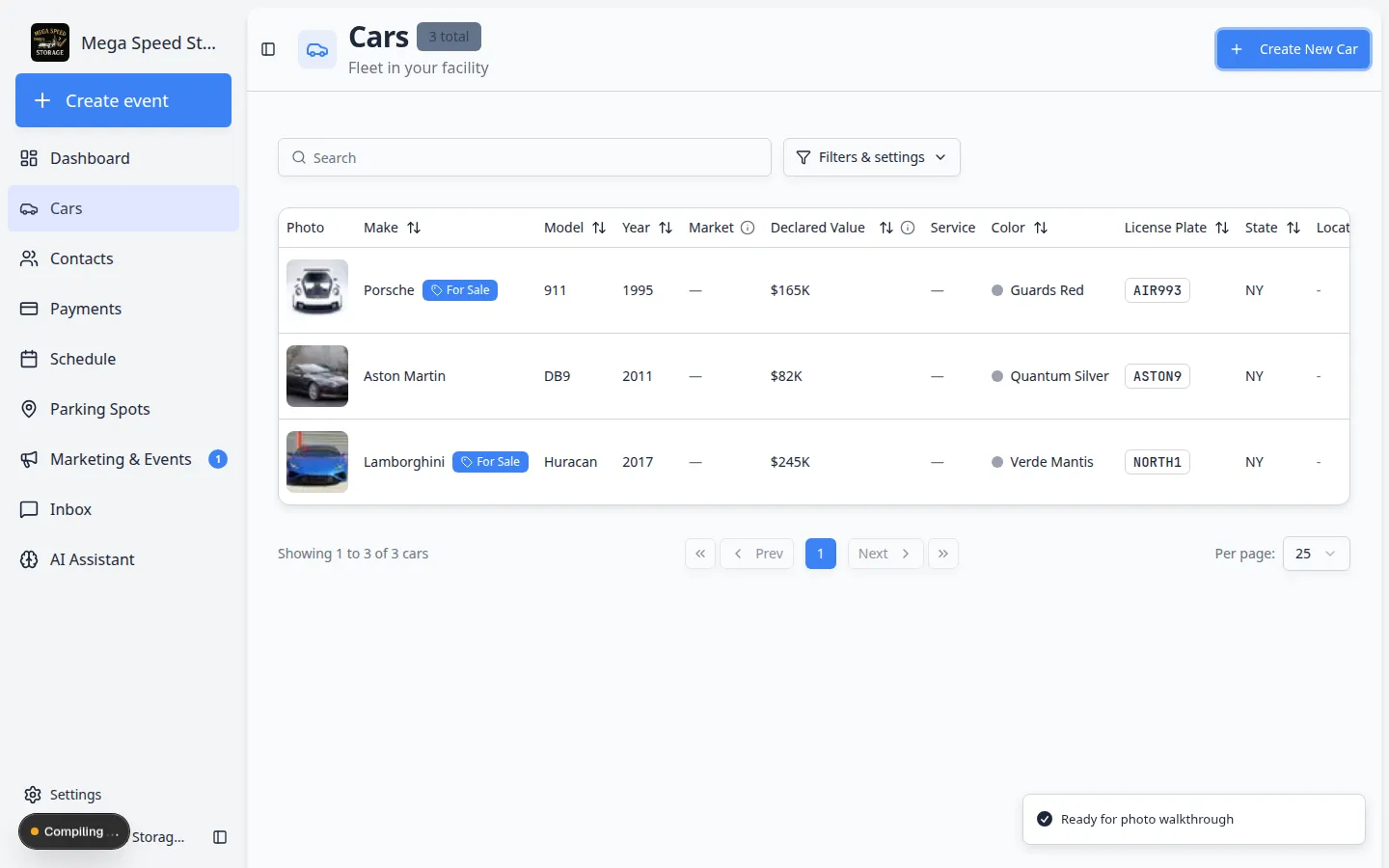
How it fits your day
Assign outside transport companies from Assign team members and vendors so vendor suggestions stay current. Admins control whether transport appears in walkthrough per event type under Settings → Events & schedule.
Get started
Book a Vehicle Transport test event, open Open Event, and complete pickup/delivery using one suggested address on each side—then note how Next up clears once locations save.
Questions about this update?
Book time with our team or browse the rest of the changelog.