Product update
Record where a pickup is going
When a car leaves the lot, capture who has it or where it is headed—customer, contact, vendor, or custom destination—and optional pickup time.
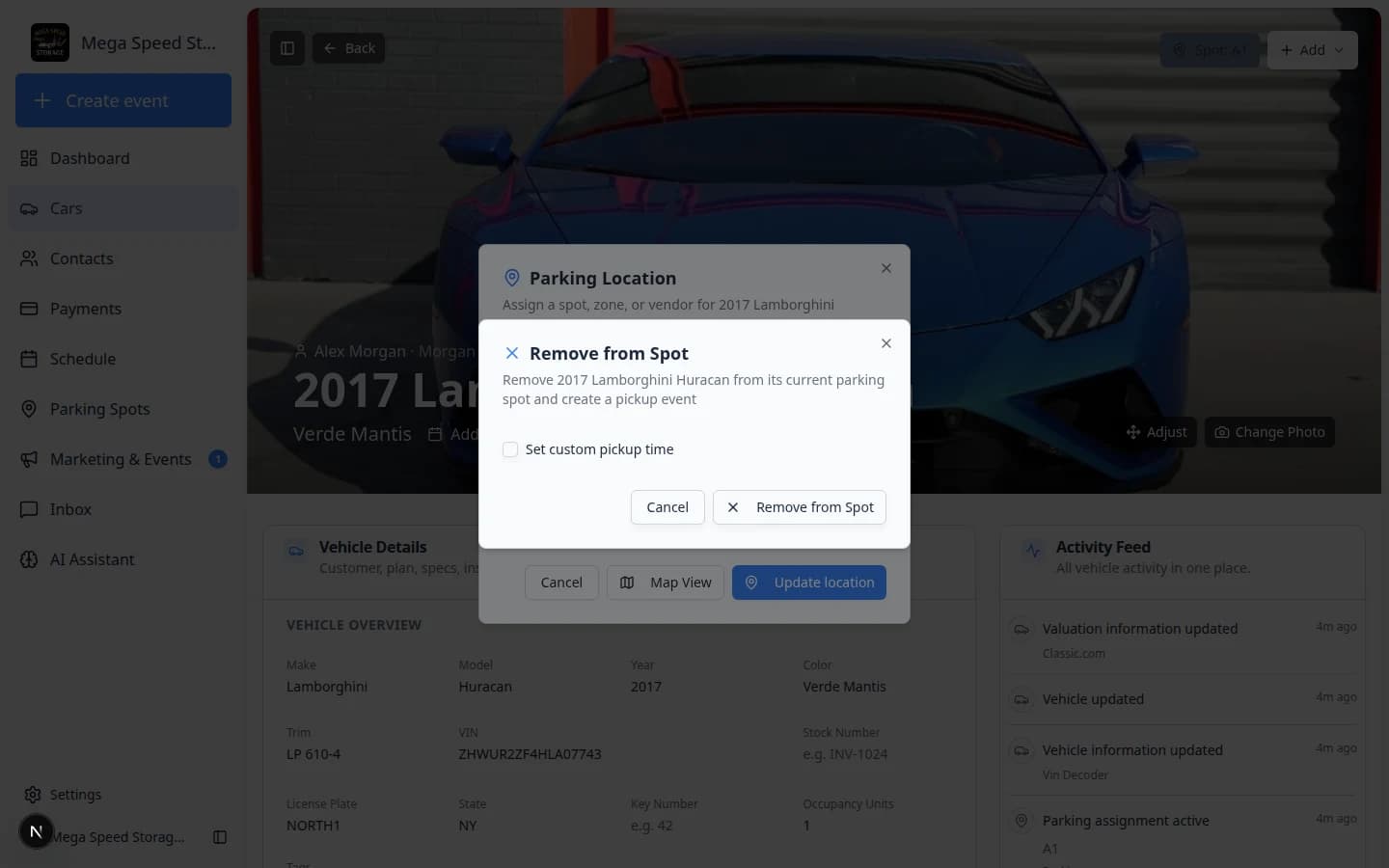
A free spot on the map is not the whole story. Teams need to know whether the Ferrari went home with the owner, to a detail shop, or out for a Sunday drive.
Why we built it
Removing a car from a spot frees inventory, but without context the activity feed and customer record lose who has the vehicle and when it left. Recording destination at pickup time keeps parking, communications, and history aligned—so the next shift is not guessing where the keys went.
Who it is for
- Lot staff clearing spots after customer pickup, transport, or sale.
- Front desk teams documenting handoffs to another contact on the account or to a vendor.
- Operators who want pickup events on the timeline with an accurate time stamp.
What you can do
- When a vehicle leaves the facility, choose who is taking it or where it is heading from guided options.
- Send the car with the customer, another contact on the account, a vendor, or enter a custom destination label (for example a one-off shop or event).
- Set an optional pickup time when your workflow uses scheduled handoffs.
- Decide whether to notify the customer as part of the same flow when your team updates records.
How it fits your day
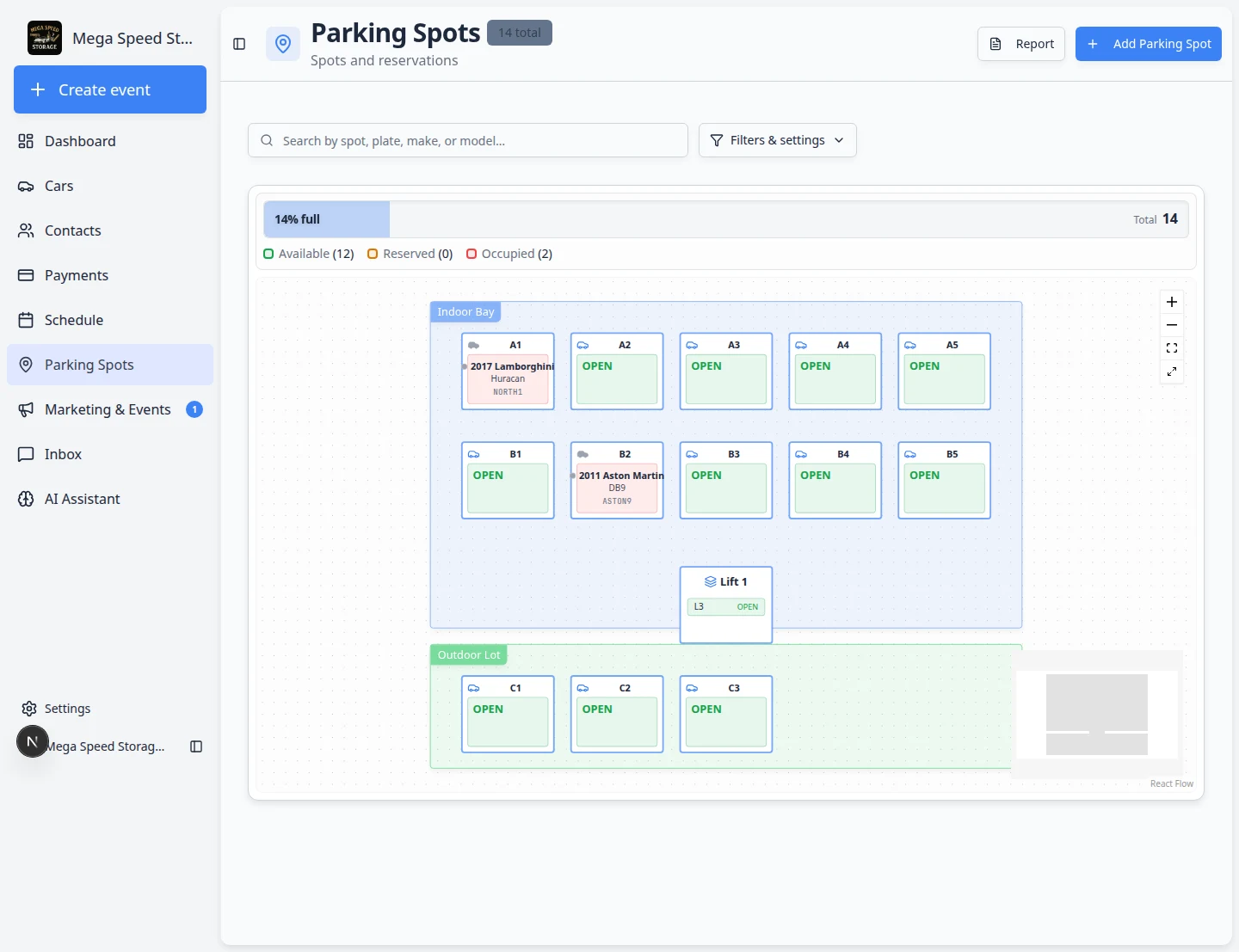
The flow appears when staff record a completed pickup—often alongside Remove from Spot in parking workflows—so destination is captured in the moment instead of as a later note. Vendor moves and return-to-spot flows still use Move a car when the vehicle is coming back or shifting to outside work.
Get started
Open a vehicle, use Parking Location or the leave-facility pickup flow when removing it from a spot, and complete the destination step before confirming.
For vendor stays and returns, see Send a car to a vendor and the At vendor section in Move a car.
Questions about this update?
Book time with our team or browse the rest of the changelog.