Product update
Clearer recurring plan cancellations
See when a plan ends, choose customer notification, and optionally credit unused prepaid time when canceling immediately.
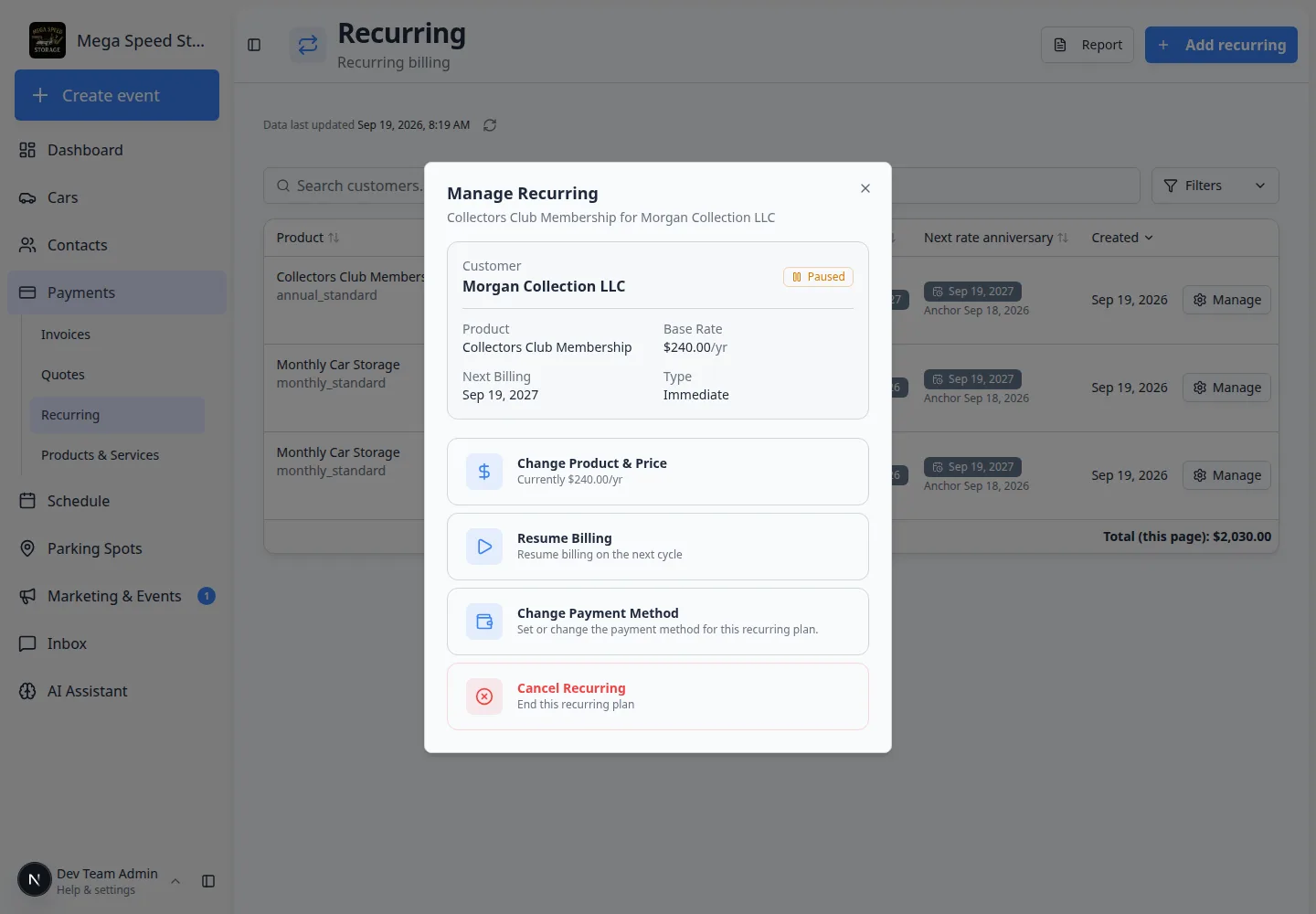
Ending storage billing should show the effective date and what happens to money already collected.
Why we built it
Canceling a recurring plan used to feel opaque: staff were not always sure whether the next invoice would still fire, whether the customer would hear about it, or what to do with prepaid time when someone left mid-cycle. Clearer recurring plan cancellations spell out when the plan stops (end of period, immediately, or on a chosen date), ask Notify the customer? before email goes out, and—for eligible immediate cancels—let you credit unused prepaid time to the customer’s account balance instead of leaving it ambiguous.
Who it is for
- Billing staff using Manage on Payments → Recurring.
- Managers coordinating move-outs alongside Manage recurring billing.
- Teams that pair cancellations with Recurring plans stay active while awaiting payment choice when customers have not picked a payment method yet.
What you can do
- Open Manage Recurring → Cancel recurring and review the current period end before you confirm.
- Cancel at end of billing period, immediately, or on a specific date when your workflow allows it.
- Choose Yes or No on Notify the customer? so cancellation email is intentional, not accidental.
- When canceling immediately on a prepaid plan, optionally credit unused time to account balance for future invoices—not a card refund.
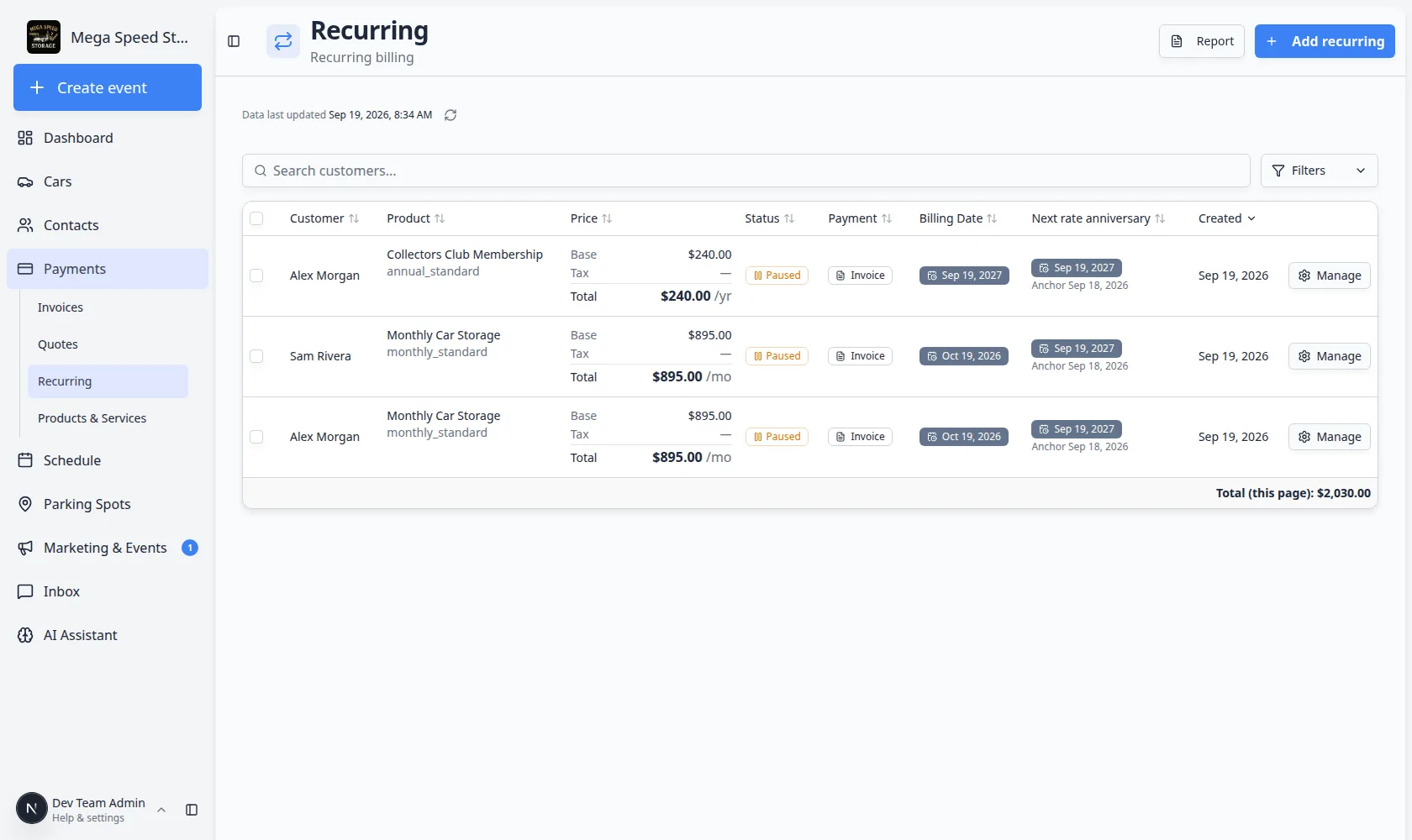
How it fits your day
Partial quantity cancels and bulk cancel flows use the same notification pattern—read each prompt before confirming. For accounting exports after move-out, see QuickBooks Desktop export or your connected accounting integration.
Get started
On a test customer’s recurring row, open Manage → Cancel recurring, pick end of period, and walk through Notify the customer? once without sending so your team knows where the controls live.
Questions about this update?
Book time with our team or browse the rest of the changelog.