Product update
QuickBooks Desktop export
Preview and download date-range accounting files—or spreadsheets—for facilities still on QuickBooks Desktop.
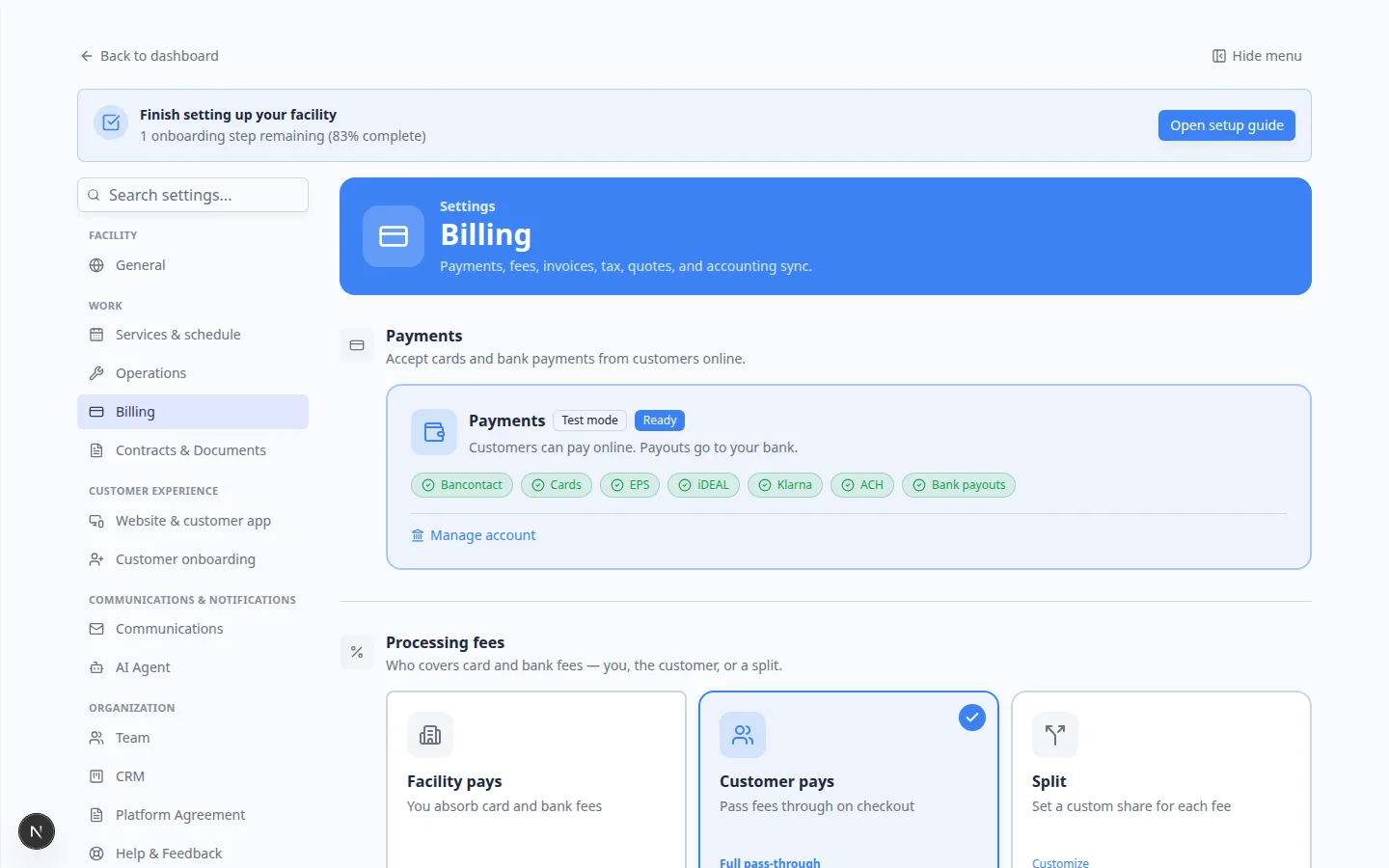
Not every facility has moved to QuickBooks Online. Desktop export delivers structured files covering customers, services, invoices, payments, credits, and refunds for a chosen date range.
Why we built it
Manual re-entry at month-end is error-prone. Exports give bookkeepers a complete picture, with reliability improvements for long names, special characters, and clearer account mapping. Teams can also download a spreadsheet to review before importing.
What you can do
- Enable QuickBooks Desktop export from Integrations.
- Preview a date range before downloading the IIF or related export file.
- Optionally export a spreadsheet for review.
- Import into QuickBooks Desktop with less cleanup after recent reliability fixes.
Get started
Questions about this update?
Book time with our team or browse the rest of the changelog.