Product update
Choose whether to email customer updates
Before saving many dashboard changes, staff answer a Yes or No prompt so they can update records without sending customer email when it is not time yet.
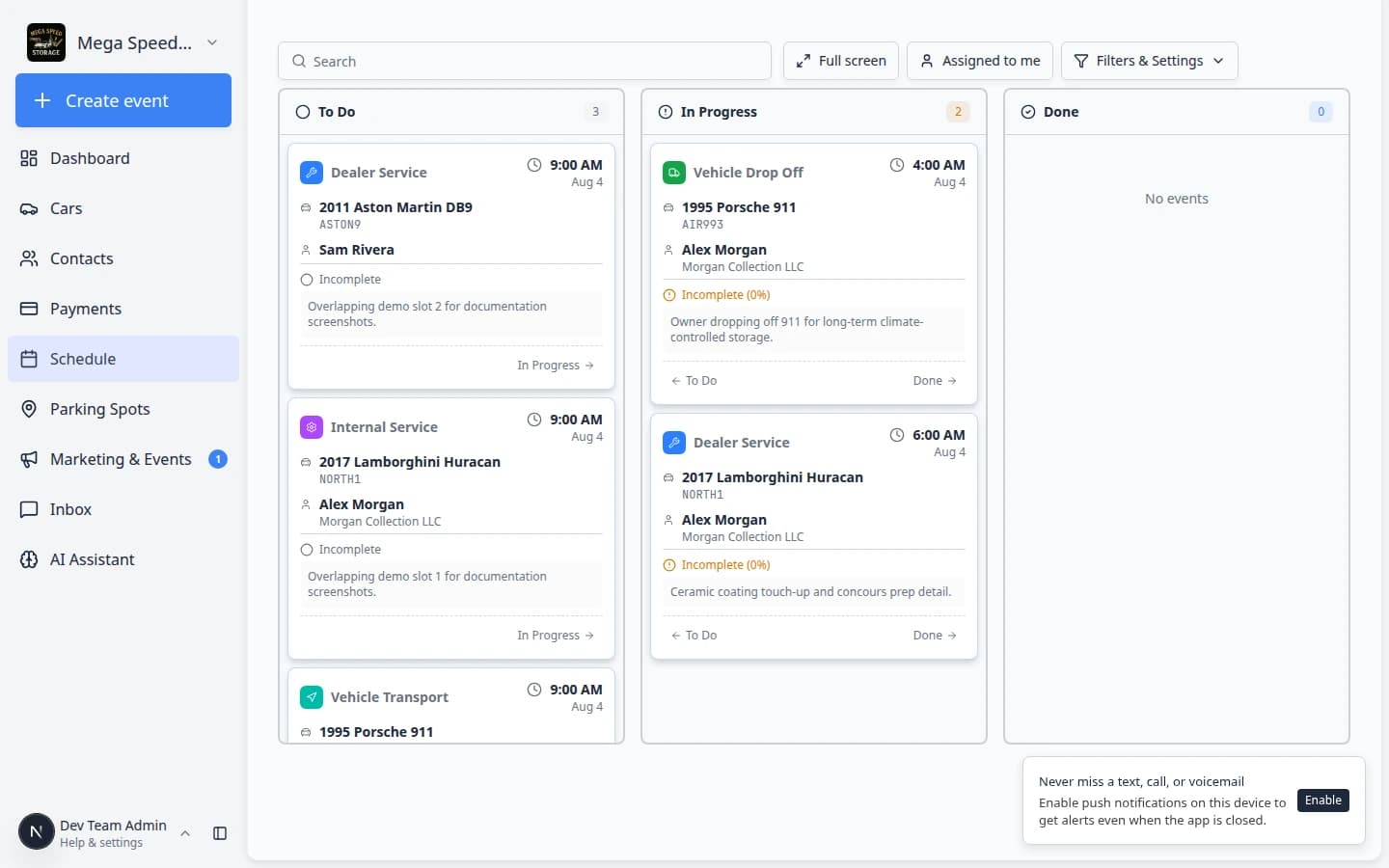
Operations updates and customer communications are not always the same moment.
Why we built it
Staff were stuck sending email every time they moved an appointment, logged a parking pickup, or adjusted billing— even when the customer was standing at the counter or the change was internal-only. Dashboard flows that can reach customers now stop with a clear Yes or No before the save goes through. No means the mutation still happens; automatic customer email for that action is skipped. Yes keeps the behavior your communication settings expect.
The prompt title in the app is Notify the customer? (see Notify customer, not just email for how No also skips SMS and push when those channels would have fired).
Who it is for
- Schedule staff updating status or times before the customer should see a calendar change.
- Billing users posting adjustments while a verbal agreement is still in progress.
- Anyone who needs the database accurate today and the customer message tomorrow.
What you can do
- Choose No when you only need the system of record updated.
- Choose Yes when the customer should get the normal notification bundle for that action.
- Dismiss the dialog to cancel the action if you are not ready to commit.
- Use dedicated Send invoice, Send receipt, or Send contract flows when the whole purpose of the step is delivering an email—those stay explicit sends.
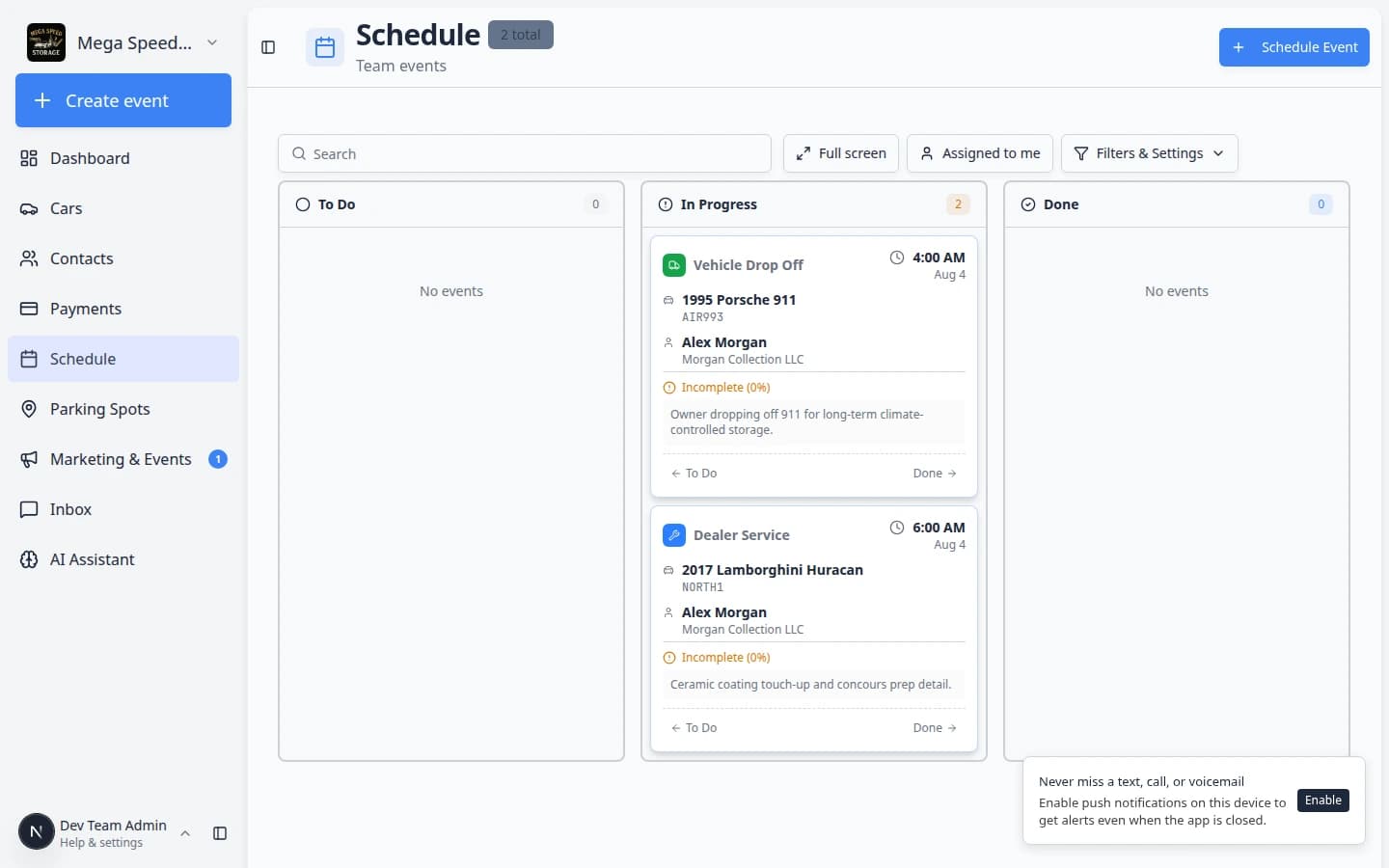
How it fits your day
Fix a duplicate event on the schedule with No, then call the owner and resend when the timeline is right. Team assignees and internal alerts are unchanged—this choice is about the customer side of the update.
Learn more
Questions about this update?
Book time with our team or browse the rest of the changelog.