Product update
Print draft invoices
Open a print-friendly invoice page for drafts—print or Save as PDF from the browser before Stripe finalizes the invoice.
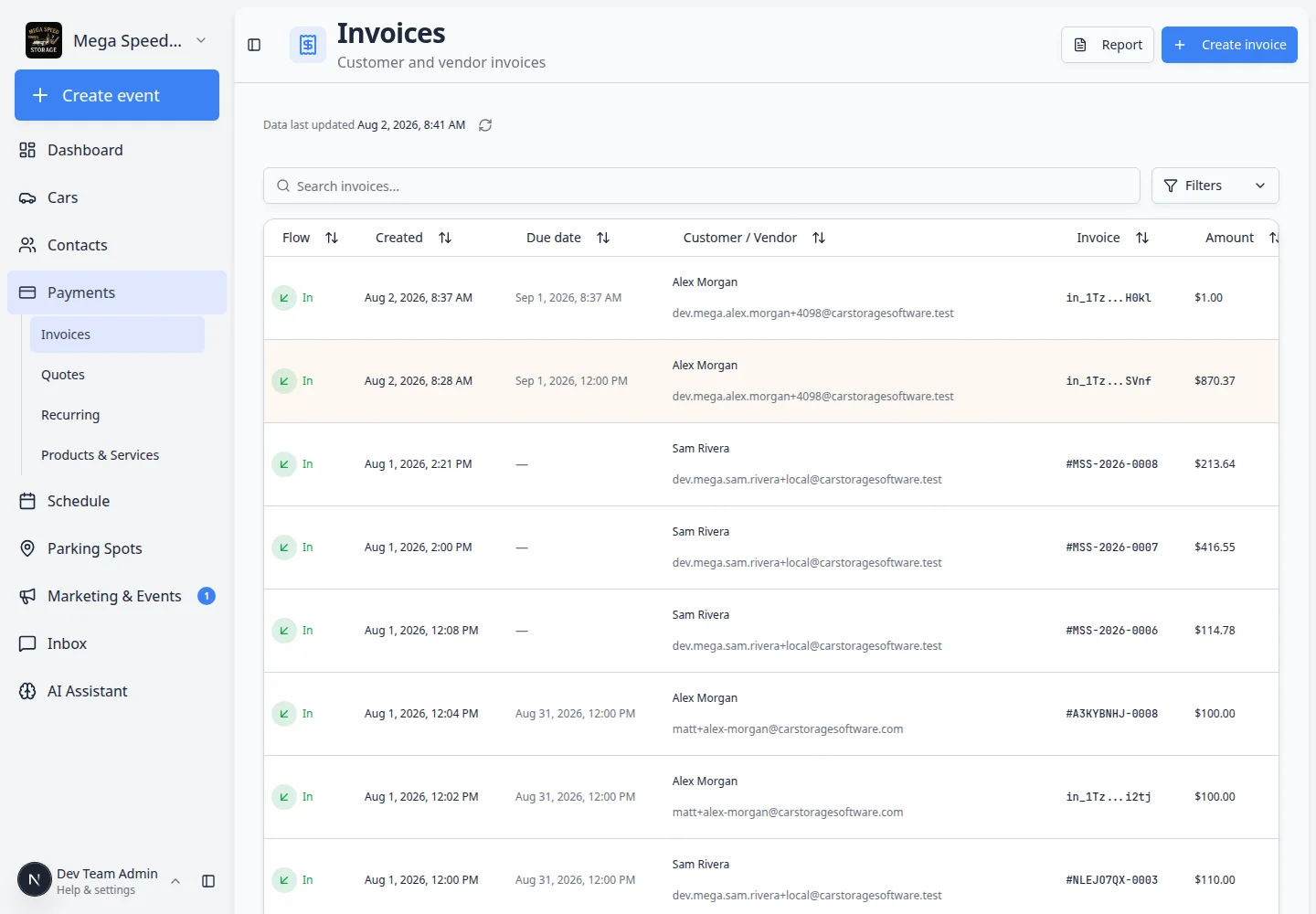
Draft invoices often need a paper copy for the counter, a walk-through with the owner, or internal approval—not a customer email yet.
Why we built it
Stripe only serves a hosted PDF after an invoice is finalized. Drafts still need a readable document. Print on the invoice editor (and Print / Save as PDF in the invoices list actions menu) opens a dedicated print view at /dashboard/payments/invoices/[id]/print with your branding, line items, and totals. Staff use the browser print dialog to print or Save as PDF. The page explains that drafts are print-only until finalization—no surprise when View PDF is unavailable.
Who it is for
- Front desk staff handing a draft to a customer on pickup day before Send invoice.
- Bookkeepers archiving a paper trail for estimates still in draft status.
- Teams comparing richer invoice reporting exports with what the customer will see on paper.
What you can do
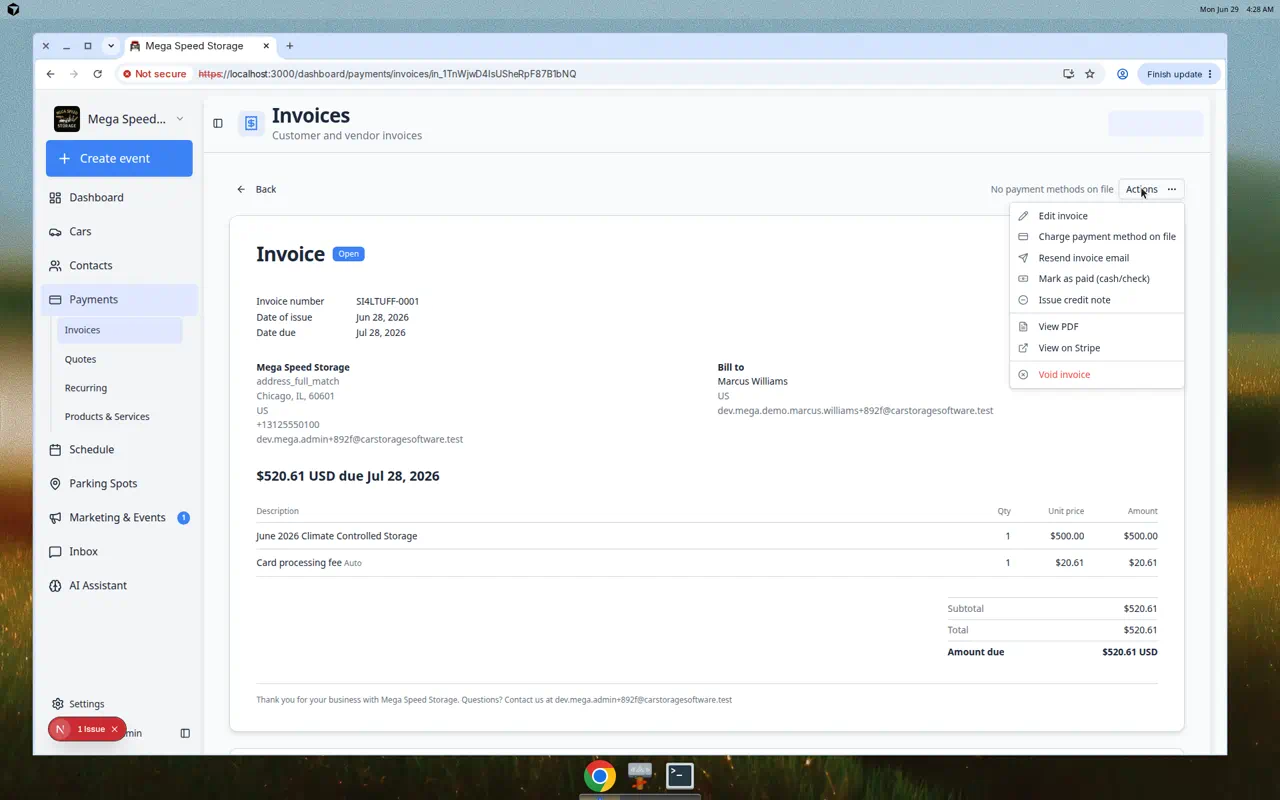
- From a draft invoice, click Print in the toolbar or choose Print / Save as PDF under Actions.
- From Invoices, open the row menu and jump to the same print page.
- Use Print / Save as PDF on the print screen—letter sizing and light theme are tuned for output.
- After Finalize or Send invoice, use View PDF when Stripe generates the official PDF; print view still works for open and paid invoices.
How it fits your day
Build the draft in the editor, print a copy for the service writer, collect a signature on paper, then finalize and send when the customer is ready to pay online. Finalized invoices keep the same print route when you want a local PDF without opening Stripe’s hosted file.
Learn more
Questions about this update?
Book time with our team or browse the rest of the changelog.