Product update
More reliable recurring billing
Multi-line recurring reviews show accurate combined service, tax, and fee totals, with clearer card vs bank setup and steadier custom invoice numbers.
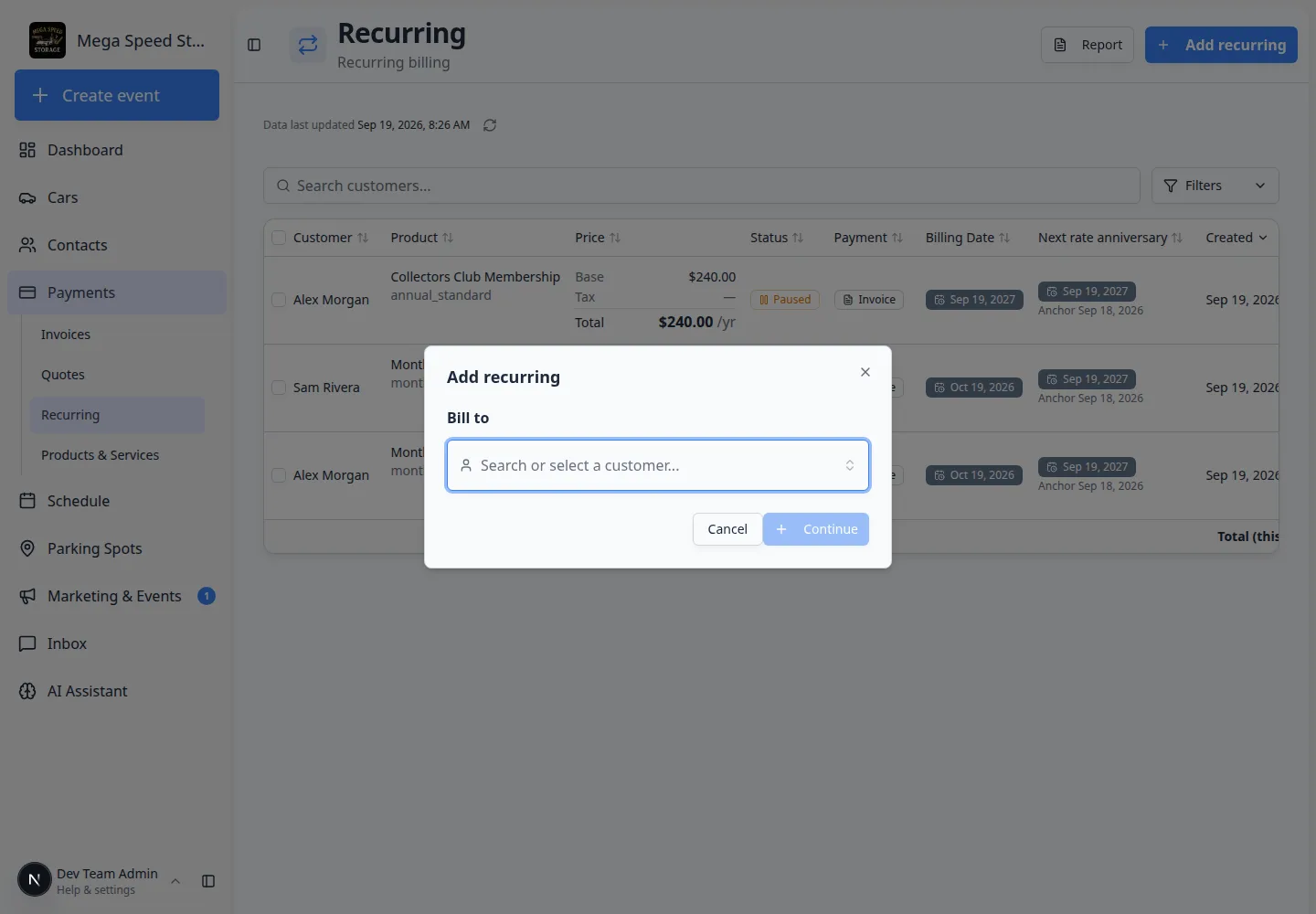
When a plan bundles several services, the Review step should match what finance and the customer will actually pay.
Why we built it
Flexible multi-service recurring plans stack multiple products on one subscription, which means service subtotals, tax, and processing fees must add up correctly before anyone clicks Add recurring. More reliable recurring billing tightens those combined totals on the review panel, makes card vs bank payment setup easier to understand when staff choose auto-charge or request payment choice, and keeps custom invoice numbers aligned with your team’s prefix rules when the first invoice is created.
Who it is for
- Billing staff finishing Add recurring on Payments → Recurring.
- Facilities that pass card or ACH fees to customers and need the review line items to match emailed invoices.
- Teams using branded invoice numbering from Connect payment processing.
What you can do
- On Review & confirm, scan per-line amounts, tax and fees, and the period total for multi-item plans before saving.
- Compare card and bank fee estimates when setting up auto-charge or allowed payment methods on the Payment step.
- Trust that the first invoice on a new plan picks up your team’s custom invoice number pattern when numbering is configured.
- Pair with Clearer invoice discounts and totals when promos or discounts apply to recurring lines.
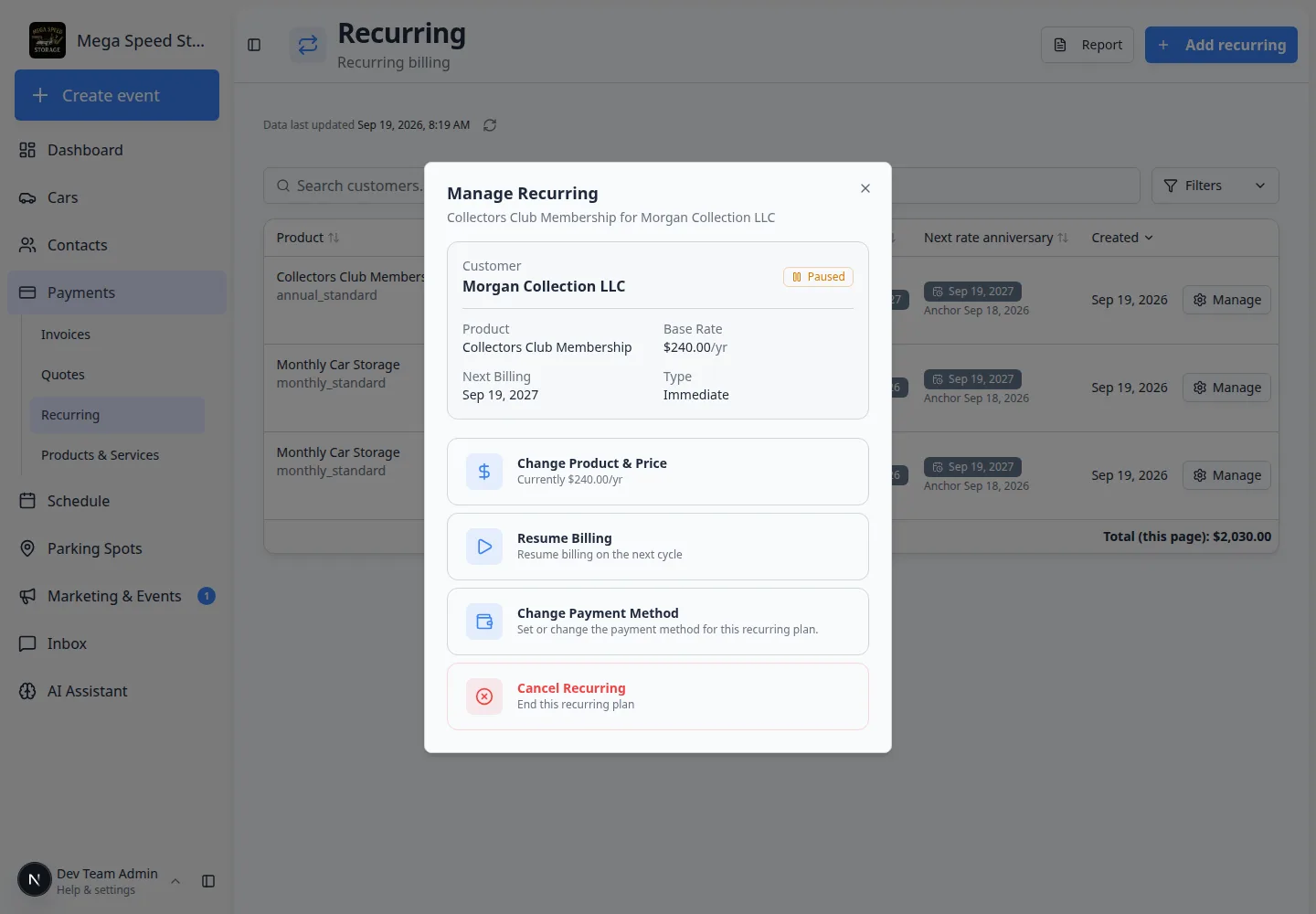
How it fits your day
Use the review totals as the script when a customer asks what their bundled storage and care will cost each cycle. If numbering looks off on a draft first invoice, check Invoice configuration in payment settings before resending.
Get started
Create a test Add recurring plan with two line items, open Review & confirm, and confirm service, tax, fee, and total lines match your facility’s tax and fee settings before you save.
Questions about this update?
Book time with our team or browse the rest of the changelog.