Product update
Customizable customer list columns
Choose and reorder columns on All Contacts, show facility location, sort key fields, and copy email or phone from the table.
The contact list should match how your front desk actually works—not a fixed spreadsheet from someone else’s shop.
Why we built it
All Contacts is where staff search names, check portal status, and batch invites. Customizable customer list columns lets each user turn columns on or off, drag to reorder them, and add Location for multi-facility teams. Sort more fields from column headers, and use one-click copy on email and phone cells when you are pasting into Inbox or a dialer. Preferences save per user so billing can keep Stripe columns visible while sales leads prefer CRM stage and source.
Who it is for
- Front desk staff living in All Contacts between phone calls.
- Multi-location operators who need Location beside name and car count.
- Managers running portal invite batches with Account Status and Portal Access turned on—see Find and filter contacts.
What you can do
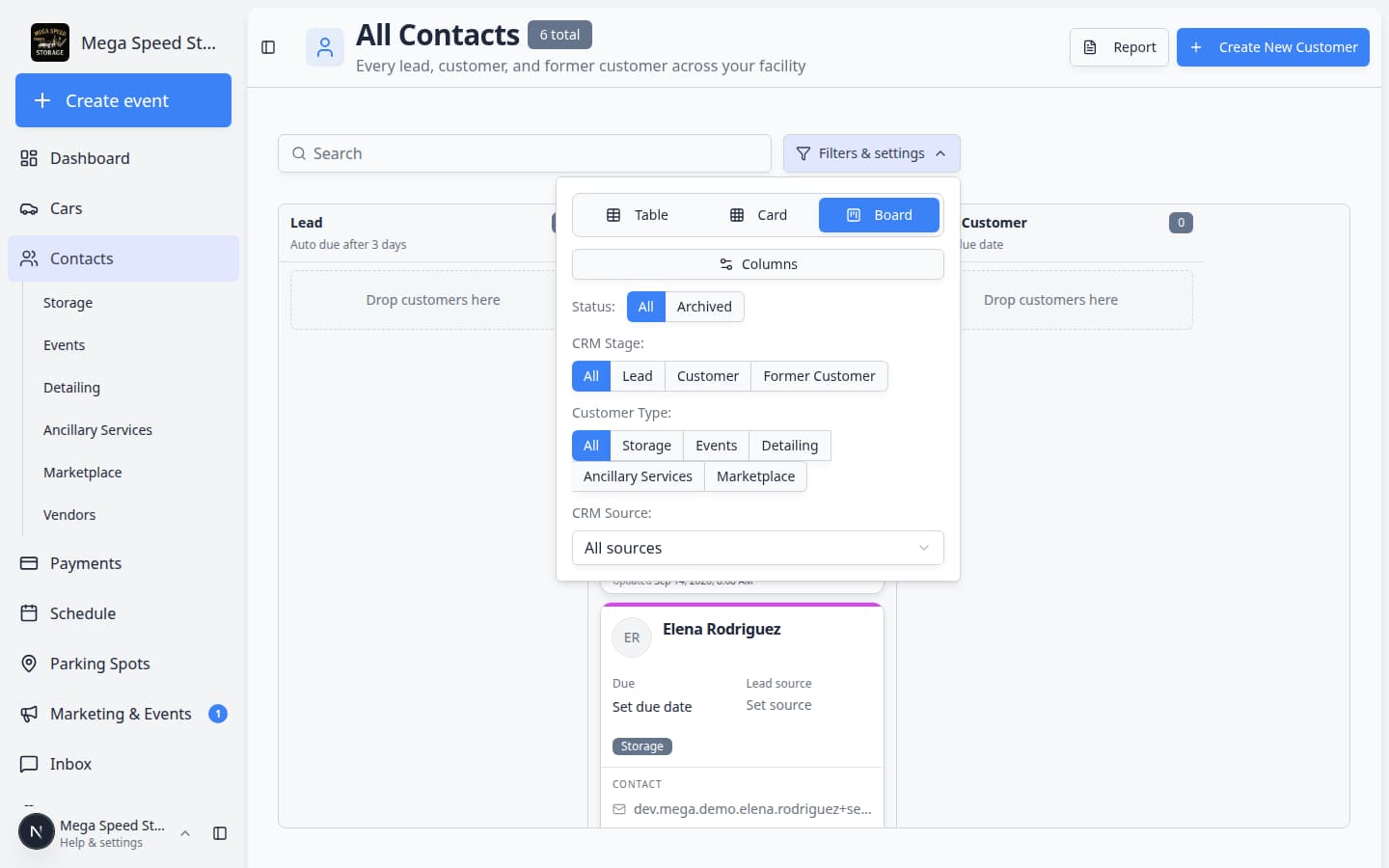
- Open Filters & settings → Columns in Table view to show or hide fields such as Cars, CRM Stage, City, In Stripe, and Location.
- Drag column headers to reorder the table; your layout persists on return visits.
- Click column headings to sort—for example Last Name or CRM Stage—and click again to reverse.
- Use the copy control beside Email or Phone when you need the address in a message without opening the full record.

How it fits your day
Card and Board views stay available for visual browsing; column customization applies to Table view where dense data matters. For exports with even more fields, use Report and Export and use the customer report. Bulk stage moves still run from table selection—see Bulk contact actions.
Get started
On All Contacts, open Filters & settings, set Table view, enable Location (if you use multiple sites), and reorder columns to match your daily call list.
Questions about this update?
Book time with our team or browse the rest of the changelog.