Product update
Bulk contact actions
Move CRM stages or send contracts to many contacts at once—with a wizard that shows who is ready and who still needs details.
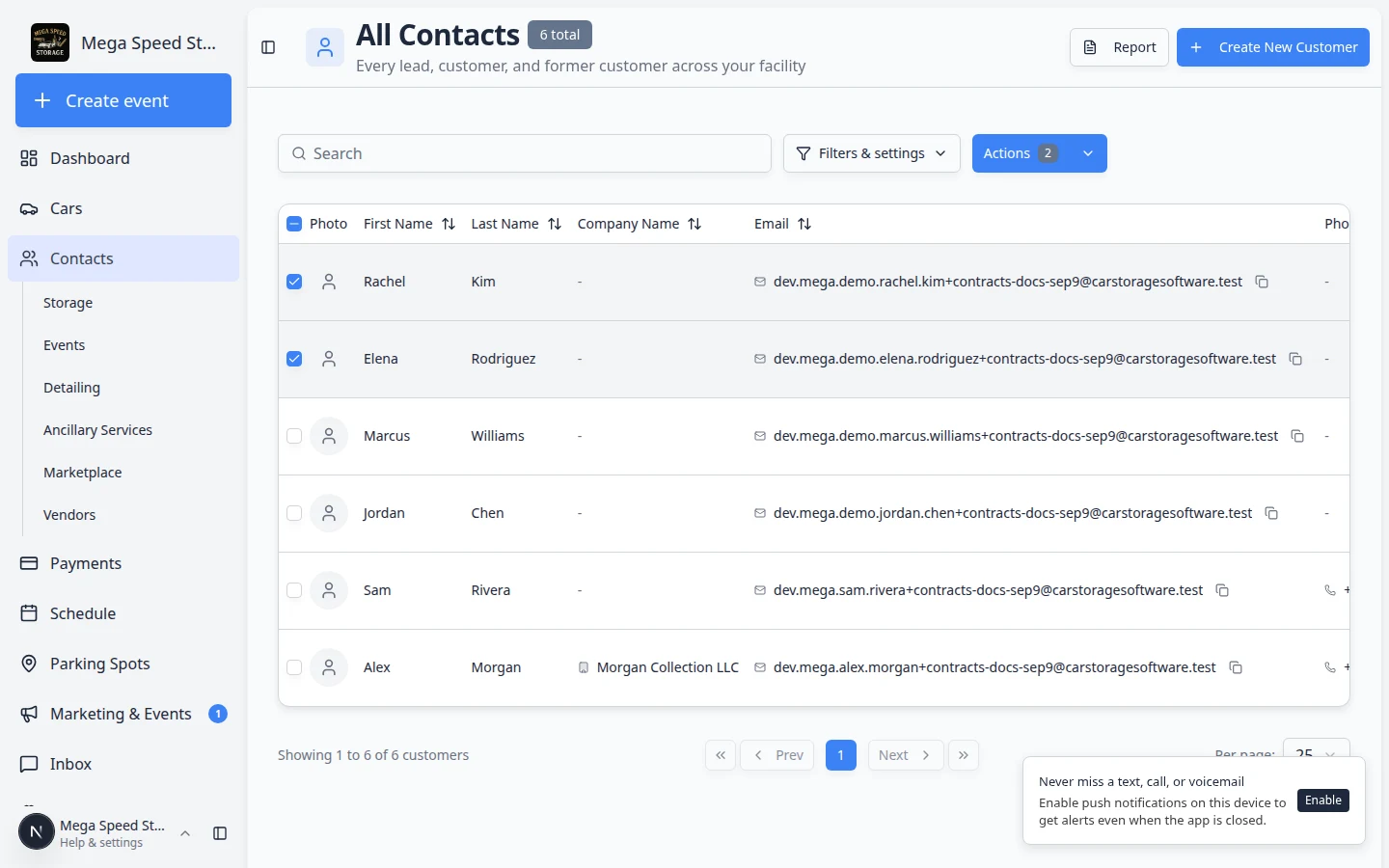
Pipeline updates and contract pushes should not mean opening fifty customer records one by one.
Why we built it
Seasonal move-ins, renewal campaigns, and stage cleanups hit the whole roster at once. Bulk actions let staff select contacts from All Contacts, then run Change CRM stage or Send contract through a guided wizard. You see who is ready, who is missing email or vehicle data, and what still needs to be filled before anything goes out—fewer partial sends and less time clicking row by row.
Who it is for
- Sales and onboarding teams moving groups of leads to Customer or another stage after an event or promotion.
- Office staff sending the same agreement template to many active storage customers.
- Managers cleaning up CRM hygiene after imports or facility acquisitions.
What you can do
- Select multiple contacts in Table view (row checkboxes) and open bulk actions from the Actions menu.
- Change CRM stage — apply one pipeline stage to every selected customer in a single step.
- Send contract — start a bulk signing flow with a template; the wizard lists recipients who are ready vs. blocked.
- Fix blockers (missing email, vehicle, or required fields) before confirming, instead of discovering failures after send.
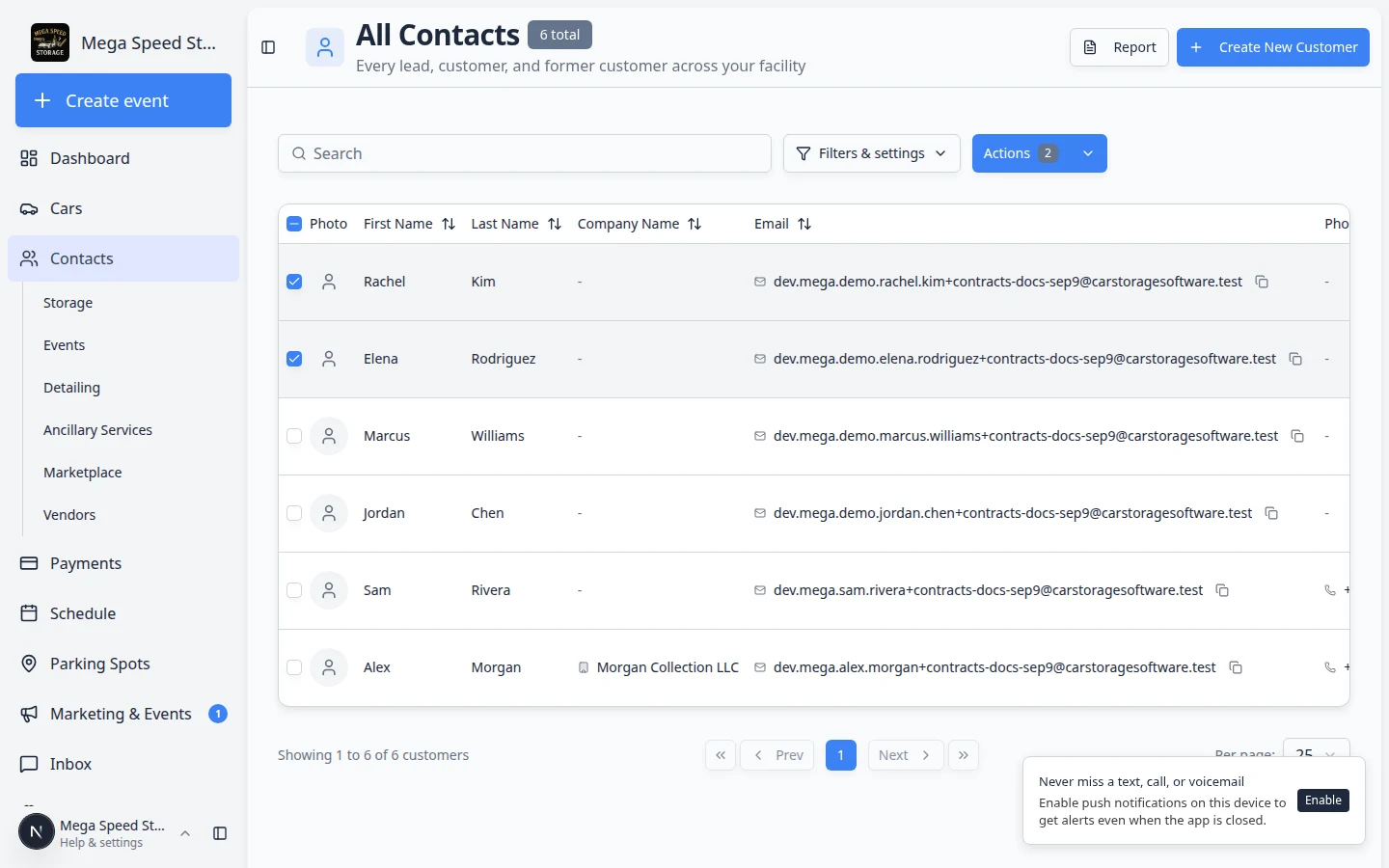
How it fits your day
Bulk contract sends run as jobs you can monitor—pause, resume, and retry without duplicate signing emails. That pairs with one-time stage moves for the same cohort: update the board, then send paperwork, without re-selecting names.
Get started
Open All Contacts, select the customers you need, and choose an action from the bulk menu. For filtering before you select, use Find and filter contacts.
For long-running contract batches, open Bulk sends from Contracts to track progress.
Questions about this update?
Book time with our team or browse the rest of the changelog.