Product update
Customer-added vehicles
Let collectors add their own cars and photos from the customer app when you enable it—Settings → Website & signup, separate from onboarding registration.
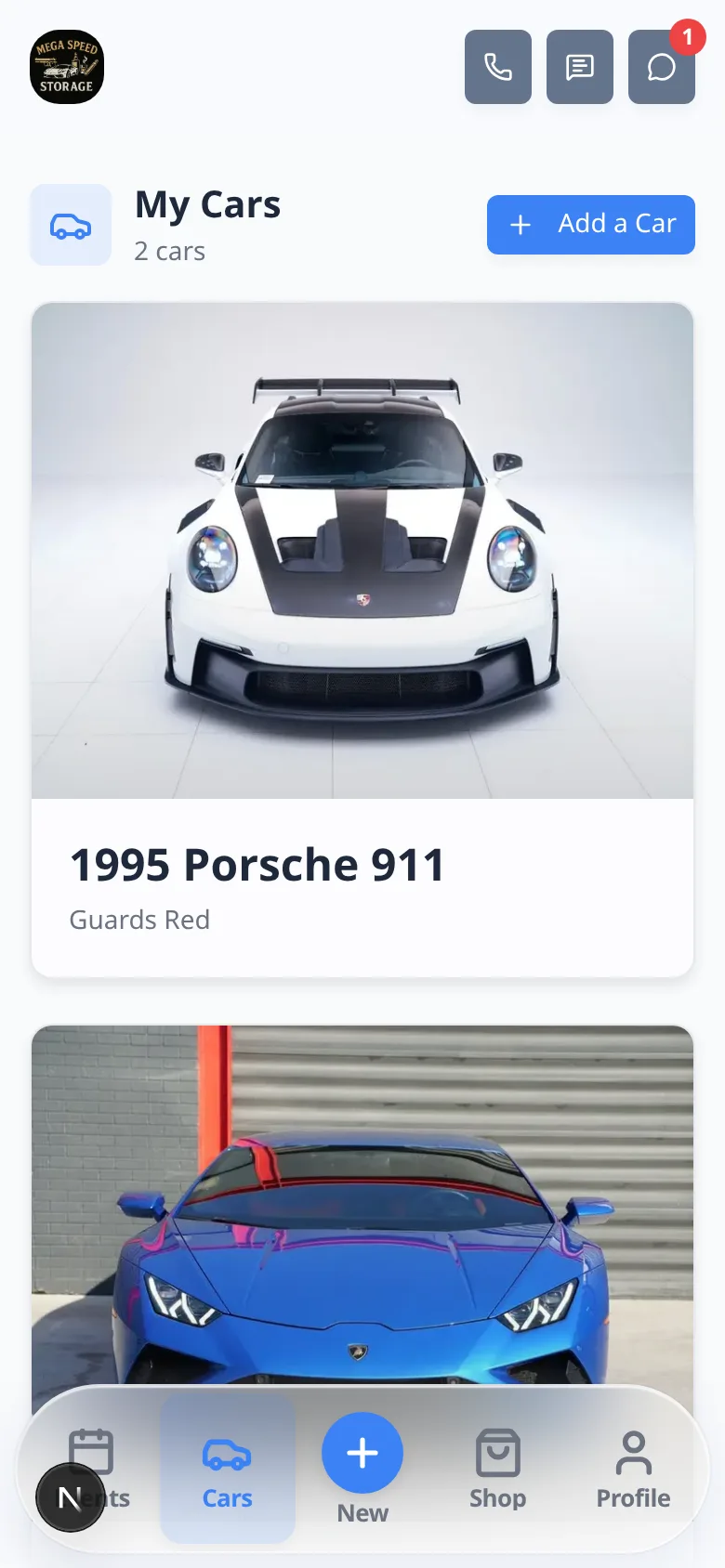
Collectors often buy another car between visits—and your team should not be the bottleneck for every new VIN.
Why we built it
Facilities can turn on Customers can add cars under Settings → Website & signup (customer home / portal layout). When enabled, owners use Add car on the portal Cars page and home car widgets: enter vehicle details, upload photos (including from the phone camera), and create the record tied to their account. When disabled, only staff add vehicles—customers still see cars you assign. This is post-onboarding self-service; the public registration form and Cars onboarding step stay under Customer onboarding. During incomplete onboarding, customers can still complete an enabled Cars step even if portal self-add is off.
Who it is for
- Private storage and club facilities with engaged owners who maintain their own garage list.
- Teams using customizable customer portal pages who want Cars widgets to include an add flow.
- Admins with Marketing permission who control whether self-add is allowed facility-wide.
What you can do
- Toggle Customers can add cars on or off for the whole team.
- Review new vehicles on the staff car record as they appear—same data model as staff-created cars.
- Leave the switch off and rely on staff assignment when you want every vehicle vetted before it hits the lot map.
- Pair with contract and required-agreement workflows when new cars must be added to signed agreements (update agreements when cars change).
How it fits your day
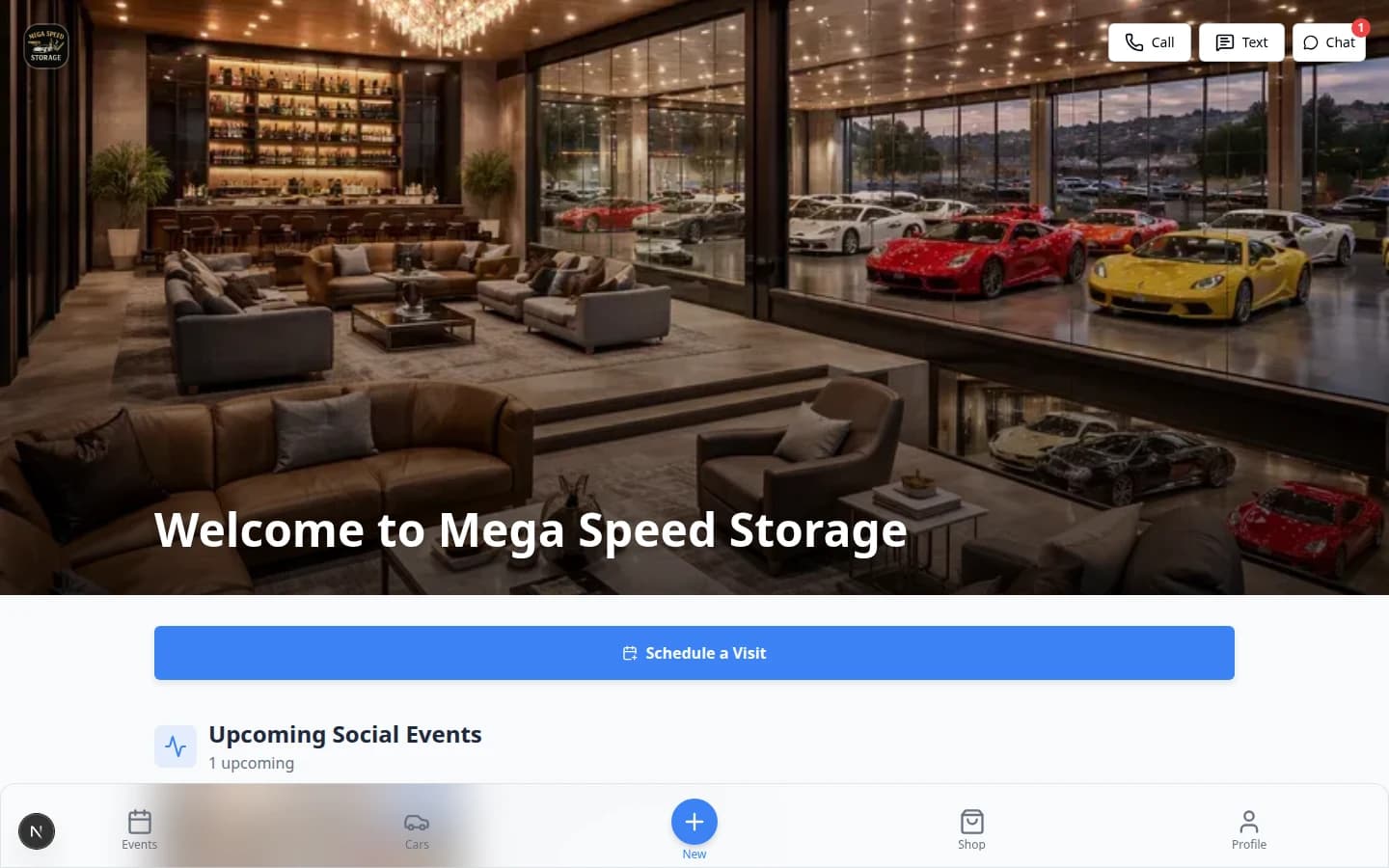
Enable self-add for trusted members after onboarding, then spot-check photos and details from the dashboard. Turn it off during a strict intake period; registration and onboarding car steps continue to follow their own settings.
Learn more
Questions about this update?
Book time with our team or browse the rest of the changelog.