Product update
Combined customer events view
Add an Upcoming Events home section that lists scheduled vehicle work and social events together on the customer portal home page.
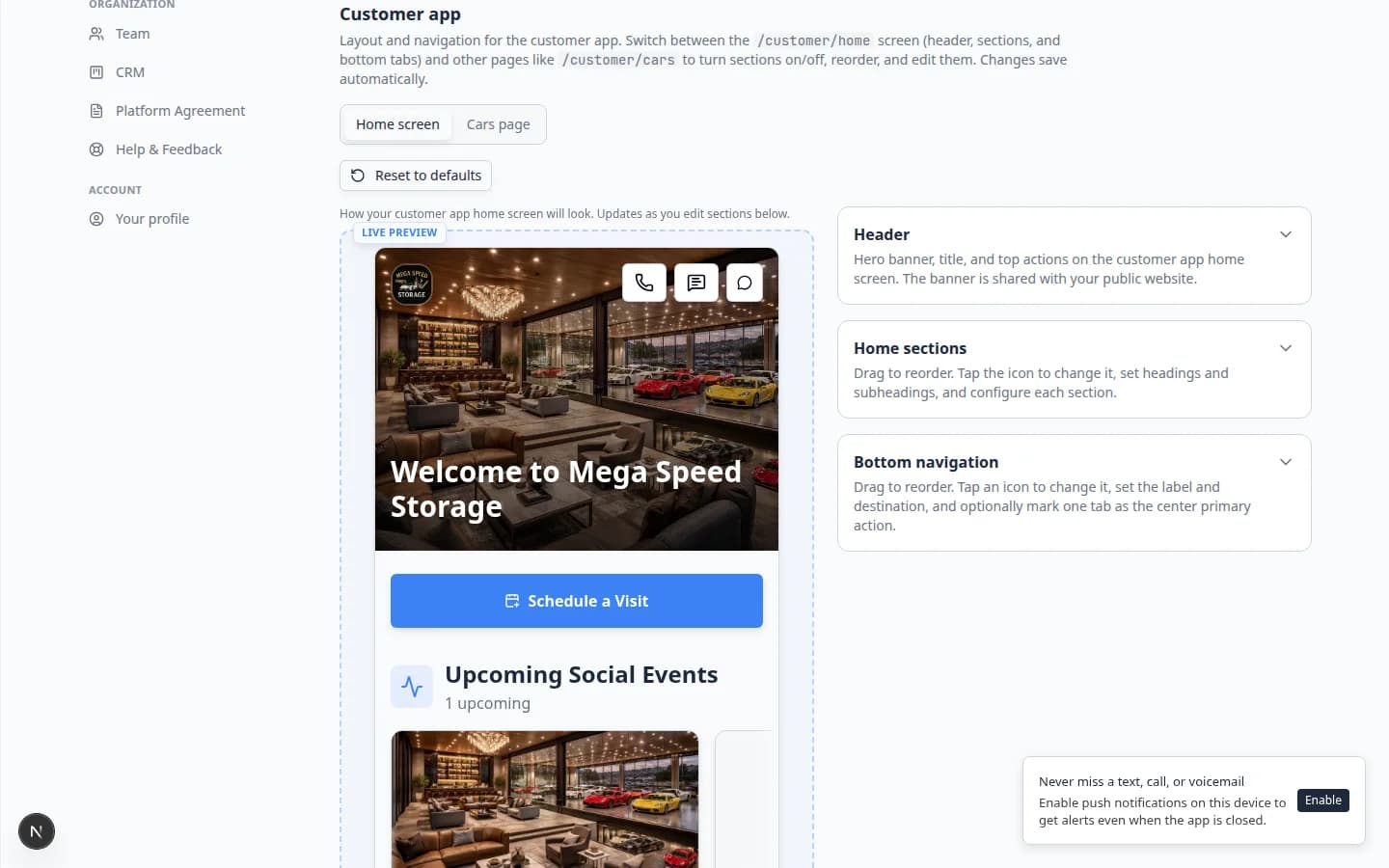
Customers should not jump between two lists to learn what is happening this week.
Why we built it
The customer home screen can show separate widgets for car appointments and social events, but many facilities want one timeline—service drop-offs, detail visits, and club nights in chronological order. Combined customer events view adds the Upcoming Events (all_events) section to the configurable customer home: scheduled vehicle work and social events in a single list, with links into each event’s detail flow.
Who it is for
- Admins customizing the signed-in experience under Customize the customer mobile app.
- Facilities running both Schedule work and social events with RSVPs.
- Teams already using Customizable customer portal home layout controls.
What you can do
- In Home sections, add All events (car + social) / Upcoming Events and drag it where customers will see it first.
- Customize the section title and subtitle (default title: Upcoming Events).
- Let customers scan upcoming car events (with vehicle context) and social events (with RSVP state) in one feed.
- Keep separate Upcoming car events or Social events widgets instead if you prefer split lists.
How it fits your day
Use the combined section when most customers live on Home; keep a dedicated Events bottom tab for power users who browse everything. Social-only facilities can hide car widgets; service-heavy sites can still show social nights in the same list.
Get started
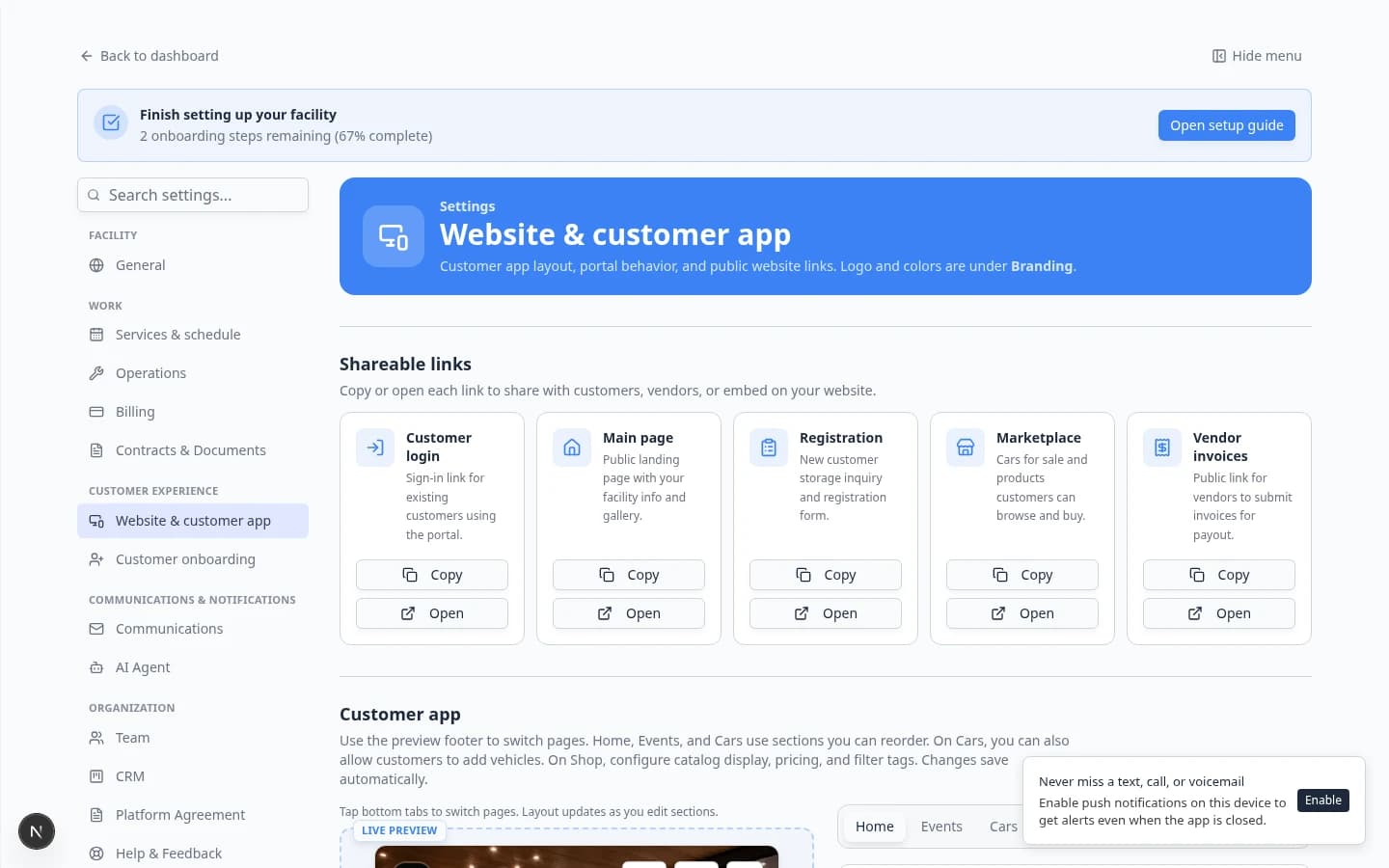
Open Website & customer app → Customer app → Home sections, enable Upcoming Events, save, and sign in as a test customer with both a scheduled service and an open social event on the calendar.
Questions about this update?
Book time with our team or browse the rest of the changelog.