Product update
Booking add-ons and vehicle handoffs
Offer priced optional extras when booking service, then guide staff through where the car goes when work finishes—on site, to a vendor, to the customer, or elsewhere.
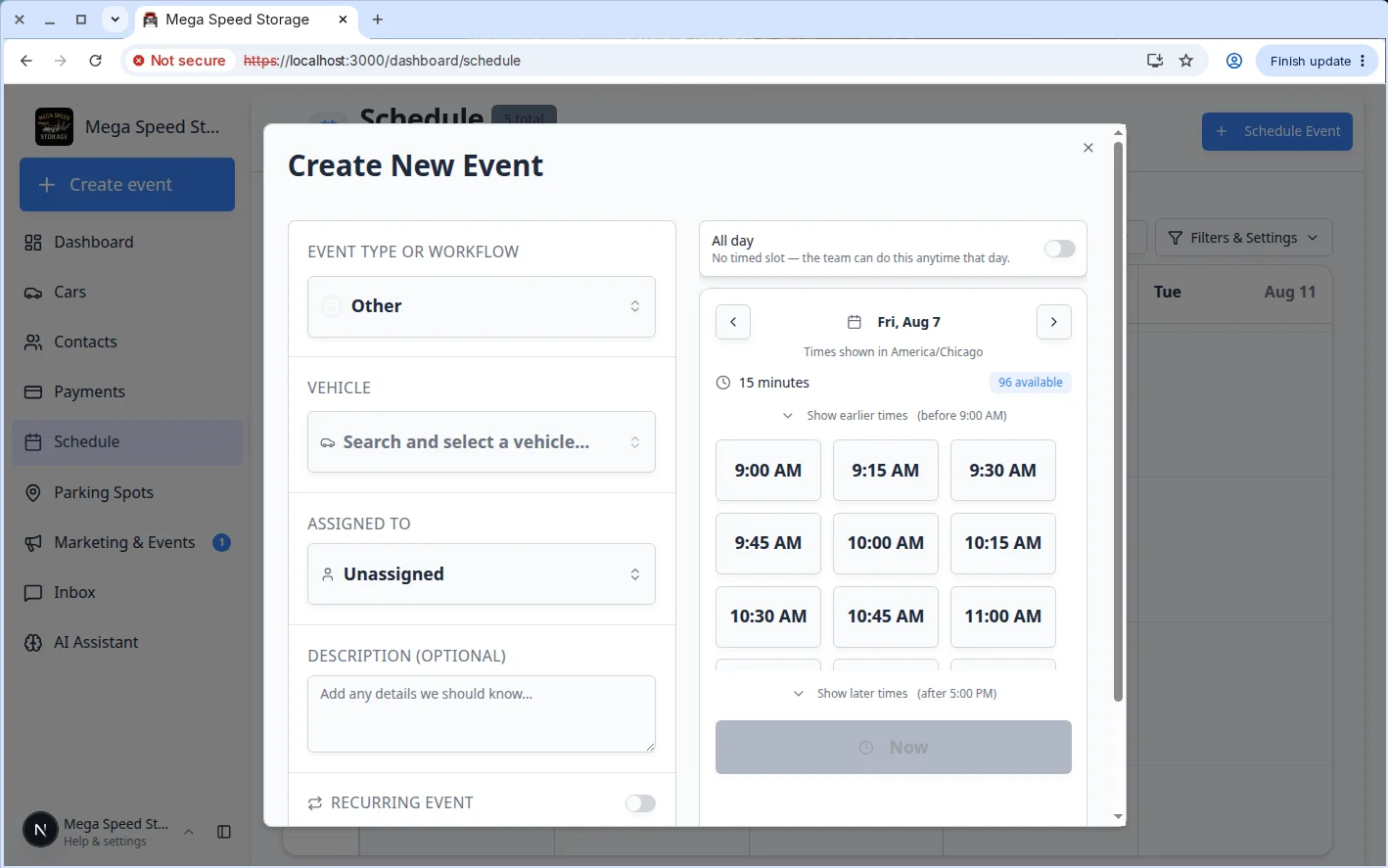
A detail appointment with ceramic coating should not require a second booking—and finishing work should not leave the car’s location a mystery.
Why we built it
Service event types often include optional add-ons (extra time, upsell lines, assignee defaults) that customers or staff should pick at booking time with clear prices. When the visit ends, the car might stay in a spot, move to a vendor, return to the customer, or leave for a custom destination. Booking add-ons and vehicle handoffs connects both: Booking add-ons during schedule creation and customer booking flows, and a destination step at completion—configured per event type in Guided event type setup—so staff record custody before the session closes.
Who it is for
- Front desk staff creating events on Schedule.
- Admins defining add-ons on the event type Pricing step and Type destination rules.
- Technicians completing walkthroughs and session work who must answer “where does this car go next?”
What you can do
- Open Add-ons when booking an event type that offers extras—toggle options and see priced lines before confirming.
- Carry selected add-ons into billing and assignment defaults configured on the type.
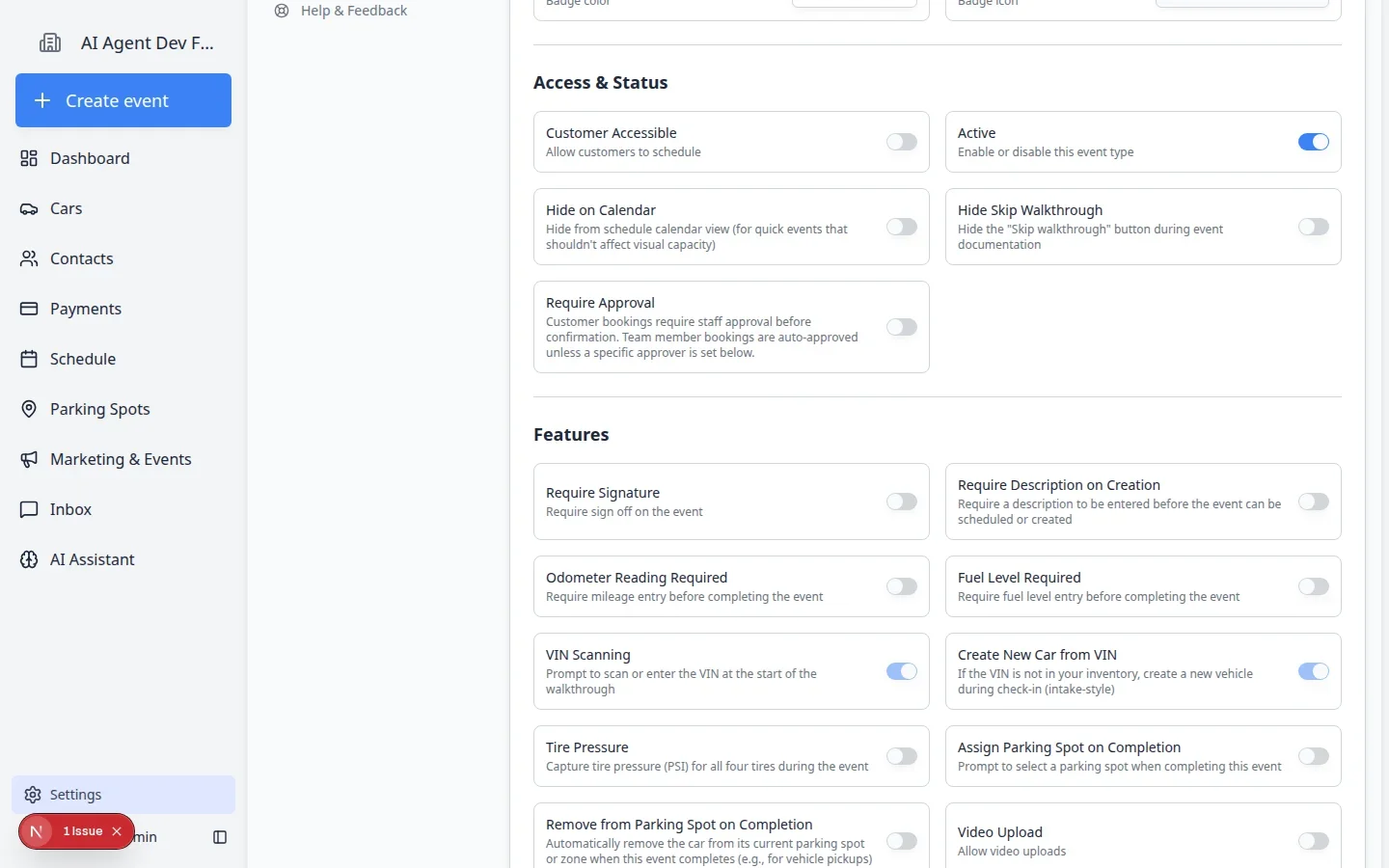
- On completion, use the destination step when the type requires it—spot or zone, vendor, customer, or custom handoff.
- Let automatic completion rules clear off-site cars when the type marks them gone after staff record custody.
How it fits your day
Add-ons reduce back-and-forth invoices after the car is already on the lift. Destination prompts align with Clearer parking moves and vehicle details when staff move or release cars from parking views afterward.
Get started
Edit a test event type, add one priced add-on, book an appointment and select it, then complete a session and walk through the destination chooser once end-to-end.
Questions about this update?
Book time with our team or browse the rest of the changelog.