Product update
Automatic facility web addresses
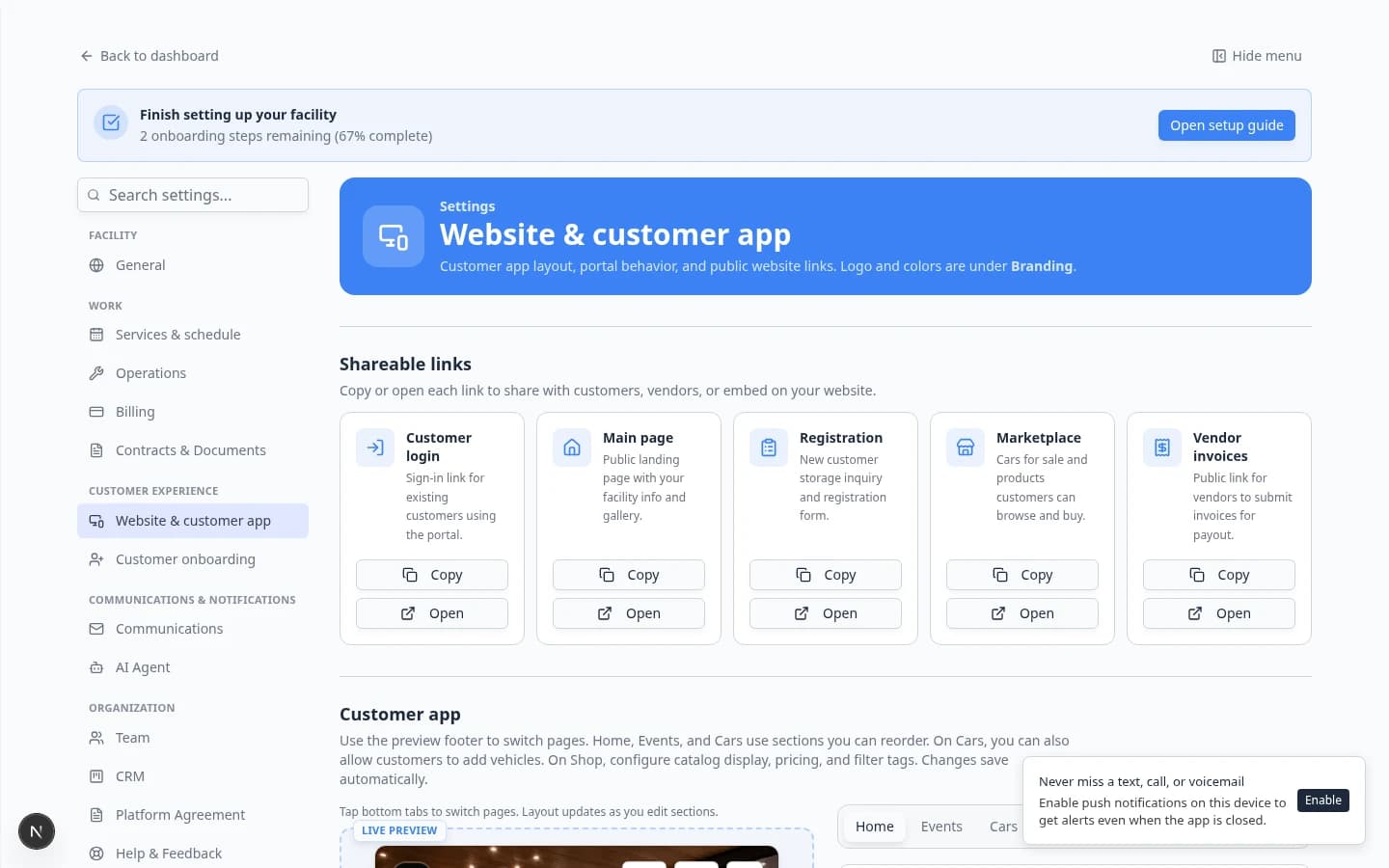
Turn on public facility pages without picking a slug first—the system assigns a readable, available /facility/ address from your facility name.
Publishing should not stall because nobody picked a URL slug yet.
Why we built it
Public facility pages need a stable path—/facility/your-slug—for landing pages, marketplace checkout, and share links. Teams often enable pages before marketing has chosen a final slug. Automatic facility web addresses allocate a slug from your facility or team name when you turn public pages on and no address exists yet, checking availability across other teams and appending -2, -3, and so on if needed. You can keep editing in Header & page settings afterward; legacy marketplace slugs promote automatically when present so old links keep working.
Who it is for
- Admins enabling pages under Settings → Website & customer app.
- Teams launching Richer facility web pages or Facility marketplace checkout who need a URL immediately.
- Anyone following Configure the facility landing page for manual slug best practices.
What you can do
- Enable public facility pages without typing a slug first—allocation runs in the background.
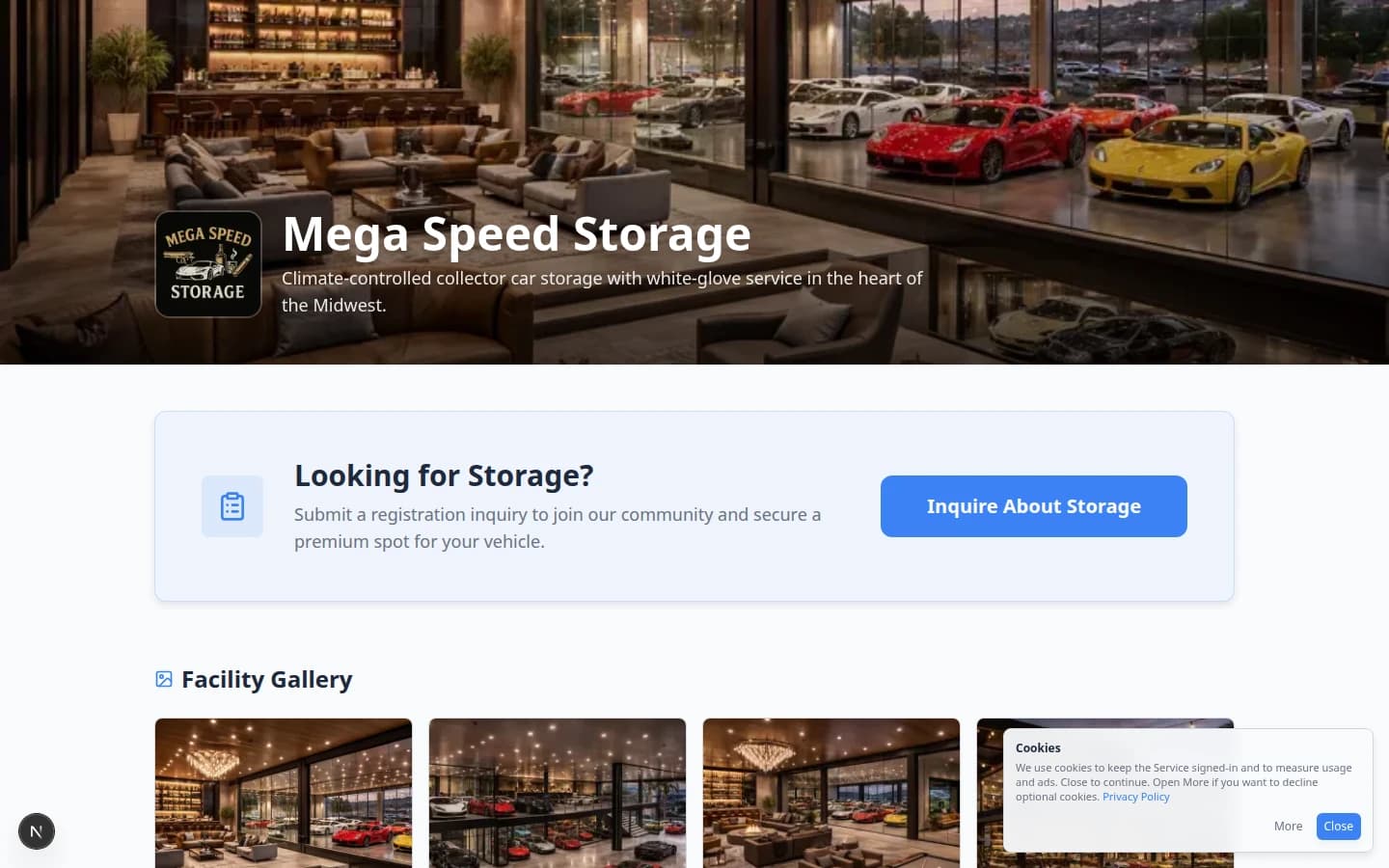
- Get a human-readable slug derived from your facility name (for example
mega-speed-storage). - Override the assigned slug anytime in Facility slug when you want a branded short name.
- Share
/facility/{slug}links knowing marketplace and landing routes use the same path.
How it fits your day
Auto-slugs are a starting point: shorten or rename before printing QR codes on brochures. Enabling public pages also turns on facility marketplace surfaces—confirm products and shop settings before sharing widely.
Get started
On a test team, enable public pages without entering a slug, confirm the generated Page address, then customize the slug to match how customers already say your facility name.
Questions about this update?
Book time with our team or browse the rest of the changelog.