Product update
Xero accounting integration
Automatic two-way sync of customers, invoices, payments, refunds, and payouts for Xero-first finance teams.
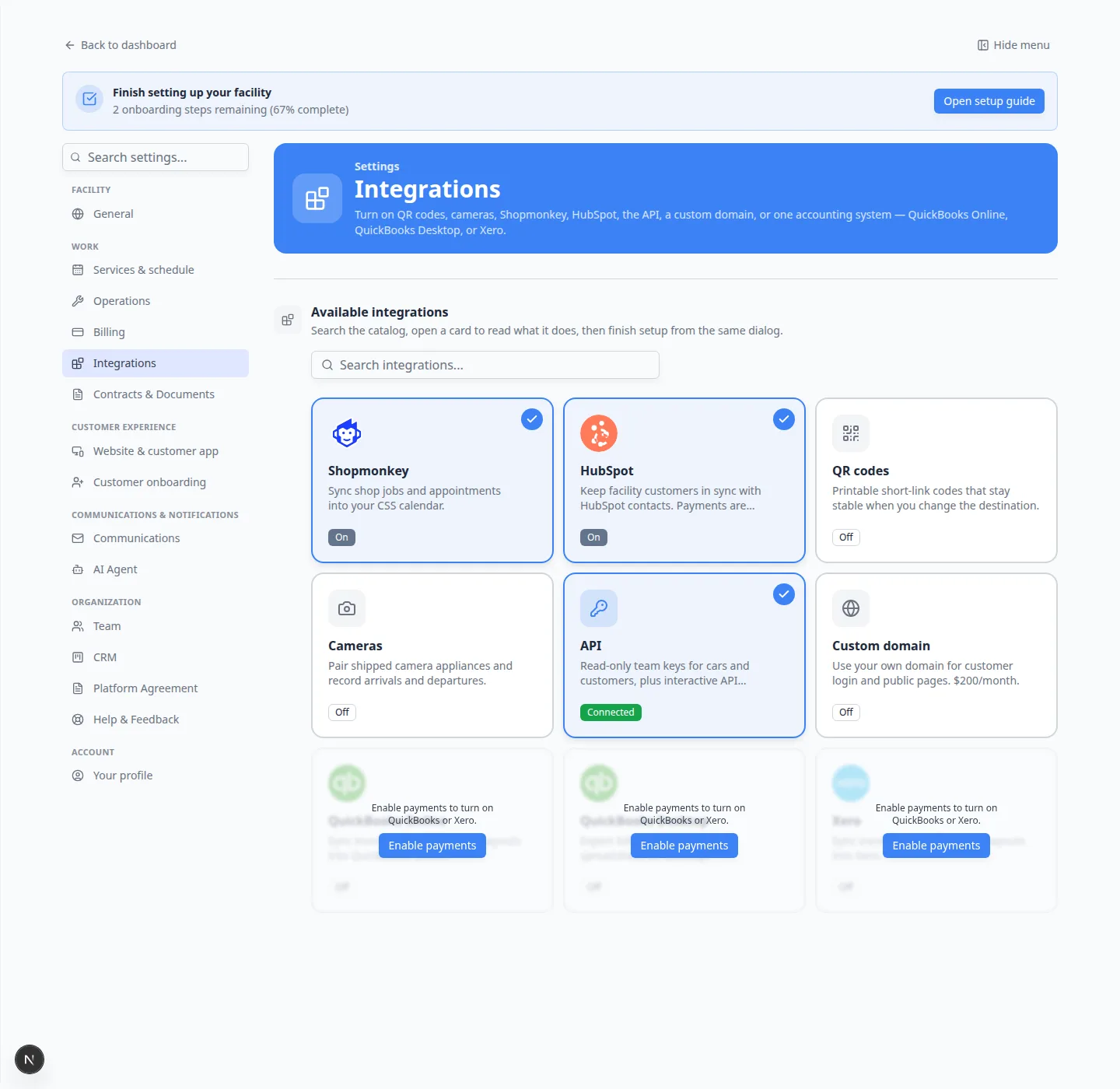
Facilities on Xero get the same automated handoff as QuickBooks users—books stay current without manual export.
Why we built it
International and Xero-native advisors need billing they can trust. Automatic sync means CSS invoices match Xero without duplicate entry.
What you can do
- Enable Xero from the integrations catalog and complete OAuth connection.
- Sync customers, invoices, payments, refunds, and payouts.
- Use sync history to confirm each run.
Get started
Questions about this update?
Book time with our team or browse the rest of the changelog.