Product update
Smarter vehicle import review
Match owner names and parking spots during vehicle import, review suggestions row by row, and change, skip, or create before cars are added.
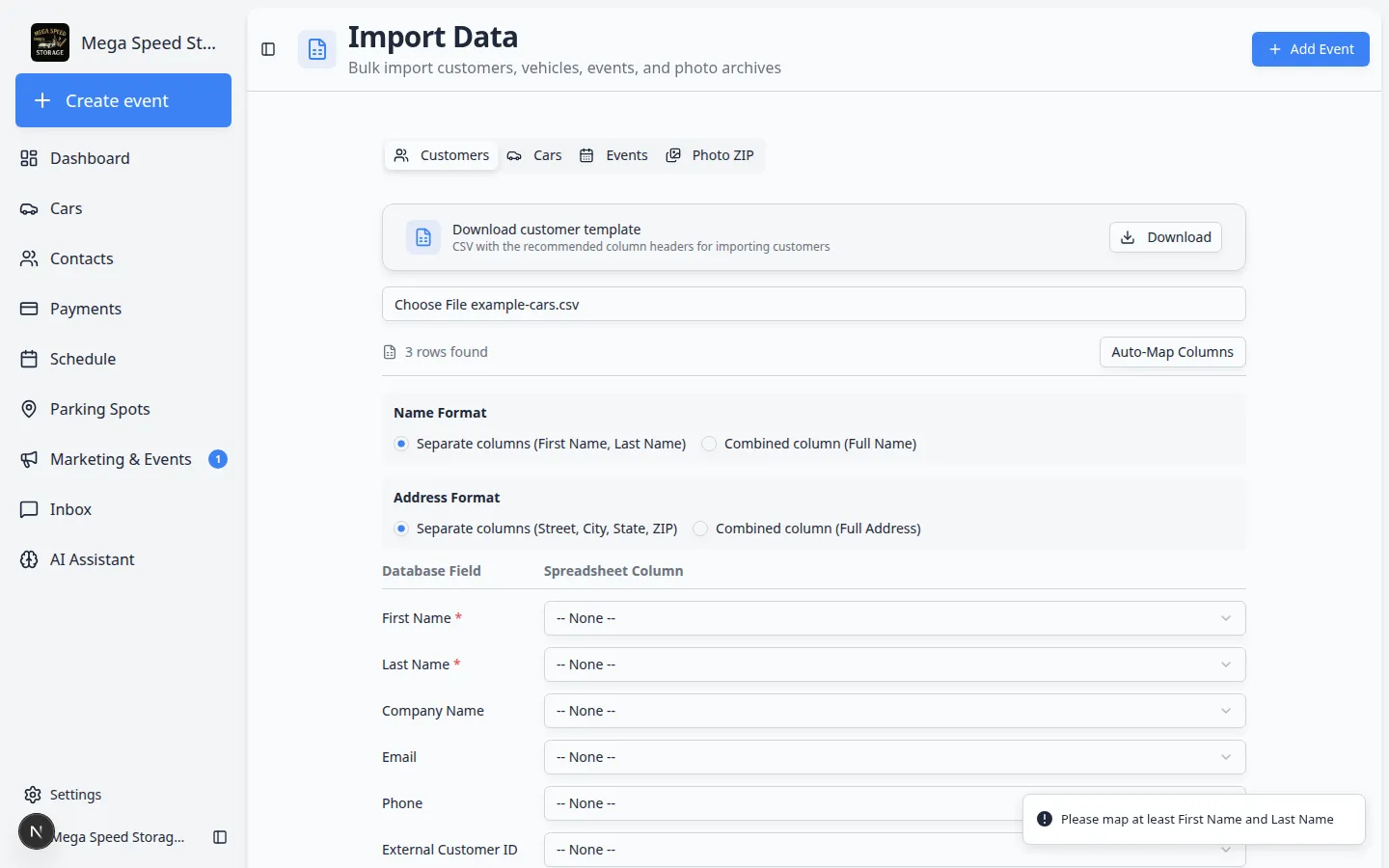
Spreadsheet owner names rarely match CRM records character-for-character—and spot “A-1” is not always spot “A1.”
Why we built it
Bulk vehicle imports often include owner names and parking spot or zone labels that almost—but do not exactly—match what is already in Car Storage Software. Smarter vehicle import review runs fuzzy matching against customers and parking spaces, surfaces suggested matches in a dedicated review step, and lets staff pick a different customer, assign another spot or zone, create a new customer, or skip linking for a row before any car record is created.
Who it is for
- Admins migrating inventory from another system via Import or onboarding Car import.
- Teams following Import vehicles from a spreadsheet with owner and spot columns mapped.
- Anyone importing rows that already link by customer email—those rows stay locked to the matched account while other rows get name-based suggestions.
What you can do
- Map owner and parking columns, then continue to match review after column mapping.
- Accept suggested customer and spot/zone matches when confidence is high, or open the picker when several candidates tie.
- Skip owner or parking assignment for a row you will fix manually later.
- Create customer from the review table when the owner is new but the car should still import.
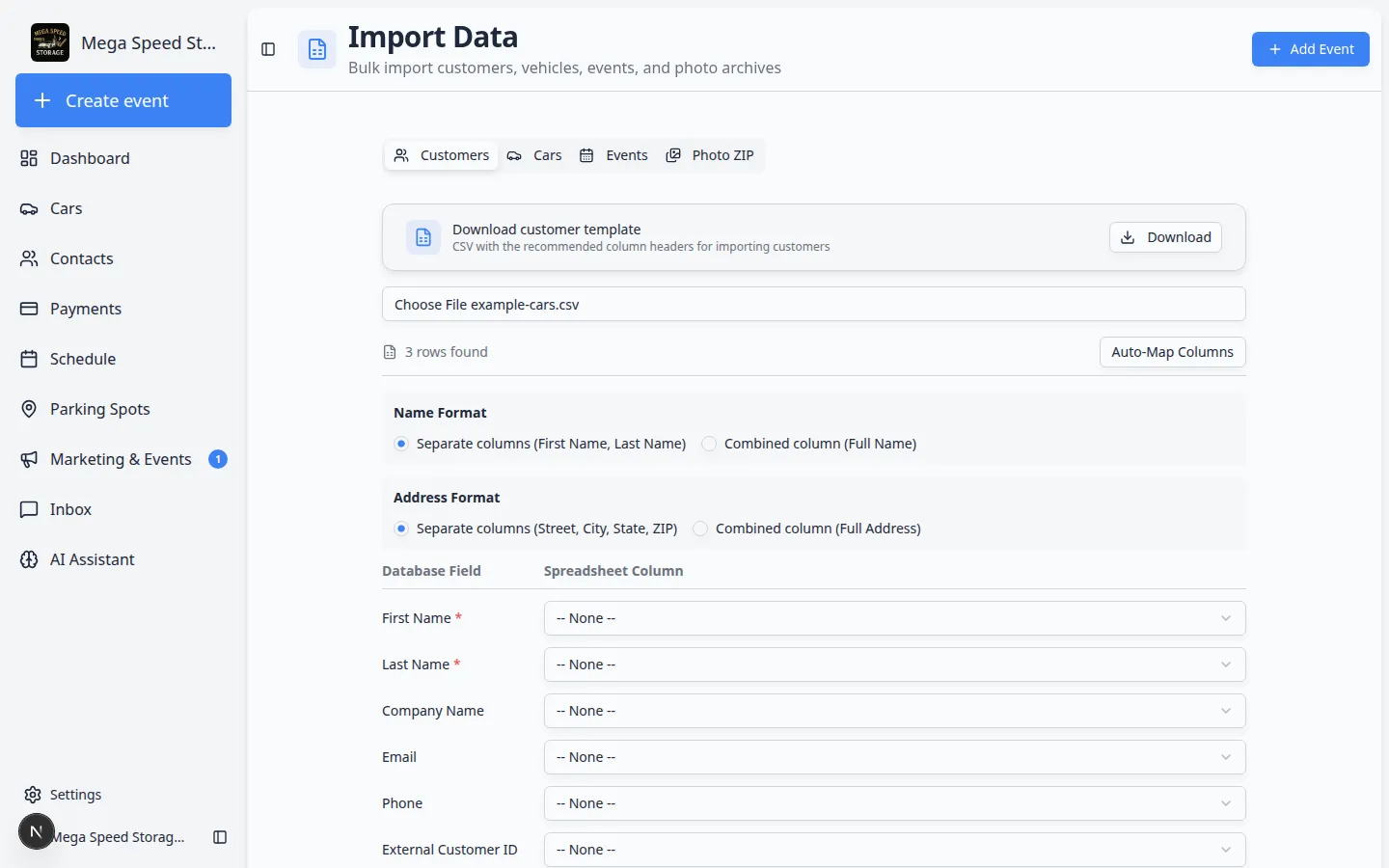
How it fits your day
Run match review once per file before you commit thousands of rows. For large files with photo URLs, import in batches and use review on each batch—match review is the human gate for ownership and location accuracy.
Get started
Import a small test CSV with three cars: one with a known customer email, one with a slightly misspelled owner name, and one with a spot label that differs only by punctuation—walk through review before importing production data.
Questions about this update?
Book time with our team or browse the rest of the changelog.