Product update
Recover payment methods from duplicate records
When a contact’s email still has cards on an old duplicate customer, import payment methods onto the active account from the Contacts section.
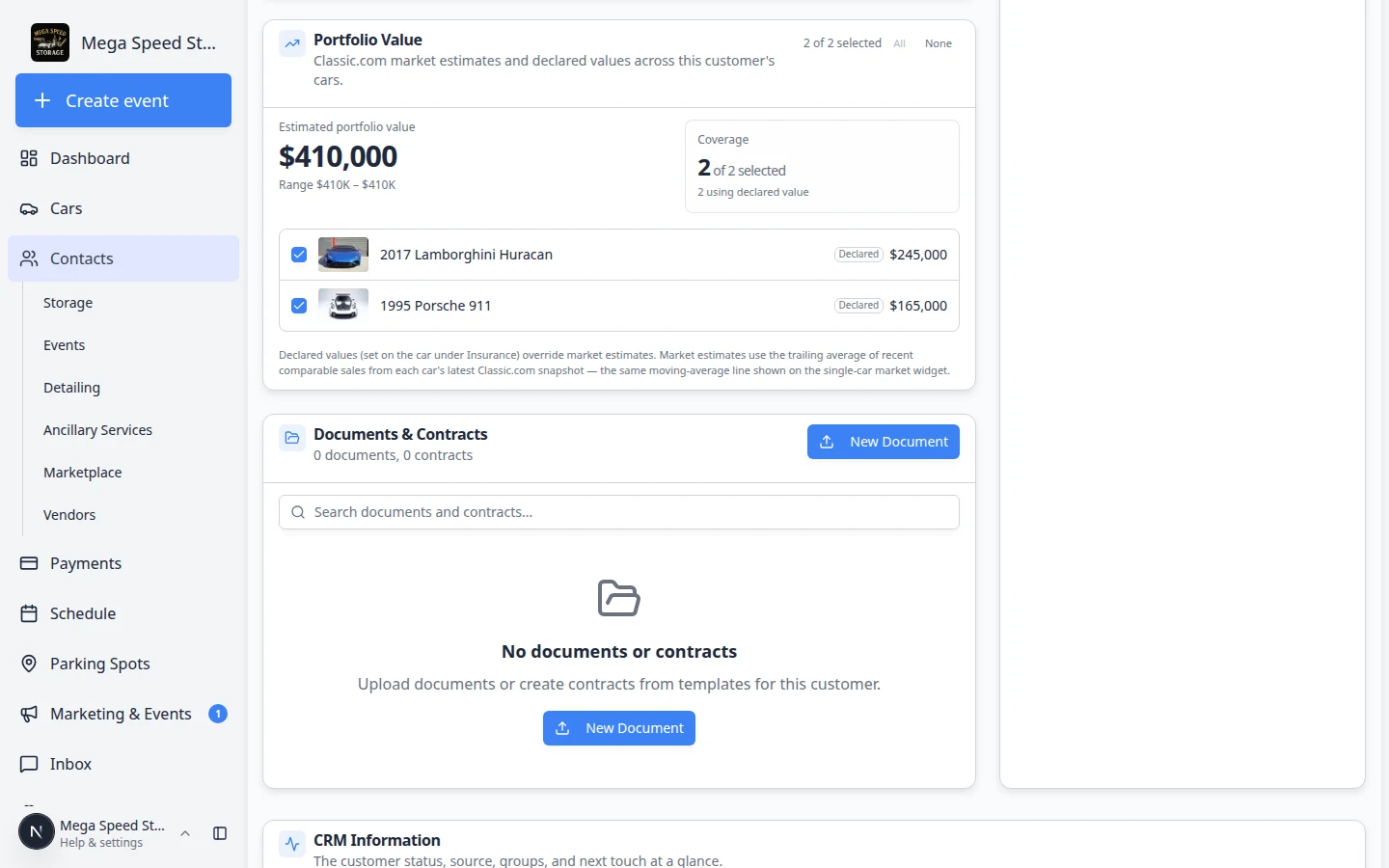
Customers should not re-enter a card because the account was split twice.
Why we built it
Imports and manual entry sometimes create a second customer row for the same person. The active account gets new work, while the duplicate or archived row still holds Stripe payment methods or portal login. Recover payment methods from duplicate records detects when an additional contact’s email matches that leftover row and surfaces an Import to this customer action on the parent’s Contacts tab—moving saved cards (and related billing links when applicable) without a new checkout flow.
Who it is for
- Billing staff cleaning up after imports or spouse-or-assistant record splits.
- Anyone using Handle duplicate or merged customer records or Migrate to additional contact on a contact record.
- Teams with Connect billing who rely on cards on file for recurring plans and open invoices.
What you can do
- See a Recover payment method alert when a contact’s email matches a duplicate with saved payment methods or portal access.
- Review how many methods (or portal login) sit on the old record before importing.
- Run Import to this customer to move billing onto the account you use day to day.
- Still use Migrate to contact in the danger zone when the whole duplicate person record should become an additional contact under another customer.
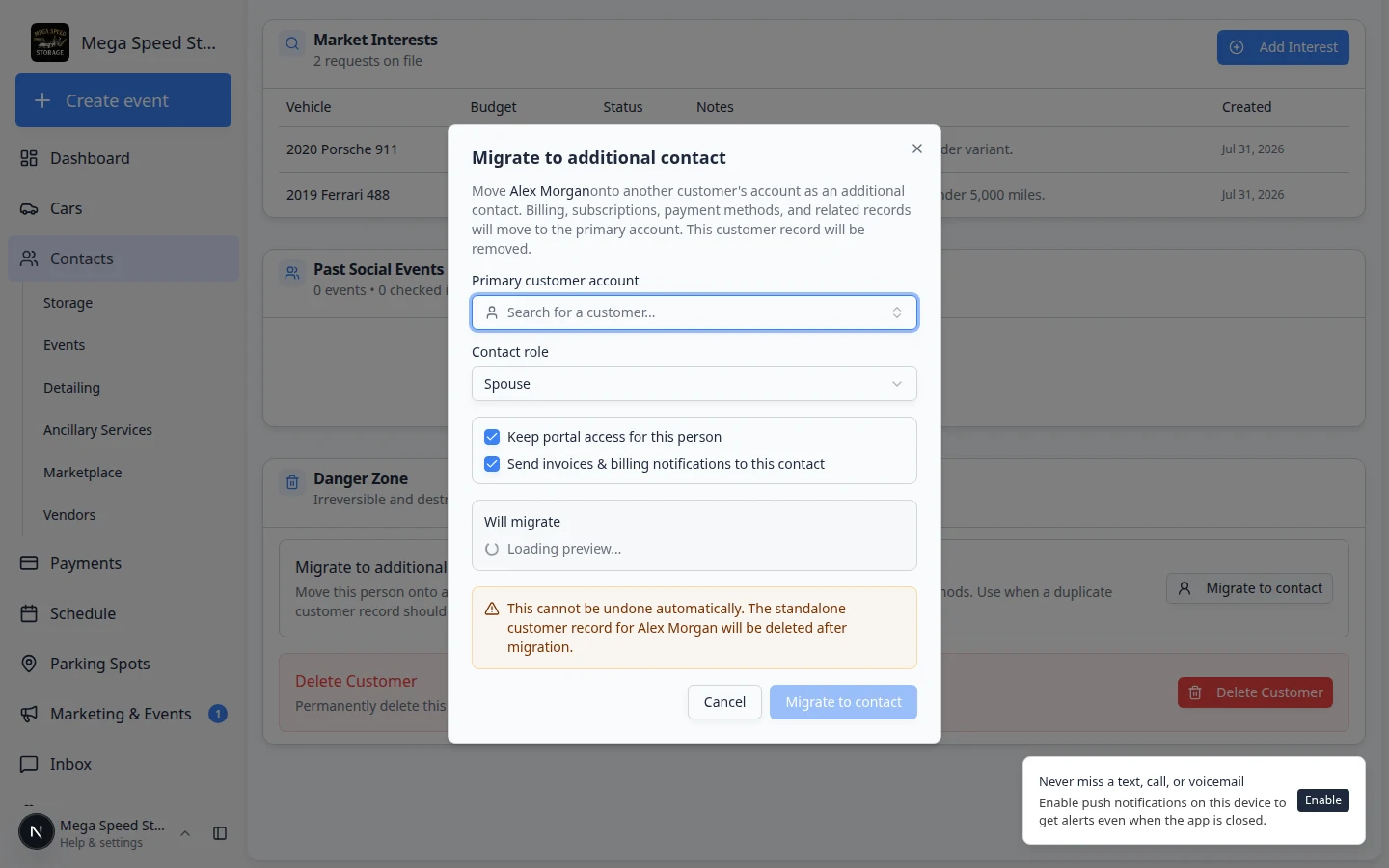
How it fits your day
After merging households or fixing import duplicates, open the primary customer, scroll to Contacts, and resolve any recovery banners before sending a new payment link. If no banner appears, confirm the contact email exactly matches the duplicate row and that the old record still has Stripe methods on file.
Get started
On a customer with a known duplicate, open Contacts → the active record → Contacts, follow a Recover payment method alert, and confirm billing works on the next invoice or recurring charge without re-collecting the card.
Questions about this update?
Book time with our team or browse the rest of the changelog.