Product update
More reliable mobile photo uploads
Intake photos on phones keep uploading when GPS is slow—location is pre-warmed and time-capped, and capture stays in the app instead of bouncing to the system camera sheet.
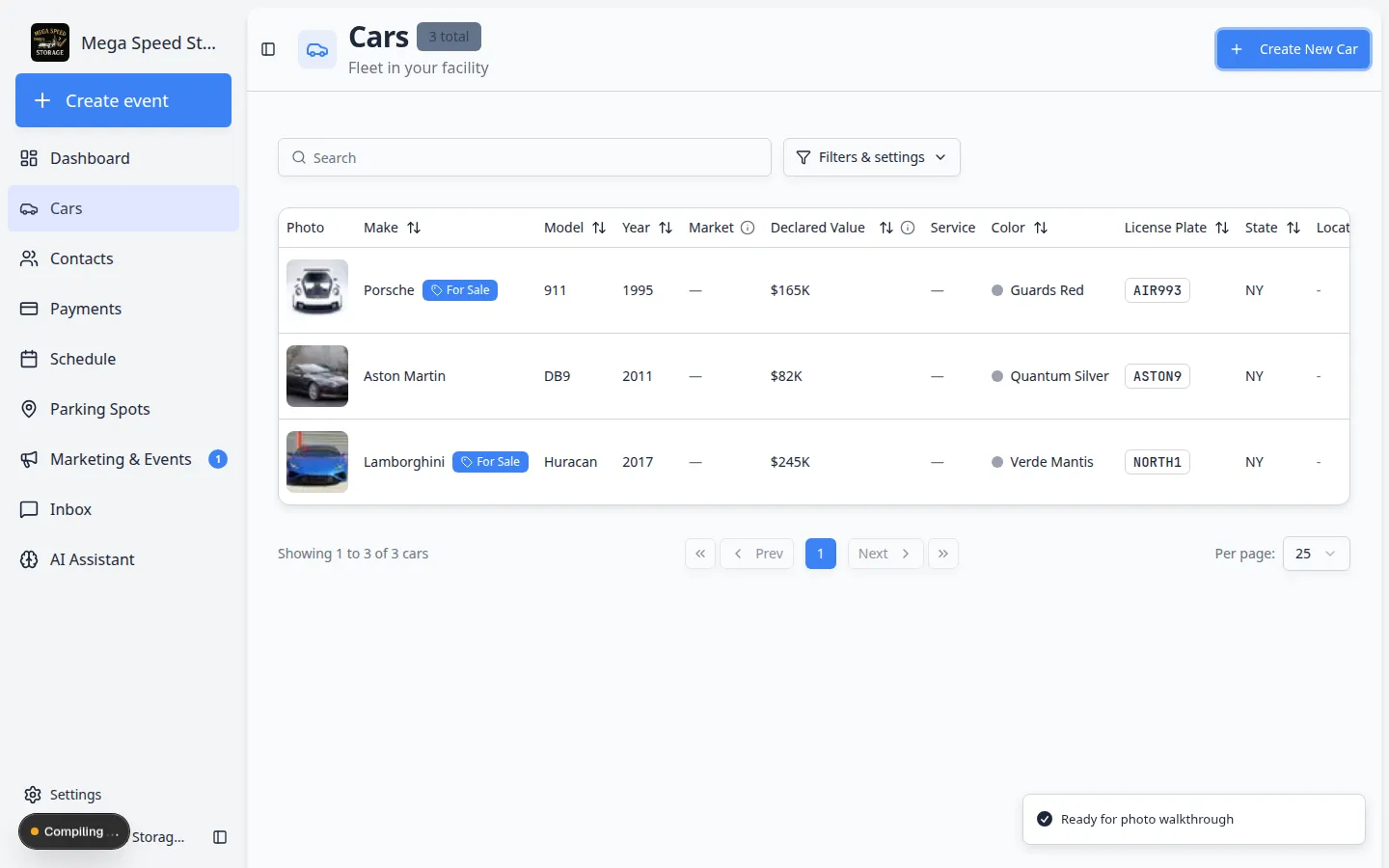
A photo queue stuck at zero percent on the lot kills throughput for the whole team.
Why we built it
Staff capture most walkthrough and checklist photos on phones—often inside the facility mobile app or PWA. Two failure modes slowed intakes: waiting indefinitely on device location while preparing an upload, and leaving the in-app flow for low-quality native camera sheets. More reliable mobile photo uploads pre-warm GPS when a capture step opens, cap the location wait (EXIF and a brief device fallback) so uploads still start if permission is slow, and rely on the in-app camera path (when enabled on the event type) so capture and upload progress stay on the same screen.
Who it is for
- Technicians on Run event workflow from Schedule or Guided event work pages.
- Admins who leave In-App Camera enabled on event types under Settings → Events & schedule.
- Teams on cellular links—uploads still downscale HEIC/JPEG client-side before upload to keep queues moving.
What you can do
- Shoot photos in walkthrough steps and watch the upload queue advance even when GPS is still resolving.
- Benefit from EXIF GPS on gallery picks when device location is unavailable.
- Keep capturing while earlier shots finish— the add-photo control stays available during background uploads.
- Export richer session PDFs after uploads complete—see Richer photo session reports.
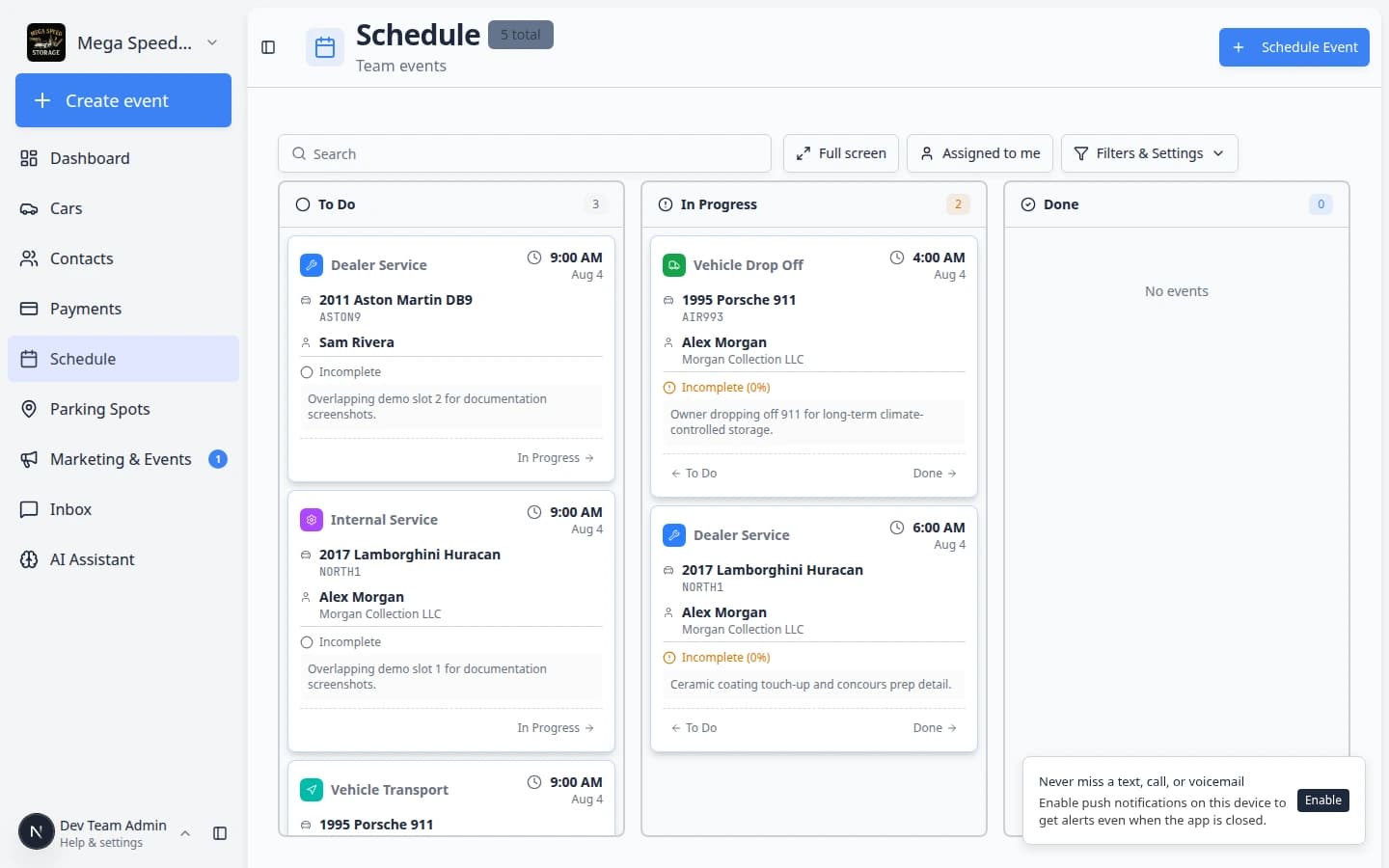
How it fits your day
Location on photos is best-effort: a short timeout means some shots may save without coordinates rather than hanging the session. Grant location permission when prompted once per device to improve metadata quality.
Get started
On a phone, open a test walkthrough, deny or delay location once, capture a photo, and confirm the upload progress bar moves within a couple of seconds while you remain in the app.
Questions about this update?
Book time with our team or browse the rest of the changelog.