Product update
Faster mobile staff navigation
A compact bottom bar on phones links Cars, Contacts, Schedule, and New—plus search with scan, recent queries, and recently viewed records.
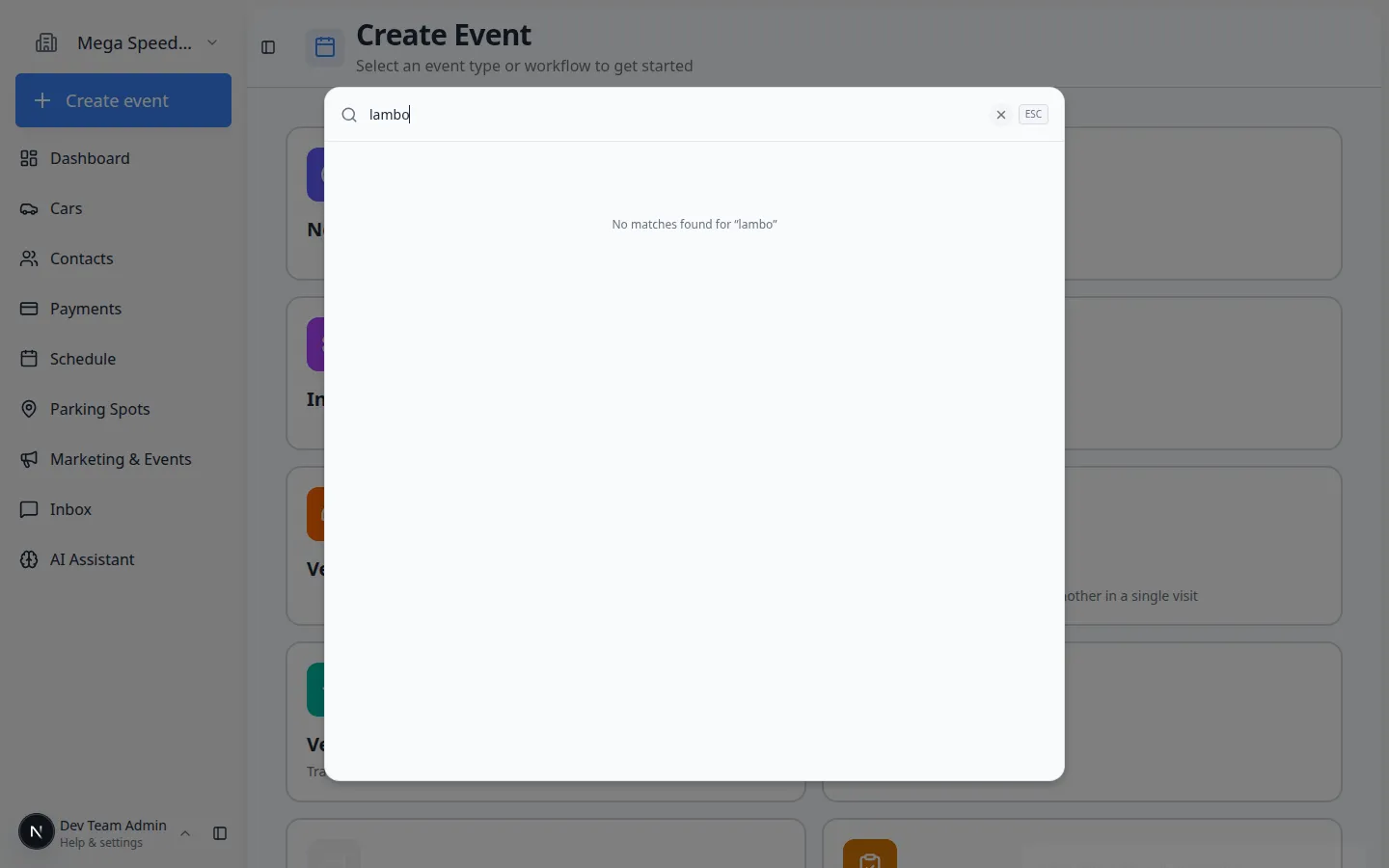
Lot staff should reach any record in a few taps—not open the full sidebar on a phone.
Why we built it
On compact widths the dashboard now shows a floating bottom navigation dock with Cars, Contacts, New (Create Event home), Schedule, and More (sidebar with inbox, parking, payments, and the rest). A search pill above the dock opens facility-wide search; the scan control launches VIN and plate lookup without leaving the floor. Search surfaces recent queries and recently viewed cars, contacts, spots, zones, and events so repeat lookups are one tap. The bar slides away while scrolling and returns when you stop, keeping walkthrough and list views readable.
Who it is for
- Staff using the dashboard in a mobile browser or the Android staff app WebView shell.
- Anyone who relied on desktop ⌘K search and needed parity on a phone.
- Teams already using Faster vehicle scanning and lookup from the dock scan button.
What you can do
- Jump to Cars, Contacts, or Schedule from the bottom dock without opening the hamburger menu.
- Tap Search for grouped results across cars, contacts, parking, and events.
- Use Scan for barcode VIN or plate capture when labels beat typing.
- Reopen recent searches or recently viewed records from the empty search state.
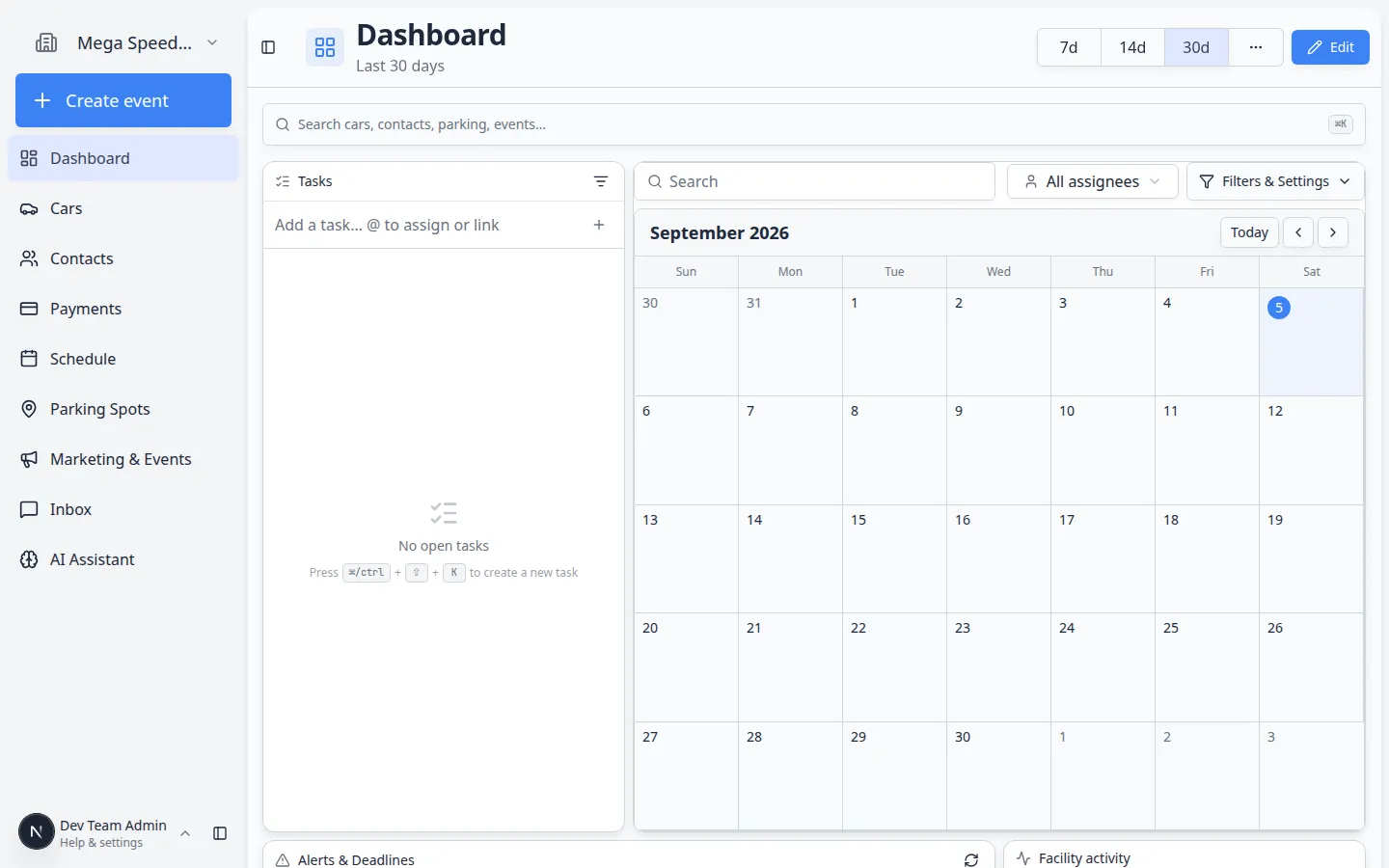
How it fits your day
Walk the lot with the staff app: scan a VIN from the dock, open the car, back out to Schedule for the afternoon pickup, then New to start the walkthrough—all without hunting through More for every hop.
Get started
On a phone, open the dashboard, scroll a long list and confirm the dock hides, then tap Search and run one query—you should see recents populate after you open a result.
Questions about this update?
Book time with our team or browse the rest of the changelog.