Product update
Faster guided product setup
The product wizard creates a draft record after Basics so you can add prices, marketplace options, and inventory without losing work mid-flow.
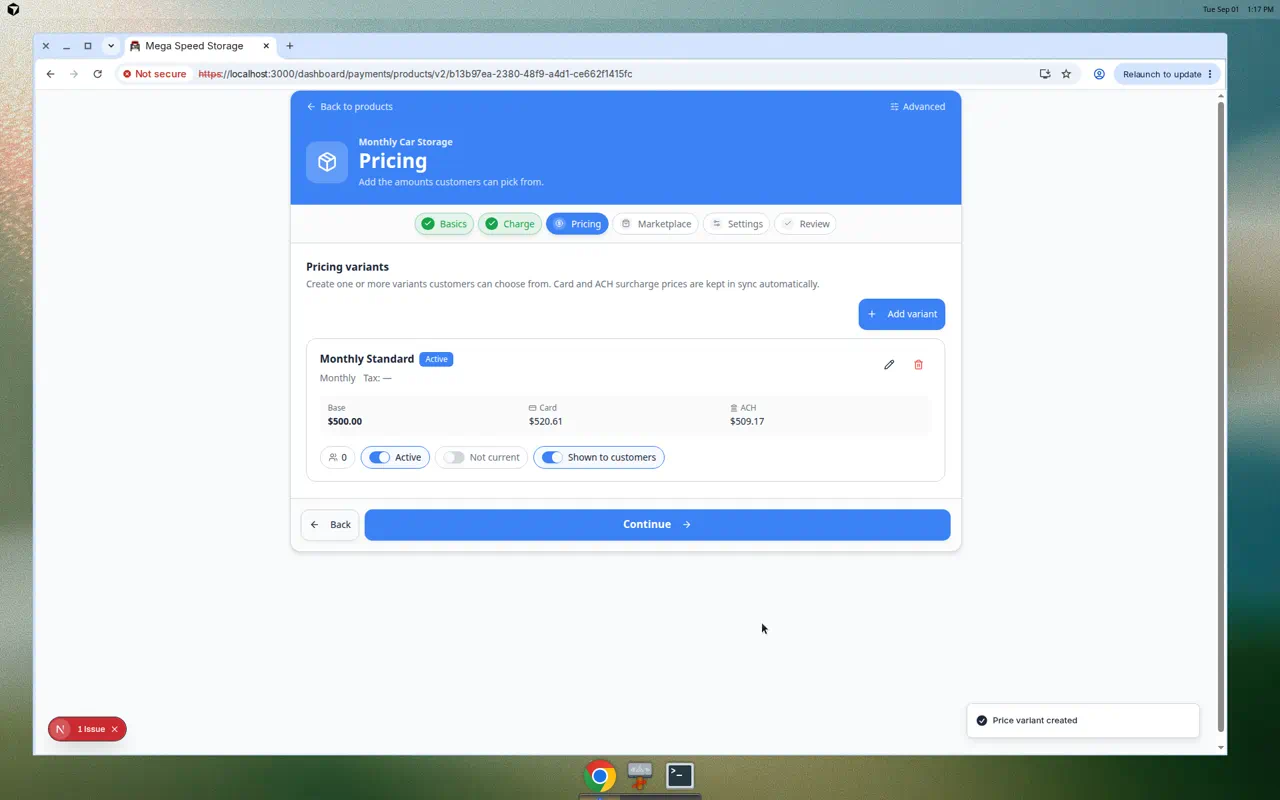
Pricing steps need a real product ID—not a browser tab full of unsaved form state.
Why we built it
The Guided product setup wizard already split Basics, Charge, Pricing, and Review. Faster guided product setup saves that work earlier: once Basics validates (at minimum a product name), advancing toward Pricing creates the Stripe-backed product automatically. You can attach price variants, marketplace visibility, inventory, and add-ons against a stable ID, with quiet autosave on later steps instead of one giant save at the end.
Who it is for
- Billing admins building new SKUs on Products & Services.
- Teams who stopped mid-wizard to “save later” and lost charge-type or pricing work.
- Facilities connecting prices to Flexible shop price display after the catalog exists.
What you can do
- Complete Basics, then move to Pricing—the draft product is created in the background when required.
- Add price options and tiers before finishing Review.
- Leave and return to the same product in edit mode; autosave patches changes on Charge, Marketplace, and Settings steps.
- Finish on Review to publish settings and return to the product list.
How it fits your day
Name a new detail package, jump straight to Pricing, enter two variants, configure marketplace photos, and complete Review in one sitting—without a failed final submit because prices could not attach to a missing product.
Get started
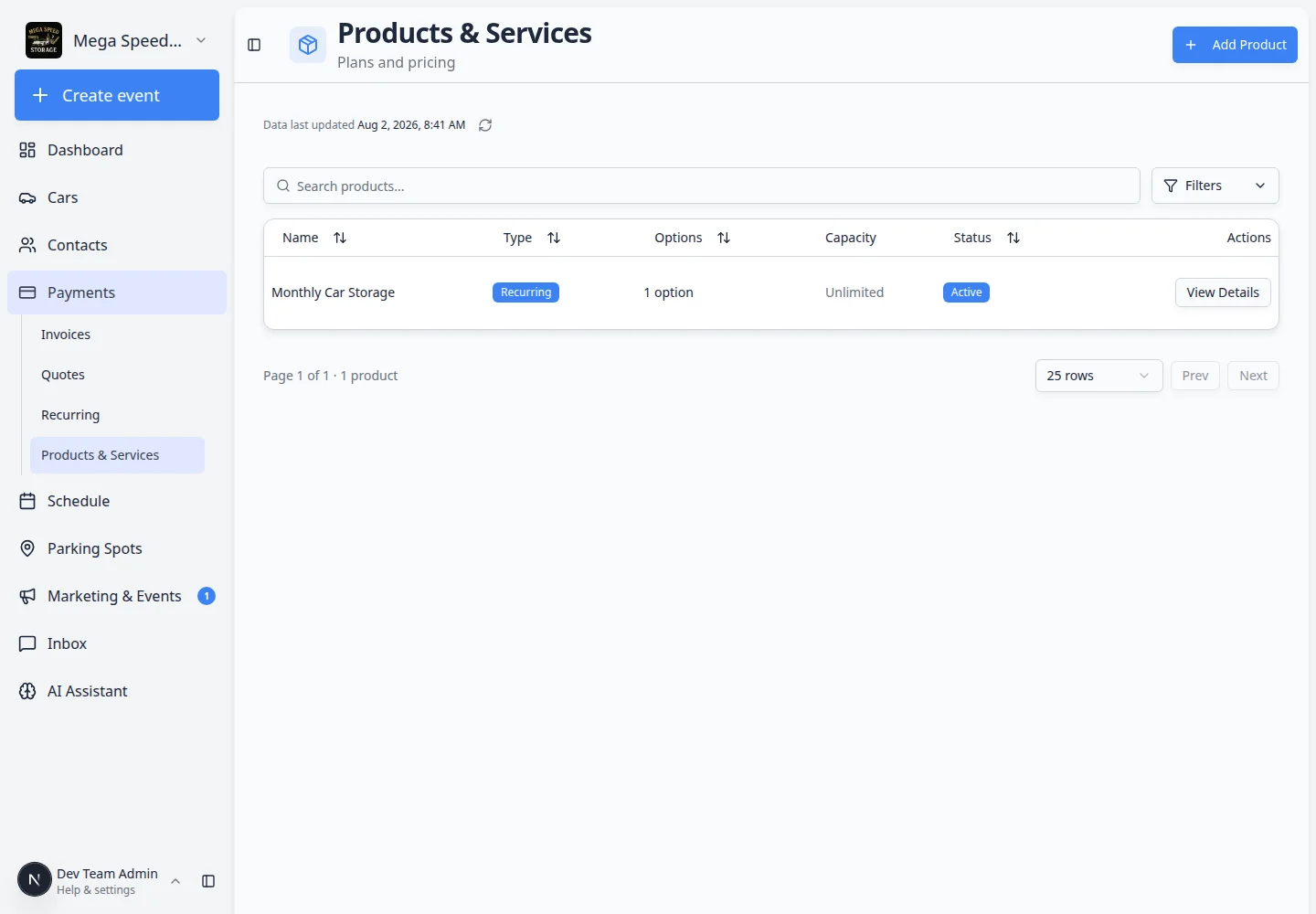
Click Add product, fill Basics, continue to Pricing, and confirm a product row exists in the list before you add your first price variant.
Questions about this update?
Book time with our team or browse the rest of the changelog.