Product update
Customer portfolio value
See total collection value, trends, and per-vehicle breakdown using market estimates and declared values—for staff and customers.
Collectors and storage clients often ask a simple question: “What is my fleet worth today?” The answer should live in the same system as photos, service history, and billing—not a spreadsheet updated once a year.
Why we built it
Portfolio value rolls up vehicles on a customer account into a total collection figure, shows how that total moves over time, and breaks value down per car. Estimates can draw on market data (where Classic.com is enabled) and declared values your team already tracks for insurance and storage tiers. Staff get a concise picture for reviews and renewals; customers can see the same story on the portal when you turn the block on.
Who it is for
- High-end storage facilities discussing insurance, consignment, or renewal with collector clients.
- Private collectors using Car Storage Software to steward a personal fleet.
- Relationship managers who want value context before a call—not a manual export from each car record.
What you can do
- Review total collection value and trends on the customer contact experience when Portfolio Value is enabled.
- Drill into a per-vehicle breakdown to see which cars drive the total.
- Combine market estimates with facility-declared values where each applies on the vehicle record.
- Show or hide the Portfolio Value block for your team’s contact page layout in Customize the contact page.
How it fits your day
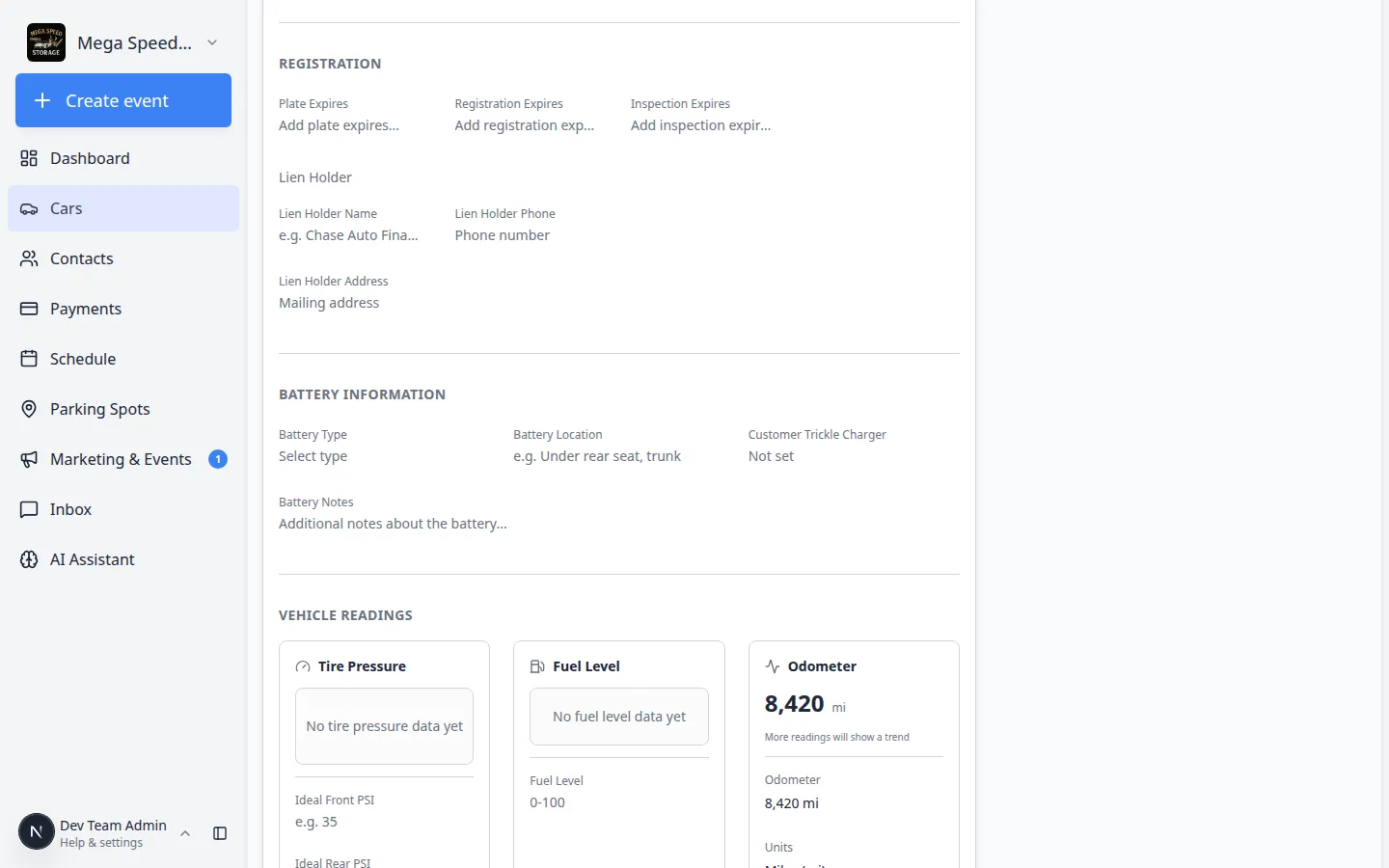
Portfolio value is a summary layer—accurate cars still need correct year, make, model, VIN, and declared value on each record. When a chart looks wrong for one vehicle, fix the source in Review Classic.com market data on a vehicle. Facility-wide portfolio charts on the dashboard are a separate widget for operators tracking inventory value in the building.
Get started
Confirm vehicle details and declared values on Cars. Enable the Portfolio Value block under Settings → CRM → Contact page, then open a customer with multiple vehicles to review the rollup.
For personal collection accounts, see Private collection accounts.
Questions about this update?
Book time with our team or browse the rest of the changelog.