Product update
Contract redlining before signing
Let authorized staff strike through clauses on unsigned agreements, attach a note per change, and keep markups on the finished PDF.
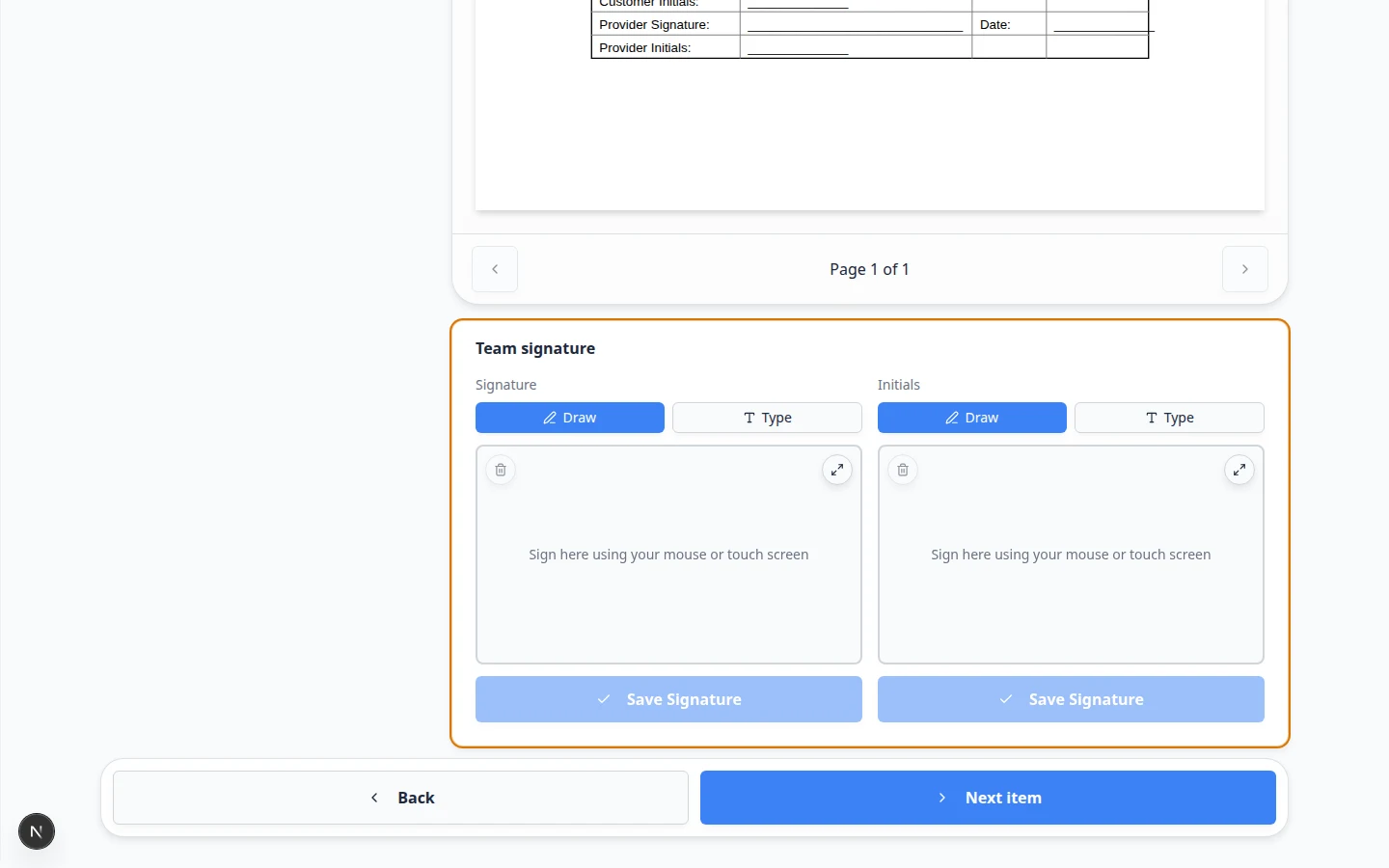
Negotiated storage terms should show up on the signed PDF—not live only in a side email thread.
Why we built it
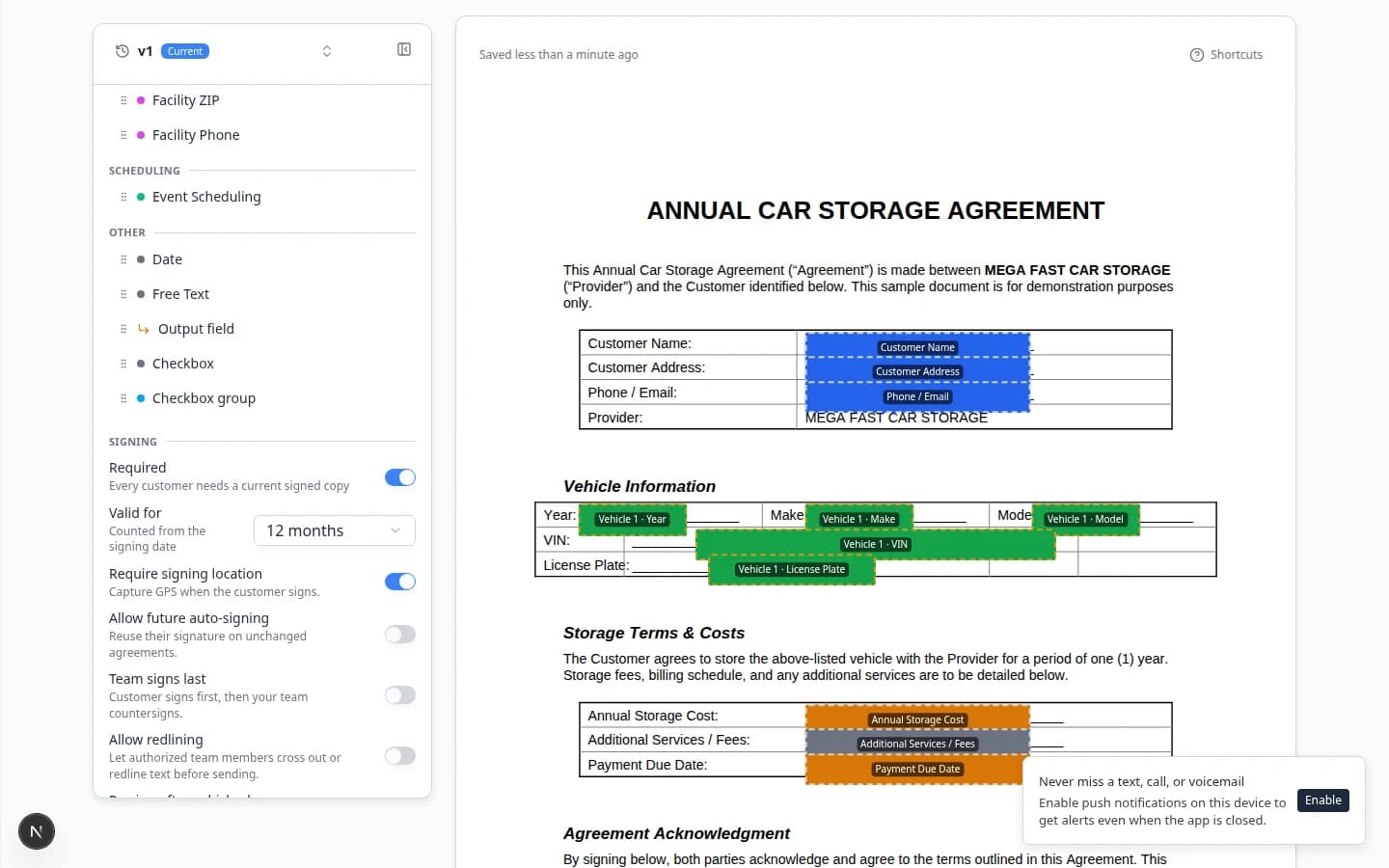
Some facilities need to cross out boilerplate or adjust liability language before a customer signs. Contract redlining before signing turns that into a controlled workflow: enable Allow redlining on the template, optionally limit authorized redliners, then mark up the unsigned PDF during send preparation. Each strikethrough can carry a note explaining the change. Markups save on the contract (and bundles) and flow through to the completed document so owners, customers, and counter-signers see what was negotiated.
Who it is for
- Facilities whose attorney allows selective clause edits before execution—not after customer signature.
- Managers or GMs you designate as the only staff who may redline high-risk templates.
- Teams pairing redlines with Choose who counter-signs contracts on the same agreement.
What you can do
- Toggle Allow redlining under template Signing options and pick Authorized redliners (or leave open to all team members).
- Enter redline mode on an unsigned contract during compose/send prep and drag to strike text on the PDF preview.
- Add or edit a note on each redline so the reason travels with the markup.
- Send for signature only while the agreement is still unsigned—redlining locks once someone signs.
How it fits your day
Legal approves a liability cap change for one corporate customer. An authorized manager opens the draft contract, redlines the old cap language, adds “Approved 8/30 per email,” and sends. The customer signs the PDF that already shows the strike-through and note; counter-signers see the same record.
Get started
Enable redlining on a test template, prepare a send, add one strikethrough with a short note, and open the preview customer signing page to confirm the markup appears before you enable the template in production.
Questions about this update?
Book time with our team or browse the rest of the changelog.