Product update
Contract checkbox choice groups
Group related checkboxes on contract PDFs with a shared title, single or multi select, Team vs Signer fill rules, and group-level required validation.
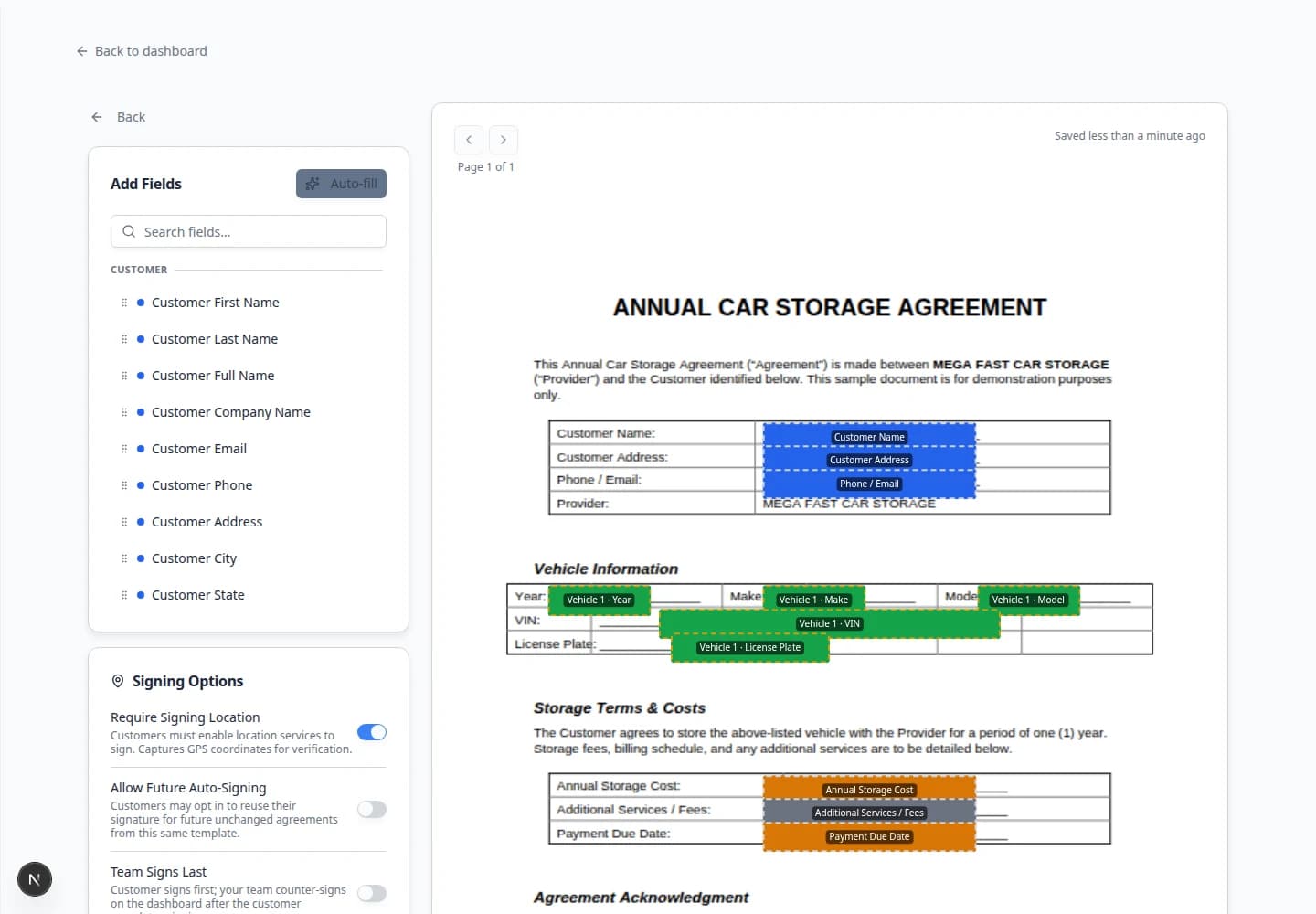
Storage agreements often ask for one-of-many or pick-any options—not a scattered row of lone checkboxes.
Why we built it
Contract checkbox choice groups let you drag Checkbox group onto a template, name the section, list each option, and choose single select or multi select. A dashed frame on the PDF keeps the boxes visually grouped; double-click the frame (or any box in the group) to edit settings later. Set Filled by to Team when staff pick answers on the send checklist, or Signer when the customer chooses during signing. Required applies to the group—single select must have exactly one choice; multi select needs at least one—so validation matches how the question reads on the form.
Who it is for
- Admins building storage, club, or service agreements in the template editor.
- Staff sending bulk contracts who need consistent option sets per recipient.
- Teams replacing ad-hoc “initial here” hacks with structured multiple-choice blocks.
What you can do
- Drag Checkbox group from the field palette and configure title, options, and select mode in the dialog.
- Place each checkbox on its PDF line; move or resize the dashed group frame without breaking links between options.
- Assign Team fill for send-time choices (insurance tier, add-on packages) or Signer fill for customer decisions.
- Still use a standalone Checkbox when only one yes/no gate is needed.
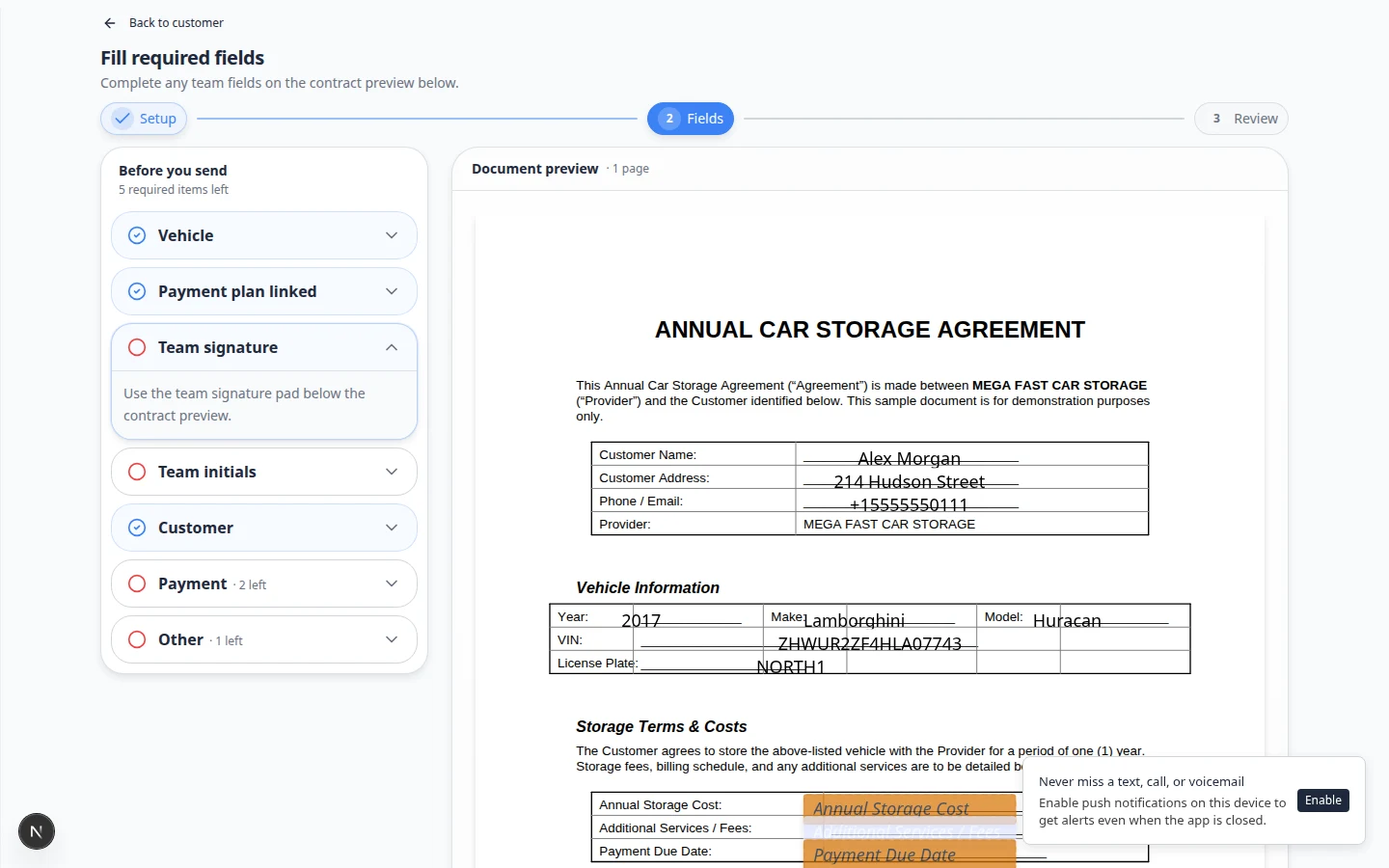
How it fits your day
Build a “Storage options” group with three add-ons, mark it Signer + Required multi select, and publish the template. At signing, the customer must pick at least one option before the agreement submits. For internal-only routing (which counter-signer packet to use), use Team fill on the bulk send wizard instead.
Get started
Open an existing template, add a Checkbox group with two test options, set Team + Required single select, send a one-off contract, and confirm the send checklist enforces one selection.
Questions about this update?
Book time with our team or browse the rest of the changelog.