Product update
Clearer multi-vehicle parking maps
Parking maps and spot details list every vehicle sharing a space, show a +N badge when more cars are on site, and drive search and moves from current physical occupancy.
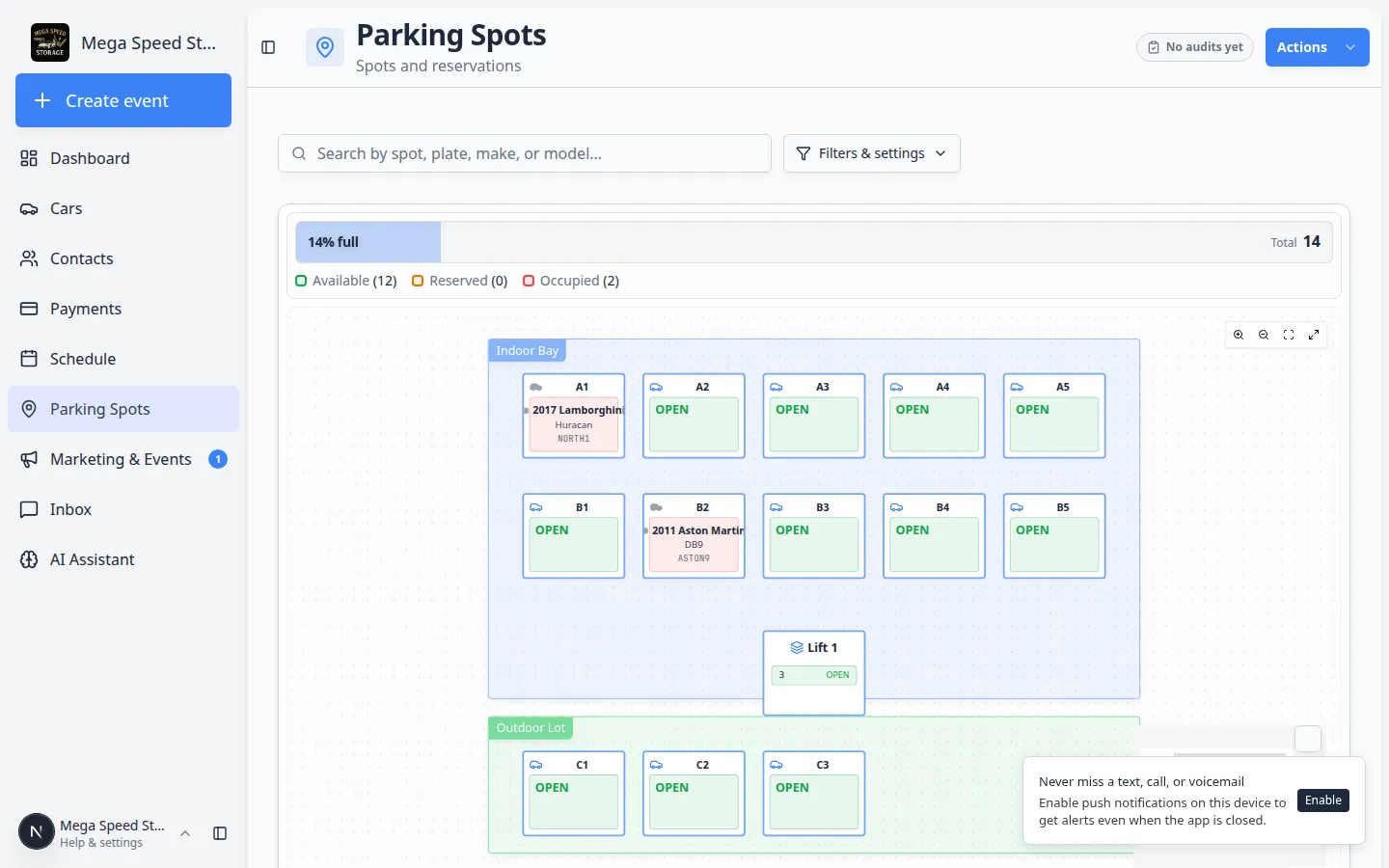
One spot can hold two cars—maps should say so out loud.
Why we built it
Facilities stack or pair vehicles in a single bay, but maps often showed only the primary assignment. Staff searching for the second car misread availability, and spot dialogs hid co-located inventory. Clearer multi-vehicle parking maps load physical occupants per spot from occupancy APIs, render a +N badge when additional vehicles share the space, and list every car in the spot detail dialog. Map search indexes all physical occupants (not just the headline car) so VIN and plate lookups find the right bay.
Who it is for
- Parking staff on Parking map and list views.
- Teams using shared bays, lifts, or temporary double-stacking during events.
- Anyone moving cars after Faster parking audit corrections or audit walkthroughs.
What you can do
- See +N more on a spot thumbnail when multiple vehicles are physically on site.
- Open spot details to view all occupants with owner context before a move.
- Search the map by plate or VIN and match any occupant in that spot.
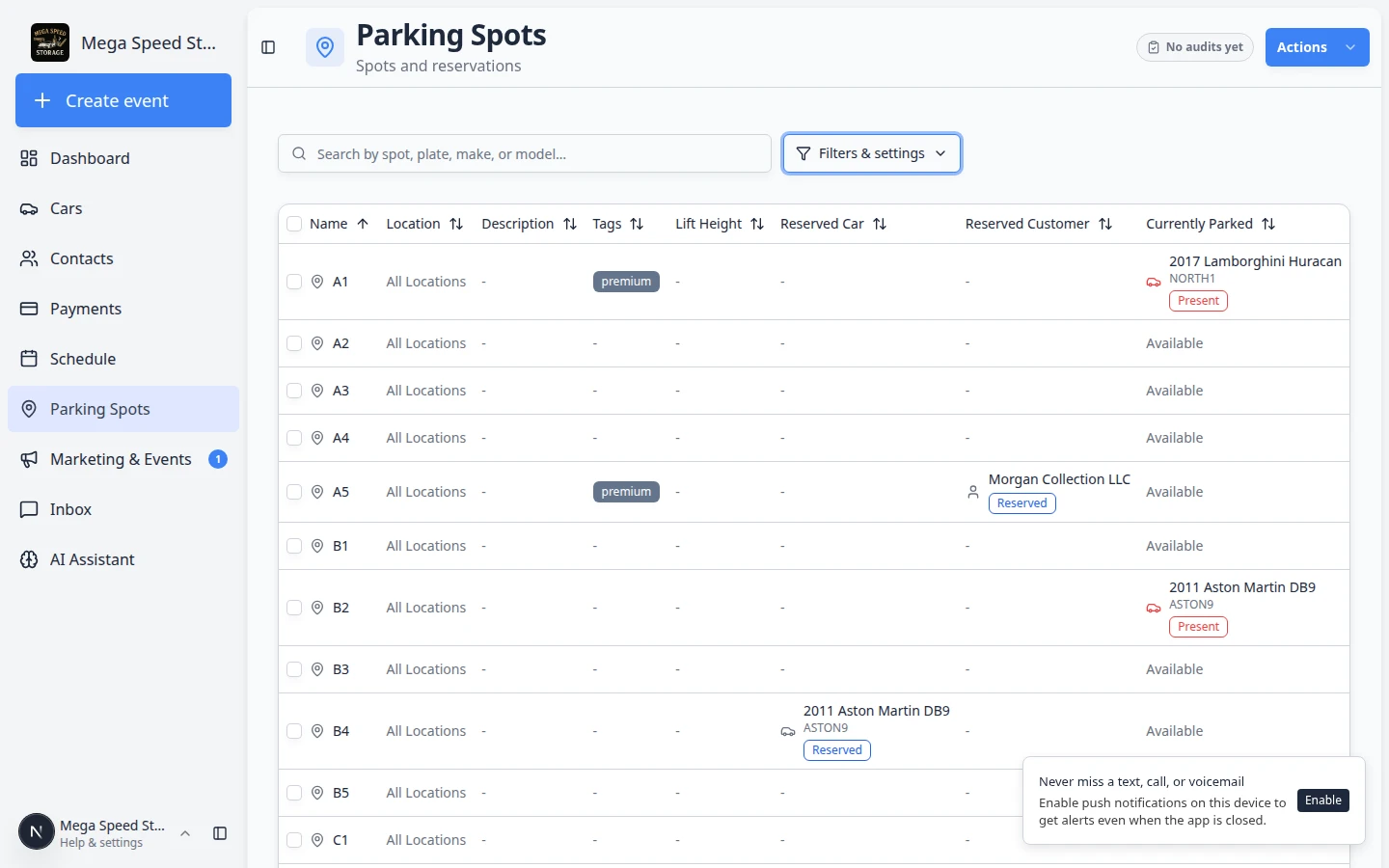
- Assign or relocate using current physical occupancy so you do not treat a double-stacked bay as empty.
How it fits your day
When two collector cars share a seasonal bay, confirm both appear in the spot panel before releasing either. Use map search for the lower car’s plate instead of guessing adjacent spots.
Get started
Place two active vehicles in one spot in dev or staging, open the parking map, and verify the +1 badge and full occupant list in the spot dialog match what you expect before go-live.
Questions about this update?
Book time with our team or browse the rest of the changelog.