Product update
Boat HIN and trailer VIN decode
Decode boat hull IDs for year and manufacturer, and fall back to NHTSA for trailers, motorcycles, and motorhomes when passenger-car VIN services miss.
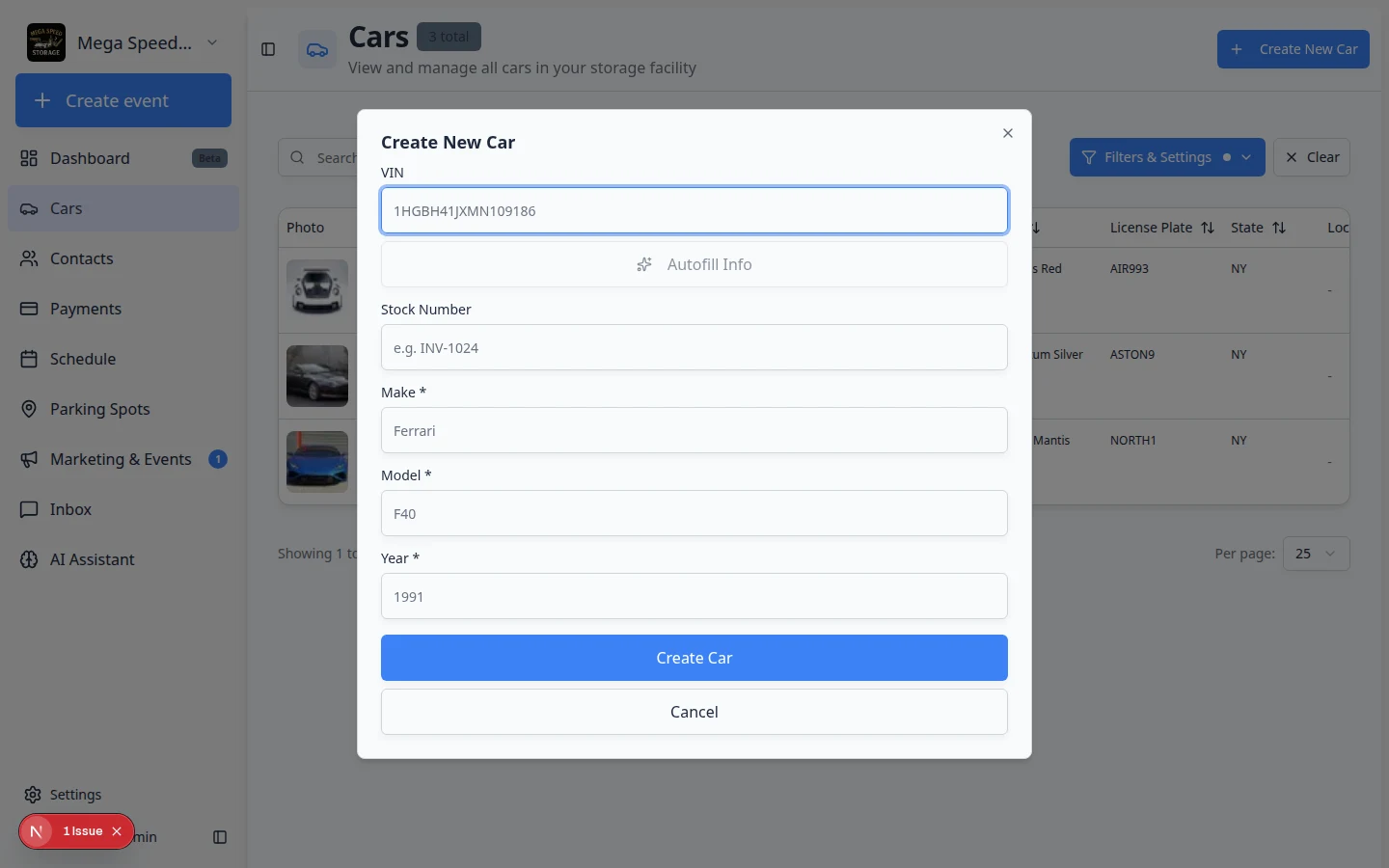
Storage facilities are not only passenger cars—boats and tow-behind trailers need the same fast intake.
Why we built it
Boat HIN and trailer VIN decode extends identifier handling beyond 17-character auto VINs. Enter a valid hull identification number (HIN) on create or edit and the app can fill year and manufacturer from the HIN decode API. For trailers, motorcycles, motorhomes, and other non-passenger types, the decoder prefers NHTSA VPIC when CarAPI-style services return no match—so utility trailers and RVs still get make/year instead of blank forms. The same VIN / HIN field in Create car detects which kind of identifier you pasted.
Who it is for
- Marinas and mixed storage sites onboarding boats alongside cars.
- Lots that store customer trailers or motorcycles with real VINs, not guestimates.
- Staff using Faster vehicle creation while assigning or import flows with decode on intake enabled.
What you can do
- Paste a HIN in the vehicle form; make and model year populate when decode succeeds.
- Decode trailer and motorcycle VINs through NHTSA when specialty APIs do not recognize the unit.
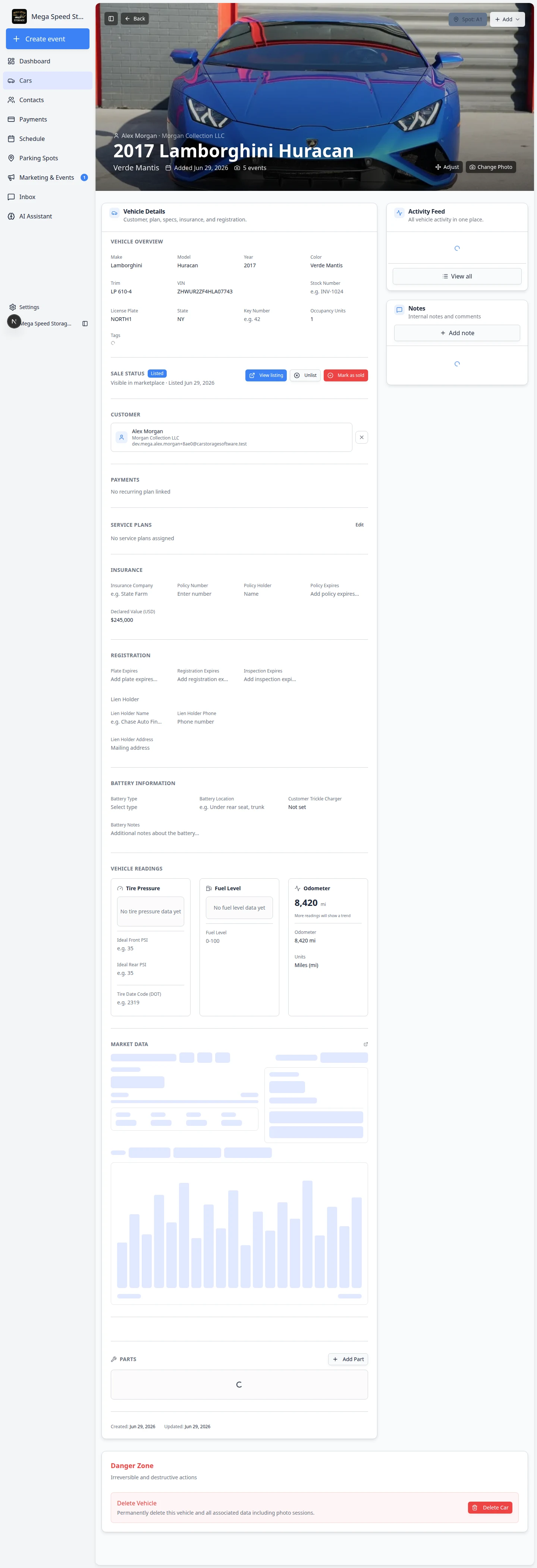
- Store HIN on the car record for insurance and contract fields that reference hull numbers.
- Still use manual entry when decode fails—plates and stock numbers remain supported.
How it fits your day
A member drops off a boat: paste the HIN at intake, confirm year and builder, assign parking, and move on. For a enclosed trailer VIN, run decode once—if NHTSA returns make/year, skip retyping from the title photo.
Get started
Create a test boat record with a known HIN and a trailer with a valid VIN; verify make/year fill before you save production inventory.
Questions about this update?
Book time with our team or browse the rest of the changelog.